Identity and Access Management System: How It Controls Cloud Access
Your identity and access management system replaces network borders with policy engines that evaluate every request against user attributes and device health.

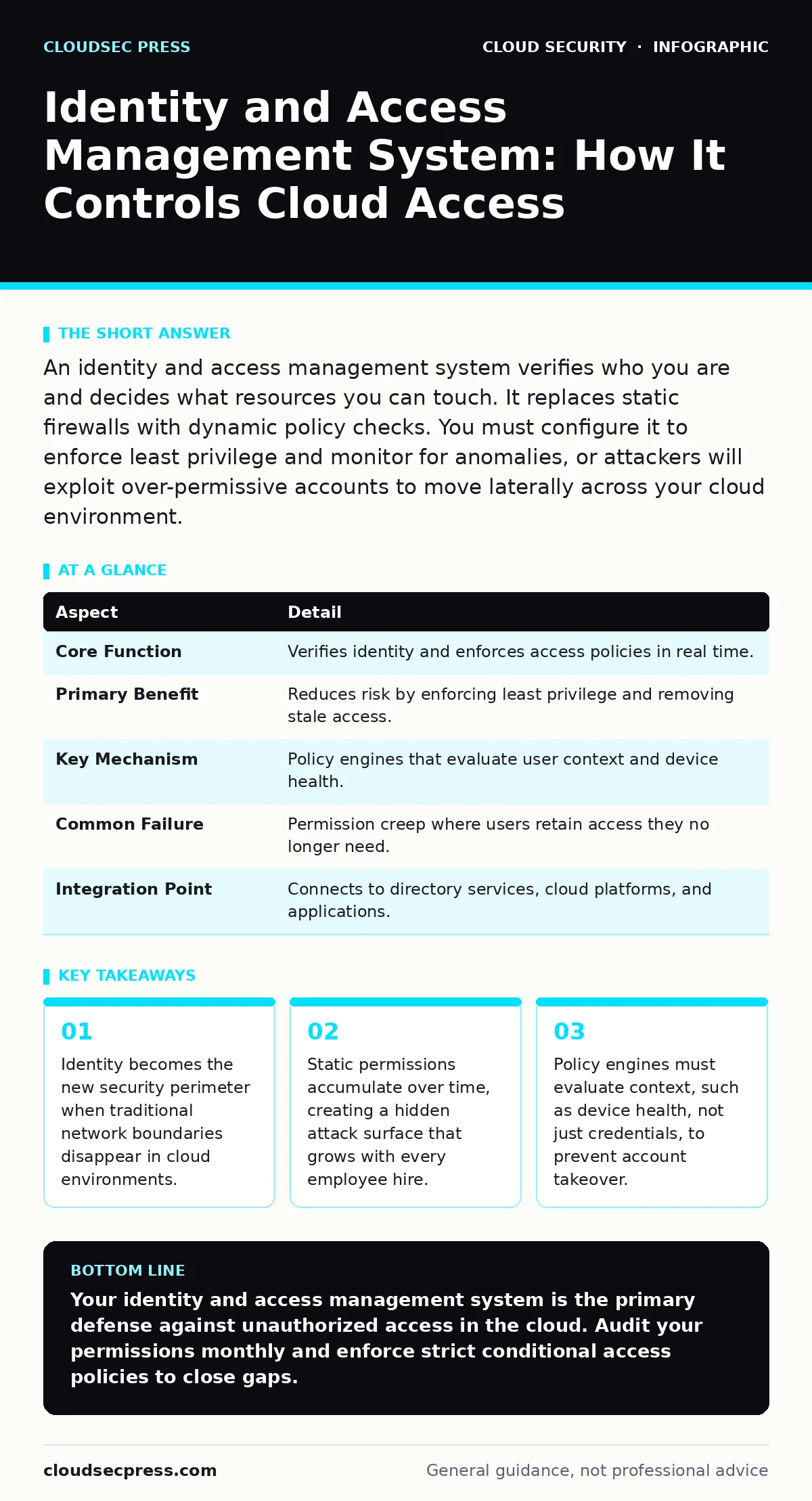
An identity and access management system verifies who you are and decides what resources you can touch. It replaces static firewalls with dynamic policy checks. You must configure it to enforce least privilege and monitor for anomalies, or attackers will exploit over-permissive accounts to move laterally across your cloud environment.
The Digital Keycard Analogy
Imagine a high-rise office building where every door has a unique lock. In the past, you gave a master key to everyone in the accounting department. If one person lost their key, you had to change every lock. An identity and access management system works differently. It checks your badge, verifies your face, and confirms your phone is secure before unlocking the specific door you need. It remembers this decision for the next hour. If you walk to a different floor, it checks again. This dynamic verification prevents unauthorized access without requiring physical re-keying.
What Is an Identity and Access Management System
An identity and access management system is a software framework that manages digital identities and controls their access to resources. It answers two questions: who are you, and what are you allowed to do. The system stores user attributes, enforces authentication policies, and logs every access attempt. It replaces the old model of trusting anyone inside the network with a model of verifying every request. This shift is necessary because cloud environments lack a fixed physical perimeter. Users connect from anywhere, using any device. The system ensures that only verified identities reach sensitive data.
| Aspect | Detail |
|---|---|
| Core Function | Verifies identity and enforces access policies in real time. |
| Primary Benefit | Reduces risk by enforcing least privilege and removing stale access. |
| Key Mechanism | Policy engines that evaluate user context and device health. |
| Common Failure | Permission creep where users retain access they no longer need. |
| Integration Point | Connects to directory services, cloud platforms, and applications. |
How the Policy Engine Works
The heart of the system is the policy engine. It sits between the user and the resource. When you request access to a database, the engine checks your credentials. It then looks at your context. Is your device encrypted? Are you connecting from a known location? Does your job role require this data? The engine combines these signals into a decision. It allows the request, denies it, or asks for extra proof. This extra proof might be a fingerprint scan or a push notification. The engine does not guess. It follows strict rules you define. If the rules are too loose, attackers exploit them. If they are too tight, employees cannot work. You must balance security with usability.
Who This Affects in Your Organization
This system touches every employee, contractor, and service account. It affects developers who need code repositories. It affects administrators who manage infrastructure. It affects customers who use self-service portals. Each group has different risk profiles. Developers need broad read access but limited write access. Administrators need deep control but require strict audit trails.
Customers need minimal access but high convenience. The system must handle these differences without creating separate silos. It centralizes control while allowing granular policies. If you ignore service accounts, you leave a blind spot. Automated scripts often have higher privileges than humans. They rarely change passwords. Attackers target these accounts first because they are easy to compromise and hard to detect.
What To Do About Configuration
Start by mapping your current access rights. Identify every user and every resource they can touch. This audit reveals permission creep. Users keep access to systems they no longer use. Remove these stale permissions immediately. Next, enforce multi-factor authentication for all human users. Passwords alone are insufficient. Add conditional access policies. Require stronger verification for sensitive actions.
For example, changing a firewall rule might need two approvals. Monitor logs for unusual activity. Look for logins at odd hours or from new devices. Set alerts for these anomalies. Do not rely on manual reviews. Automate the detection of risk. Regularly review service account permissions. Rotate credentials frequently. Use short-lived tokens instead of static keys. This reduces the window of opportunity for attackers.
See also: Cloud Security Architecture Diagram: Map Controls to Reduce Risk · 7 Payment Card Theft Mistakes That Leave Your Business Open
Common Mistakes in Implementation
Many teams treat identity as a one-time setup. They configure the system and forget it. This is a critical error. Identity changes constantly. People move roles. Projects end. Devices break. The system must adapt. Another mistake is ignoring the user experience. If the login process is too complex, employees will find workarounds. They might share credentials or disable security features. This defeats the purpose of the system. You must design for frictionless security.
Use single sign-on to reduce password fatigue. Implement seamless multi-factor authentication. Do not block legitimate users. Finally, many teams neglect logging. They assume the system is secure because it blocks bad actors. They do not check for successful attacks that bypassed initial filters. Logging gaps make it impossible to investigate incidents. See the risks of cloud logging gaps to understand how missing data blinds your defense.
The Hidden Cost of Complexity
Managing identity at scale introduces operational overhead. Every new application needs integration. Every new policy needs testing. This complexity slows down development teams. Engineers wait for access approvals. They cannot experiment quickly. This friction leads to shadow IT. Teams build their own unmanaged solutions. These solutions bypass security controls. You must streamline the request process.
Use automated provisioning. Allow self-service for low-risk resources. Reserve manual approval for high-risk actions. This balance keeps security tight without stifling innovation. Consider how secure access service edge (SASE) architectures simplify this by integrating identity with network access. This reduces the need for separate VPNs and firewalls. It creates a unified policy layer.
Integrating With Cloud Services
Cloud services introduce new identity challenges. Serverless functions execute code without servers. They need temporary credentials. Container platforms like Kubernetes require strict admission controls. If you do not secure these, attackers exploit insecure container images to run malicious code. Your identity system must issue short-lived tokens to these workloads. It must validate that the workload is authorized.
It must revoke access immediately after execution. This prevents lateral movement. If a container is compromised, the attacker has no persistent access. They cannot pivot to other services. This approach secures cloud disaster recovery plans by ensuring backup systems are not exposed. It also mitigates SaaS account takeover risks by enforcing strong authentication across all applications.
Maintaining Long-Term Security
Security is not a destination. It is a continuous process. You must regularly review your policies. Test them against new threats. Update your rules as your business changes. Train your employees on phishing and social engineering. They are the first line of defense. Monitor for exposed storage buckets that might leak credentials. Check for misconfigurations that grant public access. Use automated tools to scan for these issues.
Do not rely on manual checks. They are error-prone and slow. Build a culture of security ownership. Every team member is responsible for their access. Report suspicious activity immediately. This collective vigilance strengthens your overall posture. It makes your identity and access management system more effective. It reduces the risk of data breaches. It protects your reputation and your customers.
Key takeaways
- Identity becomes the new security perimeter when traditional network boundaries disappear in cloud environments.
- Static permissions accumulate over time, creating a hidden attack surface that grows with every employee hire.
- Policy engines must evaluate context, such as device health, not just credentials, to prevent account takeover.
Your identity and access management system is the primary defense against unauthorized access in the cloud. Audit your permissions monthly and enforce strict conditional access policies to close gaps.
Frequently asked questions
Does an identity and access management system replace firewalls?
No, it complements them. Firewalls control network traffic based on IP addresses. Identity systems control access based on user attributes. You need both for defense in depth.
How do I handle service accounts securely?
Use short-lived tokens and limit their scope to specific tasks. Avoid static passwords. Monitor their activity for anomalies and revoke access immediately if suspicious behavior occurs.
What is the difference between authentication and authorization?
Authentication verifies who you are. Authorization determines what you can do. Both are critical components of a robust identity and access management system.
Can I automate permission reviews?
Yes, most systems offer automated workflows. You can set rules to flag unused permissions or require re-approval after a set period. This reduces manual effort and improves accuracy.
How this guide was produced: written by the CloudSec Press editorial team with AI assistance, checked against the public references listed below, and reviewed when the facts change. See our editorial policy or report an error.