Remediation Tracking Best Practices for Cloud Security
Tracking vulnerability fixes requires measuring time to mitigate and verifying closure, not just logging that a ticket was opened or assigned to a team.
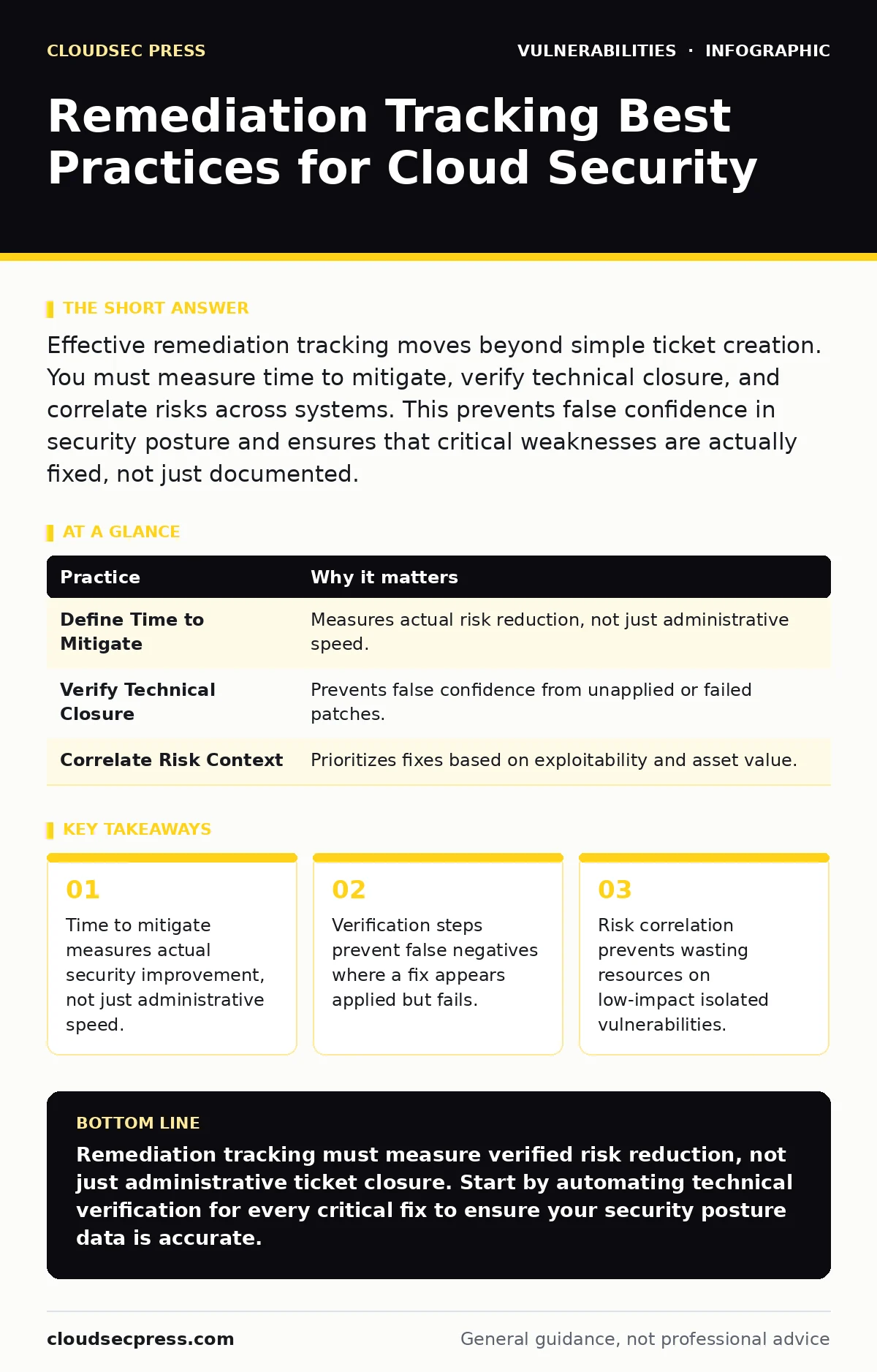
Effective remediation tracking moves beyond simple ticket creation. You must measure time to mitigate, verify technical closure, and correlate risks across systems. This prevents false confidence in security posture and ensures that critical weaknesses are actually fixed, not just documented.
The Measurement Trap in Vulnerability Tracking
Most organizations track vulnerability management by counting closed tickets. This metric creates a false sense of security. A closed ticket means the administrative process finished. It does not mean the system is secure. You must measure the actual reduction in risk. If you fix 100 vulnerabilities but miss the 1 that allows remote code execution, your tracking system failed. The goal is risk reduction, not ticket closure.
1. Define Time to Mitigate Clearly
Time to mitigate is the duration between discovery and verified fix. Many teams confuse this with time to acknowledge. Acknowledgement is administrative. Mitigation is technical. You must define the clock start and stop points precisely. Start the clock when the vulnerability is validated. Stop the clock when the fix is verified. This distinction prevents teams from gaming metrics by assigning tickets quickly without fixing the underlying issue.
| Practice | Why it matters |
|---|---|
| Define Time to Mitigate | Measures actual risk reduction, not just administrative speed. |
| Verify Technical Closure | Prevents false confidence from unapplied or failed patches. |
| Correlate Risk Context | Prioritizes fixes based on exploitability and asset value. |
2. Verify Technical Closure Automatically
Manual verification of fixes is slow and error-prone. You must automate the confirmation that a patch or configuration change took effect. This requires re-scanning the asset or checking the system state directly. If you rely on a user reporting a fix, you trust the report. Automated verification trusts the evidence. This step catches cases where a patch failed silently or was rolled back. It ensures the vulnerability is truly gone.
3. Correlate Vulnerabilities with Attack Paths
Isolated vulnerability data ignores how attackers operate. Attackers chain multiple weaknesses to gain access. You must track how individual vulnerabilities connect. If a low-severity flaw allows information disclosure, and that information helps exploit a high-severity flaw, the combined risk is higher. Contextual tracking reveals these chains. This approach aligns with the principles of attack surface management, which maps all potential entry points and their relationships.
4. Integrate Software Bill of Materials Data
You cannot fix what you do not know you have. A software bill of materials (SBOM) lists every component in your software. Tracking remediation requires linking vulnerabilities to specific components in your SBOM. This tells you exactly which applications are affected. It also helps you prioritize fixes based on component criticality. Without an SBOM, you are guessing which systems need patches. This guesswork wastes time and resources.
See also: PHP Vulnerability Response: Containment and Recovery Steps · Citrix NetScaler Vulnerabilities: Risks and Protection for Small Businesses
5. Set Dynamic Severity Thresholds
Static severity scores like CVSS do not reflect your environment. A vulnerability rated 7.0 in a generic database might be 10.0 in your specific setup if it affects a public-facing server. You must adjust severity based on context. Factors include internet exposure, data sensitivity, and exploit availability. Dynamic thresholds ensure your tracking system focuses on what actually matters to your business. This prevents alert fatigue from low-risk items.
6. Track Partial Mitigations and Compensating Controls
Not all vulnerabilities can be patched immediately. Sometimes, you apply a compensating control like a firewall rule or WAF policy. Your tracking system must record these partial fixes. You must also track when these controls expire or become ineffective. A compensating control reduces risk but does not eliminate it. If you forget to remove the temporary control after a patch, you may introduce new configuration issues. Clear tracking maintains visibility into these temporary states.
7. Monitor for Recurrence and Regression
Fixes can break or revert. Software updates might undo security configurations. You must track whether vulnerabilities reappear after being fixed. This is part of continuous monitoring. If a vulnerability recurs, your initial fix was incomplete or unstable. Tracking recurrence helps you identify systemic issues in your deployment or patching processes. It also highlights where patch testing might have missed edge cases in the verification phase.
8. Align Tracking with Security Bulletins
Vendors release security bulletins to announce fixes. Your tracking system should ingest these bulletins automatically. This ensures you are aware of new fixes as soon as they are available. It also helps you verify that your internal tracking matches vendor recommendations. If a vendor says a patch fixes a critical flaw, your system should reflect that status. This alignment reduces the time between advisory and action.
9. Document Root Cause for Trends
Tracking individual fixes is not enough. You must analyze why vulnerabilities occurred. Was it a coding error, a misconfiguration, or a third-party dependency? Documenting root causes helps you prevent future occurrences. This turns reactive tracking into proactive improvement. You can see patterns in your development or operations processes. Addressing these root causes reduces the volume of new vulnerabilities entering your environment.
The Hidden Cost of Poor Tracking
Imagine you track 1,000 vulnerabilities. You close them all. You feel safe. But you never verified the fixes. An attacker finds the 5 that were not actually fixed. They exploit one. Your tracking system said you were secure. This gap between data and reality is the hidden cost. It erodes trust in your security program. Accurate tracking requires effort upfront. It pays off by providing true visibility.
Key takeaways
- Time to mitigate measures actual security improvement, not just administrative speed.
- Verification steps prevent false negatives where a fix appears applied but fails.
- Risk correlation prevents wasting resources on low-impact isolated vulnerabilities.
Remediation tracking must measure verified risk reduction, not just administrative ticket closure. Start by automating technical verification for every critical fix to ensure your security posture data is accurate.
Frequently asked questions
How do I measure the effectiveness of my remediation tracking?
Compare your time to mitigate against industry benchmarks and verify that verified closures match independent scan results.
Can I use automated tools for all remediation tracking?
Automated tools handle scanning and verification well,
How this guide was produced: written by the CloudSec Press editorial team with AI assistance, checked against the public references listed below, and reviewed when the facts change. See our editorial policy or report an error.