Security Bulletins Explained: Meaning, Purpose, and Daily Use
Security bulletins are not patches themselves, but the structured alerts that tell you which code flaws exist and how to mitigate them before attackers exploit the gap.

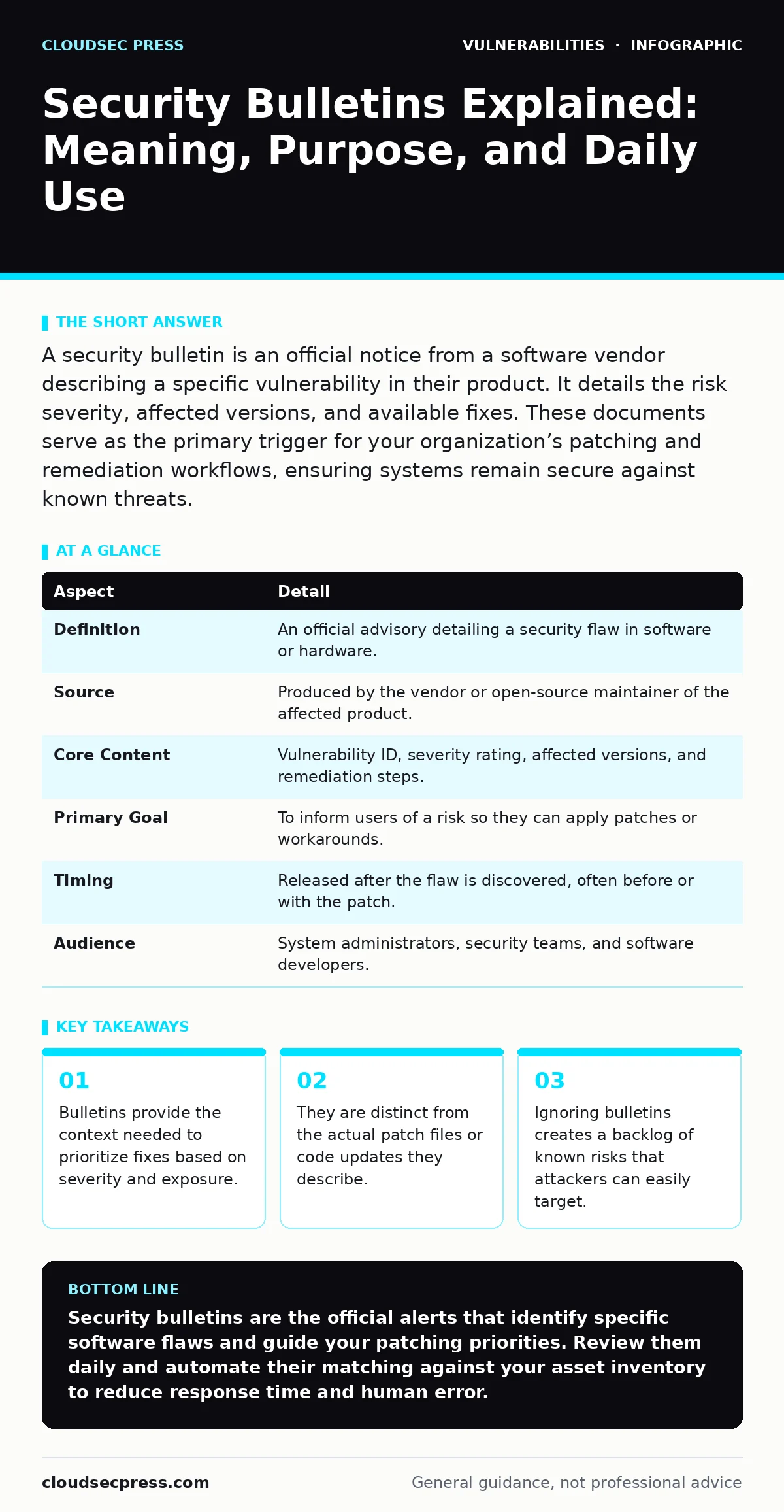
A security bulletin is an official notice from a software vendor describing a specific vulnerability in their product. It details the risk severity, affected versions, and available fixes. These documents serve as the primary trigger for your organization’s patching and remediation workflows, ensuring systems remain secure against known threats.
The Library Notice Analogy
Imagine a public library discovers that several copies of a popular book have been defaced with permanent marker. The librarian does not walk around fixing every book immediately. Instead, they post a notice on the bulletin board listing which titles are affected, which shelf locations hold the damaged copies, and when fresh copies will arrive.
Security bulletins function exactly like that library notice. They are informational documents, not the repair tools themselves. The vendor posts the bulletin to tell you that a flaw exists, where it is located in your software, and what action you must take.
Without this notice, you would have to inspect every line of code in every application to find the damage. The bulletin saves you time by pointing directly to the problem. It allows you to decide whether to pull the affected software from circulation or apply a quick fix.
At a Glance: Bulletin Anatomy
| Aspect | Detail |
|---|---|
| Definition | An official advisory detailing a security flaw in software or hardware. |
| Source | Produced by the vendor or open-source maintainer of the affected product. |
| Core Content | Vulnerability ID, severity rating, affected versions, and remediation steps. |
| Primary Goal | To inform users of a risk so they can apply patches or workarounds. |
| Timing | Released after the flaw is discovered, often before or with the patch. |
| Audience | System administrators, security teams, and software developers. |
Where Bulletins Originate
Security bulletins come from the people who build or maintain the software you use. When a researcher or engineer finds a flaw, they report it to the vendor. The vendor then verifies the issue, develops a fix, and drafts the bulletin.
This process follows established standards like the Common Vulnerabilities and Exposures (CVE) system. The CVE provides a unique identifier for the flaw, ensuring everyone refers to the same issue with the same number. This standardization prevents confusion when multiple vendors discuss the same underlying problem.
The bulletin is the public face of this internal process. It translates technical findings into actionable advice. You rely on these documents because the vendor knows their code better than anyone else. They can confirm exactly which versions are broken and which are safe.
Daily Use in Operations
In your daily work, security bulletins drive the rhythm of maintenance. You do not patch everything at once. You read the bulletin to understand the risk. If the flaw allows remote code execution on an internet-facing server, you act immediately. If it affects an internal tool with limited access, you might schedule the fix for the next maintenance window.
This triage process is central to effective vulnerability management programs. You cannot fix every flaw instantly. Bulletins give you the data to prioritize. They tell you whether the flaw is theoretical or actively being exploited in the wild.
You also use bulletins to update your IT asset inventory. If a bulletin affects a specific version of a database, you query your inventory to find where that version runs. This connection between the alert and your asset list determines your response speed. Without an accurate inventory, the bulletin is just noise.
What People Usually Get Wrong
Many readers confuse the bulletin with the patch. The bulletin is the message; the patch is the medicine. Reading the bulletin does not fix your system. Applying the update does. Some teams treat bulletins as optional reading material. This is a dangerous assumption. Attackers monitor these bulletins closely. They know when a fix is available and target unpatched systems immediately.
Another common error is assuming all bulletins carry equal weight. A low-severity flaw in a rarely used module is not the same as a critical flaw in your authentication system. You must evaluate the context. Does the flaw affect your specific configuration? Is the vulnerable component exposed to untrusted users?
See also: Vulnerability Remediation SLAs: Set Timelines That Actually Work · OpenSSH Vulnerability Response: Immediate Containment and Recovery Steps
The Hidden Cost of Noise
Security bulletins can create alert fatigue. Vendors release many updates, some minor, some critical. If you treat every bulletin as an emergency, you burn out. Your team stops reading them carefully. This is the hidden cost of volume.
To manage this, you need automation. Tools can parse bulletins and match them against your software bill of materials (SBOM). This allows you to filter out irrelevant alerts. You only see the bulletins that affect your specific stack.
This filtering is not just about convenience. It is about accuracy. Manual review misses details. Automated matching ensures you do not overlook a subtle version difference that leaves you exposed. You still need human judgment to prioritize, but automation handles the initial sorting.
Handling End-of-Life Software
What happens when a vendor stops releasing bulletins? This occurs with end-of-life software. When a product reaches its end of life, the vendor no longer provides security updates. Bulletins for that product cease to exist.
This creates a permanent risk. Flaws discovered after the end-of-life date will never receive official fixes. You must isolate these systems or replace them. You cannot rely on bulletins for protection here.
This scenario highlights a limitation of the bulletin model. It works only while the vendor supports the product. Once support ends, you must rely on other controls, such as network segmentation or configuration hardening. You must plan for this transition well before the end-of-life date.
Beyond the Bulletin
Bulletins are the starting point, not the end. They tell you what is broken. They do not tell you how to secure your environment holistically. You must combine bulletin data with other security practices.
For instance, a bulletin might address a flaw that enables server-side request forgery (SSRF). Fixing the flaw is necessary, but you should also restrict outbound connections to prevent similar attacks. Similarly, a bulletin about DLL hijacking requires you to check your application’s directory permissions.
These additional steps reduce your reliance on perfect patching. They create layers of defense. If you miss a bulletin, these layers may still stop an attacker. This approach acknowledges that you will not catch every flaw instantly.
Final Thoughts on Bulletins
Security bulletins are the bridge between discovery and remediation. They provide the facts you need to act. But they require your attention and action to be effective. Treat them as urgent signals, not just informational updates.
Integrate them into your workflow. Automate the matching process. Prioritize based on risk. And remember that the bulletin is only as good as the response it triggers.
Key takeaways
- Bulletins provide the context needed to prioritize fixes based on severity and exposure.
- They are distinct from the actual patch files or code updates they describe.
- Ignoring bulletins creates a backlog of known risks that attackers can easily target.
Security bulletins are the official alerts that identify specific software flaws and guide your patching priorities. Review them daily and automate their matching against your asset inventory to reduce response time and human error.
Frequently asked questions
How do I know if a security bulletin applies to my system?
Check the affected versions listed in the bulletin and compare them to the software versions running in your environment using your asset inventory.
What is the difference between a security bulletin and a CVE?
A CVE is a unique identifier for a specific vulnerability, while a security bulletin is the detailed document from the vendor explaining the flaw and how to fix it.
Should I patch every vulnerability mentioned in a bulletin?
Not immediately. Prioritize patches based on the severity of the flaw and the exposure of the affected systems to untrusted networks.
What if my vendor does not issue a bulletin for a flaw?
If no bulletin is issued, you may need to monitor community alerts or rely on third-party security researchers, but you have less official guidance on remediation steps.
How this guide was produced: written by the CloudSec Press editorial team with AI assistance, checked against the public references listed below, and reviewed when the facts change. See our editorial policy or report an error.