Configuration Hardening: Step-by-Step Implementation Plan
Default software configurations prioritize ease of use over security, leaving hidden attack surfaces that standard patching never addresses.

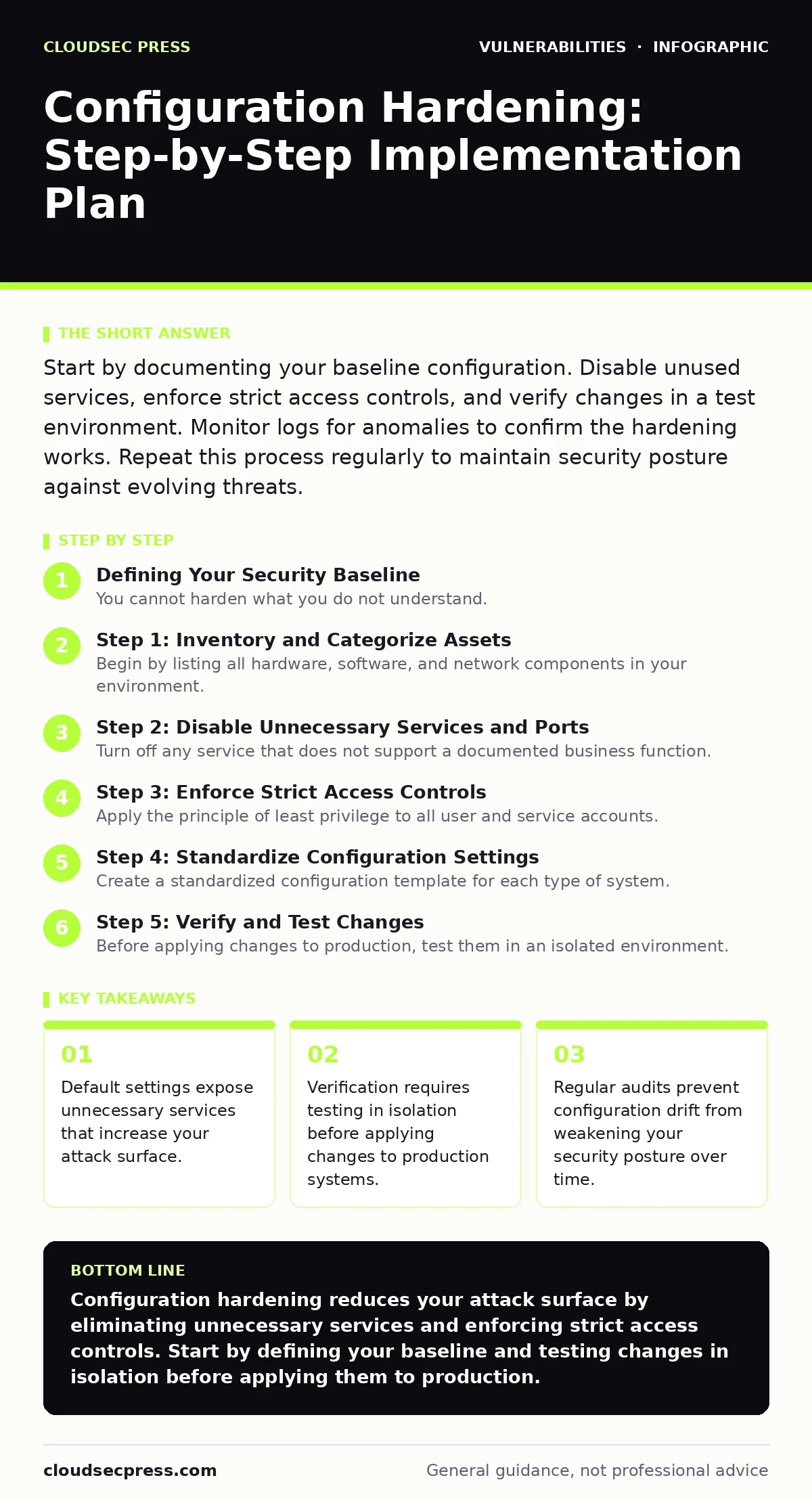
Start by documenting your baseline configuration. Disable unused services, enforce strict access controls, and verify changes in a test environment. Monitor logs for anomalies to confirm the hardening works. Repeat this process regularly to maintain security posture against evolving threats.
Defining Your Security Baseline
You cannot harden what you do not understand. Configuration hardening begins with a clear picture of your current state. This process involves reducing the attack surface by removing or disabling features you do not actively use. Most software ships with permissive defaults designed for broad compatibility, not security. These defaults often include open ports, default administrative accounts, and verbose error messages that aid attackers.
Identify every service, protocol, and application running on your systems. Document their purpose and necessary access levels. This documentation serves as your reference point for future changes. Without a baseline, you cannot distinguish between a security improvement and a breakage. You must know which components are critical to your operations before you begin restricting them.
Step 1: Inventory and Categorize Assets
Begin by listing all hardware, software, and network components in your environment. Categorize them by function and criticality. This step ensures you do not overlook obscure services that may run silently in the background. Many organizations focus only on primary servers, ignoring auxiliary systems that can serve as entry points.
Include virtual machines, containers, and cloud instances in this inventory. Each component represents a potential vector for unauthorized access. Assign ownership to each asset to clarify responsibility. This clarity speeds up decision-making when security conflicts arise. You need to know who controls each system to enforce consistent standards.
Step 2: Disable Unnecessary Services and Ports
Turn off any service that does not support a documented business function. This includes web servers on database machines or file sharing on application servers. Each active service consumes resources and expands the number of potential vulnerabilities. Attackers scan for open ports to find weak entry points. Closing unused ports reduces the noise and limits exposure.
Verify that disabling a service does not break dependent applications. Check internal documentation or contact application owners to confirm dependencies. Use firewall rules to block traffic to these ports as a secondary control. This layered approach ensures that even if the service restarts, it remains isolated. Testing in a non-production environment prevents accidental outages.
Step 3: Enforce Strict Access Controls
Apply the principle of least privilege to all user and service accounts. Users should only have access to the data and systems required for their specific roles. Remove default administrative accounts or rename them to avoid targeted attacks. Default accounts are well-known targets for brute-force attempts and credential stuffing.
Implement multi-factor authentication for all remote access and privileged operations. This adds a layer of verification that passwords alone cannot provide. Review group memberships regularly to ensure permissions align with current job functions. Over time, permissions accumulate as employees change roles, creating unnecessary access paths. Regular audits help identify and revoke these stale permissions.
Step 4: Standardize Configuration Settings
Create a standardized configuration template for each type of system. This template should include hardened settings for operating systems, databases, and applications. Consistency reduces the risk of human error during deployment. It also simplifies auditing and compliance checks. Deviations from the standard must be justified and documented.
Automate the application of these settings using configuration management tools. Manual configuration is prone to drift and inconsistency. Automation ensures that every system matches the security baseline. This approach supports scalability and reduces the workload on IT staff. It also provides an audit trail of changes for forensic analysis.
See also: CSAF Security Advisories Explained: Machine-Readable Vulnerability Data · PHP Vulnerability Response: Containment and Recovery Steps
Step 5: Verify and Test Changes
Before applying changes to production, test them in an isolated environment. This step is critical to ensure that hardening measures do not disrupt business operations. Verify that services start correctly and that users can access necessary resources. Check logs for errors or warnings that indicate misconfiguration.
Use automated scanning tools to verify that ports are closed and services are disabled as intended. Compare the current configuration against your baseline template. Any deviation should be investigated and corrected. This verification process confirms that your hardening efforts are effective. It also builds confidence in the stability of your systems.
- All unnecessary services are disabled
- Default accounts are renamed or removed
- Access controls follow least privilege principles
- Configuration templates are applied consistently
- Testing confirms no operational disruptions
Maintaining Configuration Integrity
Hardening is not a one-time task. Systems change over time, and new vulnerabilities emerge. You must maintain your security posture through regular reviews and updates. Monitor logs for unusual activity that may indicate a breach or misconfiguration. Automated tools can help detect deviations from your baseline.
Integrate configuration checks into your continuous integration and deployment pipelines. This ensures that new deployments adhere to security standards from the start. Regularly update your baseline template to reflect new security best practices. Stay informed about emerging threats and adjust your controls accordingly.
Consider the impact of software bill of materials (SBOM) on your configuration strategy. Knowing exactly what components are in your software helps you prioritize hardening efforts. It also aids in responding to n-day vulnerabilities where patches may not be immediately available. Understanding your software composition allows for more targeted security measures.
Handling Configuration Drift
Configuration drift occurs when systems deviate from their intended state over time. This can happen due to manual changes, updates, or unauthorized modifications. Drift weakens your security posture by introducing inconsistencies. It makes it harder to detect anomalies and respond to incidents.
Implement automated monitoring to detect drift in real-time. Alert your team when changes are made outside of approved processes. Investigate all unauthorized changes promptly. Revert systems to their hardened state if necessary. Document the cause of drift to prevent recurrence. This proactive approach maintains the integrity of your security controls.
Be aware that end-of-life software poses a unique risk. These systems cannot receive security updates, making hardening even more critical. Isolate such systems from the network and restrict access strictly. Plan for replacement or migration to supported versions. Ignoring legacy systems can lead to significant security gaps.
Integrating with Broader Security Programs
Configuration hardening works best when integrated with other security practices. It complements vulnerability management programs by reducing the number of exploitable flaws. It also supports patch testing by providing a stable baseline for comparison. A hardened system is easier to patch and maintain securely.
Consider the risk of server-side request forgery (SSRF) when configuring cloud services. Proper network segmentation and access controls can mitigate this risk. Ensure that internal services are not exposed to external networks. Validate that your configurations align with security bulletins from vendors. This holistic approach strengthens your overall defense.
Key takeaways
- Default settings expose unnecessary services that increase your attack surface.
- Verification requires testing in isolation before applying changes to production systems.
- Regular audits prevent configuration drift from weakening your security posture over time.
Configuration hardening reduces your attack surface by eliminating unnecessary services and enforcing strict access controls. Start by defining your baseline and testing changes in isolation before applying them to production.
Frequently asked questions
How often should I review my configuration settings?
Review your settings at least quarterly or whenever significant changes occur in your environment. Regular reviews help catch drift and address new threats.
What is configuration drift and why is it dangerous?
Configuration drift is the gradual deviation from a secure baseline due to unmanaged changes. It creates inconsistencies that weaken security and complicate incident response.
Can automation fully replace manual configuration checks?
Automation handles routine checks and enforcement, but manual reviews are still needed for complex decisions and exception handling. A hybrid approach ensures both efficiency and accuracy.
How do I handle legacy systems that cannot be hardened?
Isolate legacy systems from the network, restrict access strictly, and monitor them closely. Plan for migration to supported systems as soon as possible.
How this guide was produced: written by the CloudSec Press editorial team with AI assistance, checked against the public references listed below, and reviewed when the facts change. See our editorial policy or report an error.