OpenSSH Vulnerability Response: Immediate Containment and Recovery Steps
Immediate network segmentation stops lateral movement faster than patching because attackers often maintain persistence through authorized keys that survive software updates.

Isolate affected hosts immediately to prevent lateral movement. Rotate all SSH keys and credentials before applying patches. Verify system integrity using known-good baselines. Update the OpenSSH software to the latest stable release. Review firewall rules to restrict access. Monitor logs for anomalous activity. Establish a repeatable patching process to prevent recurrence.
First hour
The immediate priority is stopping the spread of the compromise. You must isolate the affected host from the rest of the network. This containment step prevents the attacker from using the compromised server as a pivot point to access other systems. Physical disconnection is the most reliable method, but virtual network segmentation works if you control the hypervisor.
- Disable network interfaces on the affected host.
- Block inbound and outbound traffic to the host IP at the firewall.
- Suspend user accounts that accessed the host during the incident window.
- Preserve memory dumps if forensic capability exists.
Isolation buys you time to assess the damage without the attacker watching your moves. You must assume the attacker has root access. This assumption dictates every subsequent action. Do not attempt to clean the system in place. Cleaning is rarely complete and leaves subtle backdoors.
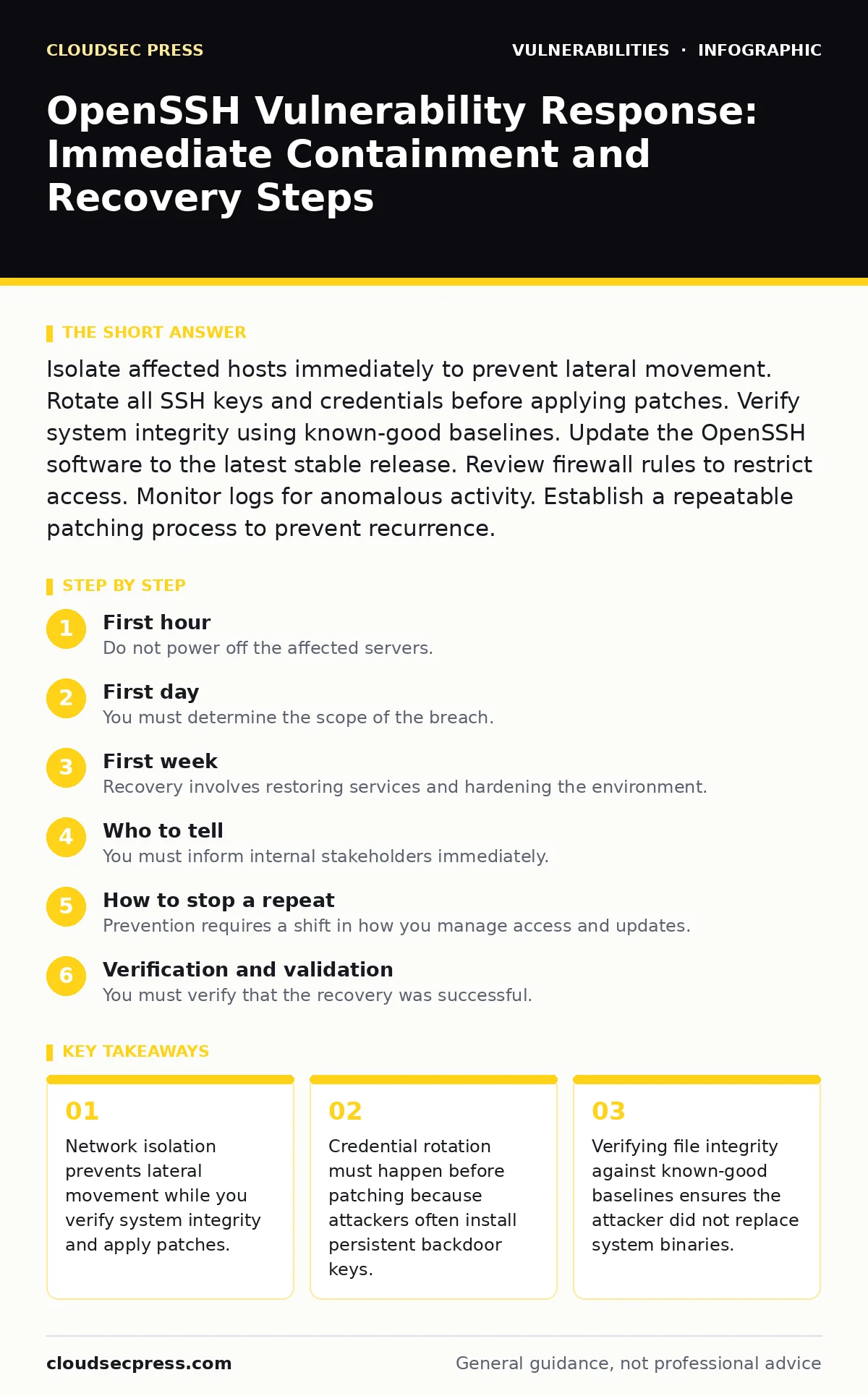
First day
You must determine the scope of the breach. Start by reviewing the authentication logs. Look for successful logins from unexpected sources or at unusual times. Check for new entries in the authorized_keys files. Attackers often add their own public keys to maintain access even after you change passwords.
Rotate all SSH keys associated with the affected host. This includes keys stored on the server and keys stored on client machines that were used to access the server. If you cannot verify which keys are compromised, treat all keys as tainted. Generate new key pairs and distribute them securely.
Verify the integrity of critical system files. Compare file hashes against known-good baselines from before the incident. If you do not have a baseline, you cannot prove the system is clean. Rebuilding the server from a known-good image is the only way to guarantee removal of rootkits or modified binaries.
First week
Recovery involves restoring services and hardening the environment. You must rebuild affected servers from trusted images. Do not reuse disks from the compromised systems. This ensures that no hidden persistence mechanisms remain. Apply the latest security patches for OpenSSH and the operating system.
Review your firewall rules. Restrict SSH access to only necessary IP addresses. Use jump hosts to add an additional layer of authentication. Implement multi-factor authentication for all SSH access. This adds a barrier that stolen keys alone cannot bypass.
Monitor the restored systems closely. Look for signs of the attack returning. Check for new unauthorized keys or unusual outbound connections. Maintain detailed logs for future analysis. This period is critical for detecting any residual compromise that survived the rebuild.
Who to tell
You must inform internal stakeholders immediately. Tell your security team, system administrators, and management. Provide a clear timeline of events and the current status of containment. Transparency helps coordinate the response and prevents conflicting actions.
External notification depends on the data involved. If customer data was exposed, you may have legal obligations to notify them. Consult legal counsel before sending external communications. Follow the guidance in our guide on security bulletins for structured communication templates.
Regulatory bodies may require notification if specific data types were accessed. Understand the retention and reporting requirements for your industry. Failure to report can result in significant penalties. Keep records of all notifications sent.
How to stop a repeat
Prevention requires a shift in how you manage access and updates. Implement strict key management policies. Rotate keys regularly and audit them frequently. Remove keys that are no longer needed. This reduces the window of opportunity for attackers who steal keys.
Automate patch management. Apply security updates as soon as they are verified. Delaying patches leaves systems vulnerable to known exploits. Refer to our guide on firmware update management for strategies that apply to server software as well.
Use network segmentation to limit the blast radius of a breach. Isolate critical servers in separate network zones. This prevents an attacker from moving laterally after compromising one host. Consider the principles in our guide on insecure direct object references (IDOR) to understand how poor access controls enable lateral movement.
See also: Cyber Espionage Prevention Checklist: Stop Silent Data Theft · Digital Forensics and Incident Response: 8 Questions Answered
Verification and validation
You must verify that the recovery was successful. Run integrity checks on all restored systems. Compare file hashes with the known-good baselines. Look for any discrepancies that indicate tampering.
Validate that all patches are applied correctly. Check the version numbers of OpenSSH and related libraries. Ensure that no old versions remain on the system. Test SSH connectivity from authorized clients only.
Review logs for any signs of continued activity. Look for failed login attempts or unauthorized commands. This validation step ensures that the attacker has not returned. Document the results for audit purposes.
Long-term resilience
Building resilience requires ongoing effort. Regularly audit your SSH configurations. Disable unused features and protocols. Use strong cryptographic algorithms. Refer to our guide on CSAF security advisories to stay informed about new vulnerabilities.
Train your staff on secure practices. Teach them how to recognize phishing attempts and social engineering. Human error is a common entry point for attacks. Reduce the risk by enforcing strict access controls.
Consider the lifecycle of your software. End-of-life software receives no security updates. Replace it before it becomes a liability. See our guide on end-of-life software for strategies to manage deprecated systems.
Checklist for ongoing security
- Rotate SSH keys every 90 days.
- Audit authorized_keys files monthly.
- Apply security patches within 72 hours.
- Review firewall rules quarterly.
- Test incident response procedures annually.
This checklist helps maintain a strong security posture. Regular maintenance prevents vulnerabilities from accumulating. Consistency is key to long-term security.
Key takeaways
- Network isolation prevents lateral movement while you verify system integrity and apply patches.
- Credential rotation must happen before patching because attackers often install persistent backdoor keys.
- Verifying file integrity against known-good baselines ensures the attacker did not replace system binaries.
Frequently asked questions
How do I know if my OpenSSH version is vulnerable?
Check the version number against the list of fixed vulnerabilities in the release notes. Compare your version with the latest stable release to identify gaps.
Should I disable SSH if it is compromised?
No. Disabling SSH may lock you out of remote access. Isolate the host instead to prevent further damage while you investigate and remediate the issue.
Can I clean a compromised server instead of rebuilding it?
Cleaning is risky and often incomplete. Rebuilding from a known-good image is the only reliable way to ensure all malicious code and persistence mechanisms are removed.
How often should I rotate SSH keys?
Rotate keys every 90 days or immediately after a suspected compromise. Regular rotation limits the damage if a key is stolen or exposed.
How this guide was produced: written by the CloudSec Press editorial team with AI assistance, checked against the public references listed below, and reviewed when the facts change. See our editorial policy or report an error.