Firmware Update Management: Secure Device Lifecycles
Firmware updates modify hardware behavior at the lowest level, making a broken update process a permanent lockout risk that standard application patches cannot fix.
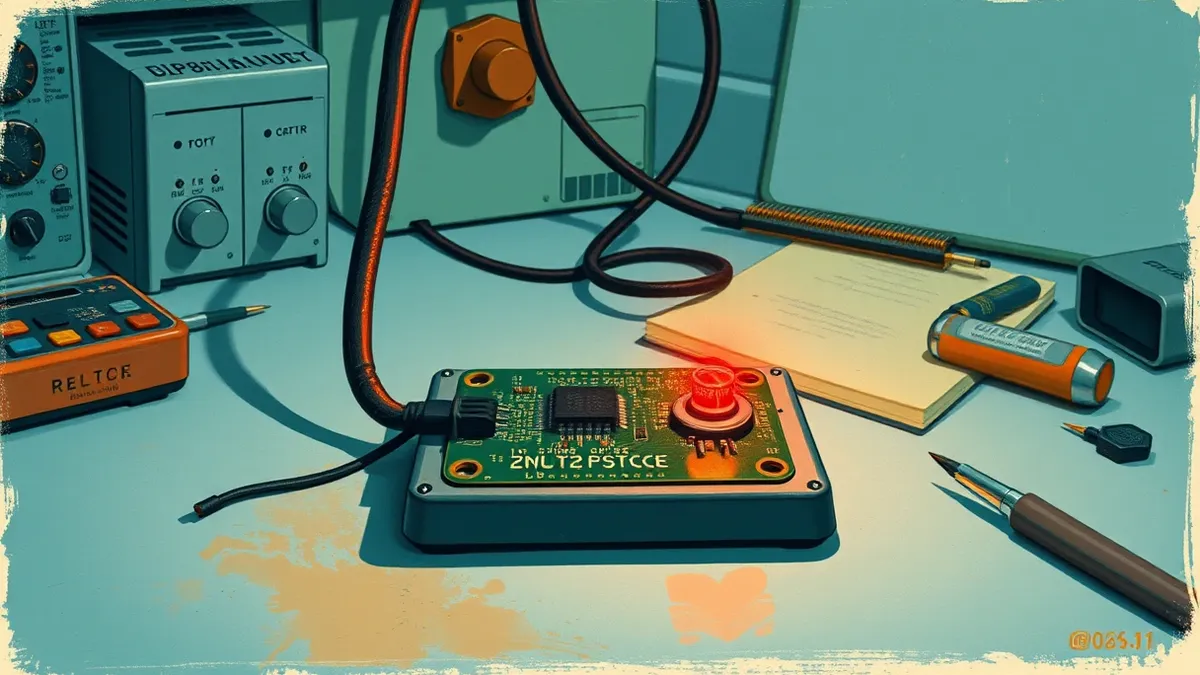
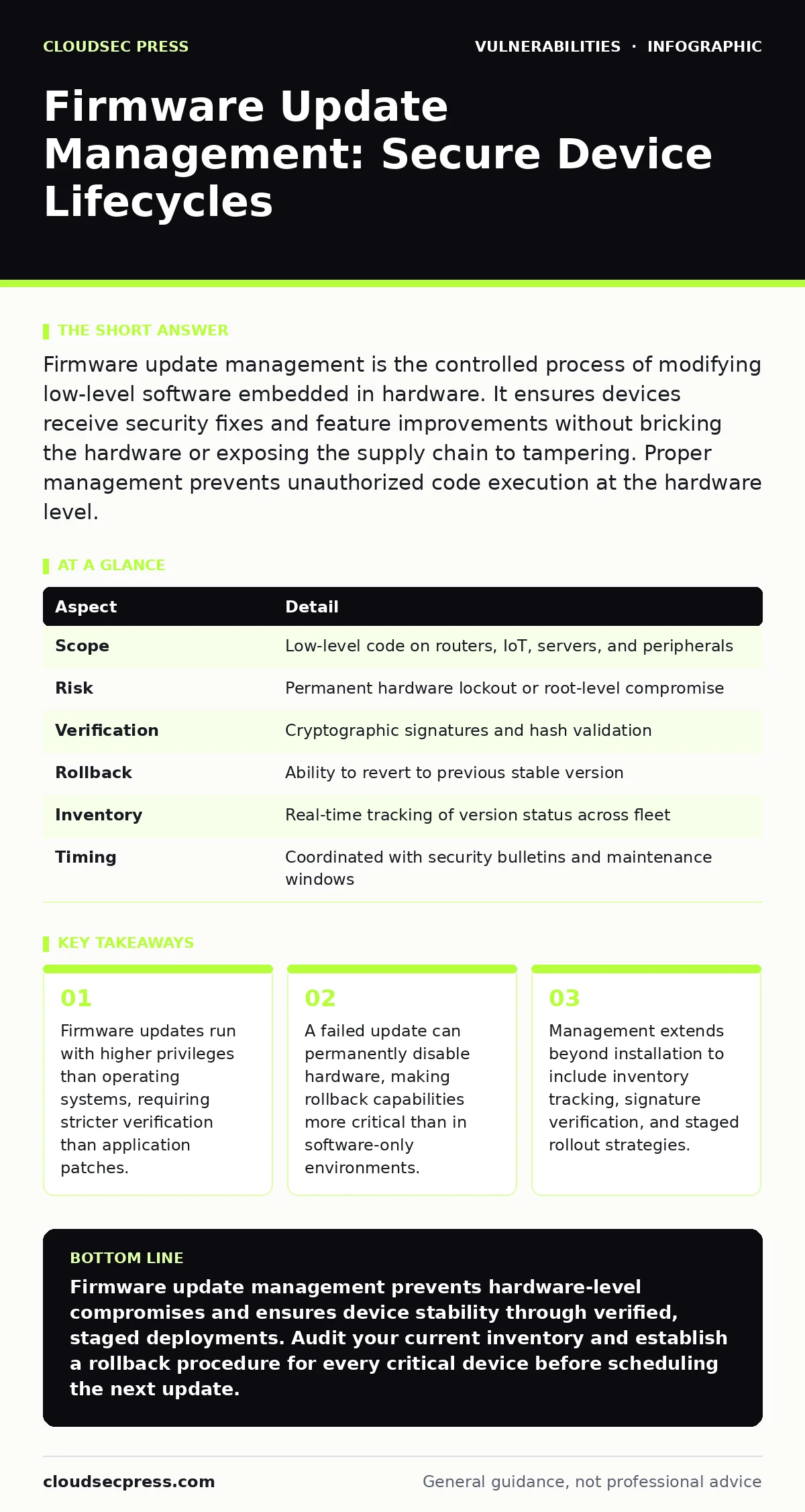
Firmware update management is the controlled process of modifying low-level software embedded in hardware. It ensures devices receive security fixes and feature improvements without bricking the hardware or exposing the supply chain to tampering. Proper management prevents unauthorized code execution at the hardware level.
The Hardware Foundation Analogy
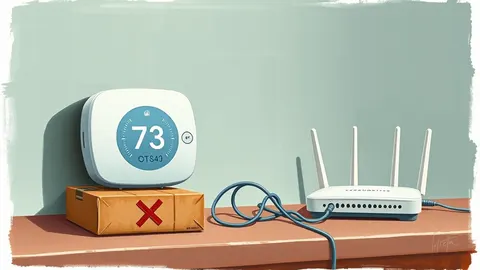
Imagine your house relies on a central heating system that controls every door lock and window sensor. If you change the thermostat settings, you adjust comfort. If you replace the control board, you change how the house behaves entirely. Firmware is that control board. It sits below the operating system and instructs the hardware how to function. Updating it is not like installing a new app on your phone. It is like rewiring the electrical panel while the lights are on. One mistake does not just crash a program. It can render the entire device unusable.
What Firmware Update Management Solves
Firmware update management addresses the gap between hardware longevity and software vulnerability. Hardware devices often outlive the security support of their initial software. Without a structured process, these devices become permanent entry points for attackers. The primary problem is the lack of visibility. Many organizations do not know what firmware versions run on their network edge devices. This blindness makes coordinated patching impossible. Management provides the inventory, the verification, and the deployment mechanism needed to close these gaps. It transforms a chaotic, manual task into a repeatable, auditable process.
| Aspect | Detail |
|---|---|
| Scope | Low-level code on routers, IoT, servers, and peripherals |
| Risk | Permanent hardware lockout or root-level compromise |
| Verification | Cryptographic signatures and hash validation |
| Rollback | Ability to revert to previous stable version |
| Inventory | Real-time tracking of version status across fleet |
| Timing | Coordinated with security bulletins and maintenance windows |
The Core Components of Management
Effective management relies on three distinct mechanisms. First, you need accurate inventory. You cannot patch what you do not know exists. Automated discovery tools scan the network to identify device types, manufacturers, and current firmware versions. Second, you need verification. Every update package must be cryptographically signed by the vendor. The device must verify this signature before applying any changes. This prevents attackers from injecting malicious code into the update stream. Third, you need controlled deployment. Updates should roll out in stages. A small pilot group receives the update first. If errors occur, the process stops before affecting the entire organization.
Integration With Broader Defences
Firmware management does not operate in isolation. It sits at the base of the security stack. If the firmware is compromised, higher-level defenses often fail because the attacker controls the hardware interface. This is why router firmware vulnerabilities require immediate attention. A compromised router can intercept traffic before encryption even begins.
Management integrates with security bulletins to prioritize patches based on severity. It also connects to IoT device patching workflows, which often lack standard operating system controls. By treating firmware as a critical asset, you ensure that hardware-level integrity supports application-level security.
Common Misconceptions About Updates
Many teams treat firmware updates like application software. This is a dangerous error. Application updates can often be rolled back quickly or ignored if they cause minor bugs. Firmware updates interact directly with hardware components. A failed update can corrupt the bootloader. This creates a "bricked" device that requires physical replacement or specialized hardware tools to recover.
Another misconception is that vendor-provided updates are always safe. Supply chain attacks can compromise update servers. This is why CSAF security advisories matter. They provide machine-readable data about vulnerabilities and fixes. Relying solely on vendor notifications without independent verification leaves gaps.
See also: Remediation Tracking Best Practices for Cloud Security
The Hidden Cost of Neglect
Ignoring firmware management creates technical debt that compounds over time. Devices with outdated firmware often lack support for modern security protocols. They may not support current encryption standards or authentication methods. This forces IT teams to isolate these devices on separate networks. Segmentation adds complexity and reduces network efficiency. Furthermore, outdated firmware can interfere with newer security tools. Intrusion detection systems may generate false positives when interacting with legacy hardware behaviors. The cost of maintaining these exceptions often exceeds the cost of regular updates. Proactive management keeps the environment uniform and easier to secure.
What People Usually Get Wrong
Teams often focus on the installation step and ignore the preparation. They assume that pushing an update is the only task. This overlooks the critical need for compatibility checks. New firmware may require specific hardware revisions or other software dependencies. Another common error is skipping the rollback plan. If an update fails, there must be a known good state to return to. Without this, recovery is unpredictable. Finally, organizations often neglect documentation. Tracking which devices received which updates, and when, is vital for incident response. If a vulnerability is discovered later, you need to know exactly which devices are affected.
Aligning With Remediation Standards
Firmware updates must align with broader vulnerability remediation SLAs. These service level agreements define how quickly critical issues must be fixed. Firmware vulnerabilities often have longer remediation times because testing is more complex. You must balance speed with safety. Rushing an update can introduce stability issues. Delaying it leaves the device exposed. Establishing clear timelines for different severity levels helps manage this balance. Critical vulnerabilities require immediate attention. Low-risk issues can wait for the next scheduled maintenance cycle. This structured approach ensures resources are used effectively.
Key takeaways
- Firmware updates run with higher privileges than operating systems, requiring stricter verification than application patches.
- A failed update can permanently disable hardware, making rollback capabilities more critical than in software-only environments.
- Management extends beyond installation to include inventory tracking, signature verification, and staged rollout strategies.
Firmware update management prevents hardware-level compromises and ensures device stability through verified, staged deployments. Audit your current inventory and establish a rollback procedure for every critical device before scheduling the next update.
Frequently asked questions
How does firmware differ from software updates?
Firmware runs directly on hardware components and controls basic functions, while software runs on top of the operating system. Firmware updates are riskier because failures can render hardware unusable.
Can firmware updates be automated?
Yes, automation tools can push updates based on defined policies. However, verification and testing should remain manual or semi-automated to prevent widespread failures from bad updates.
What is a bricked device?
A bricked device is hardware that is no longer functional due to a failed firmware update. It requires physical intervention or specialized tools to recover, similar to a useless brick.
How do I verify a firmware update is legitimate?
Check for cryptographic signatures from the vendor. Use tools that validate these signatures before installation. Refer to **CSAF security advisories** for confirmed vulnerabilities and fixes.
How this guide was produced: written by the CloudSec Press editorial team with AI assistance, checked against the public references listed below, and reviewed when the facts change. See our editorial policy or report an error.