IoT Device Patching Checklist: Secure Connected Hardware
Most internet-connected devices cannot receive security updates after manufacture, creating permanent vulnerabilities that require network-level containment strategies.
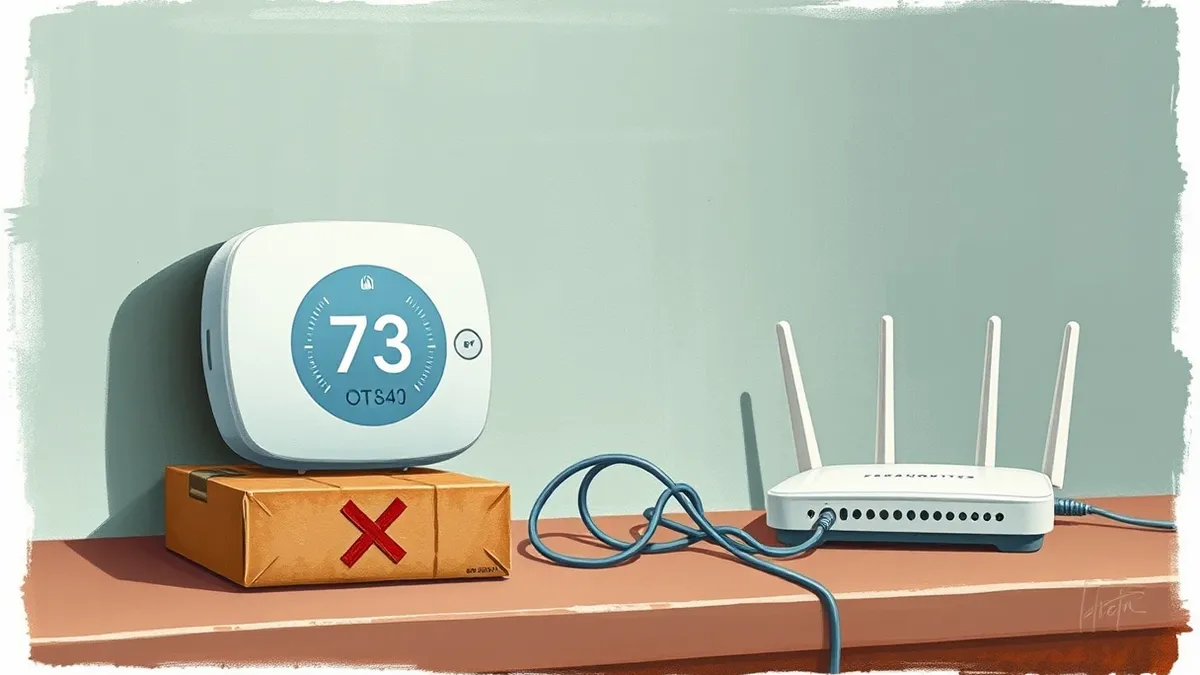
Verify device firmware versions, isolate critical hardware on separate network segments, and disable unused services. Regularly audit connected devices for end-of-life status and replace units that no longer receive vendor security bulletins. Maintain an accurate inventory to track patching capabilities.
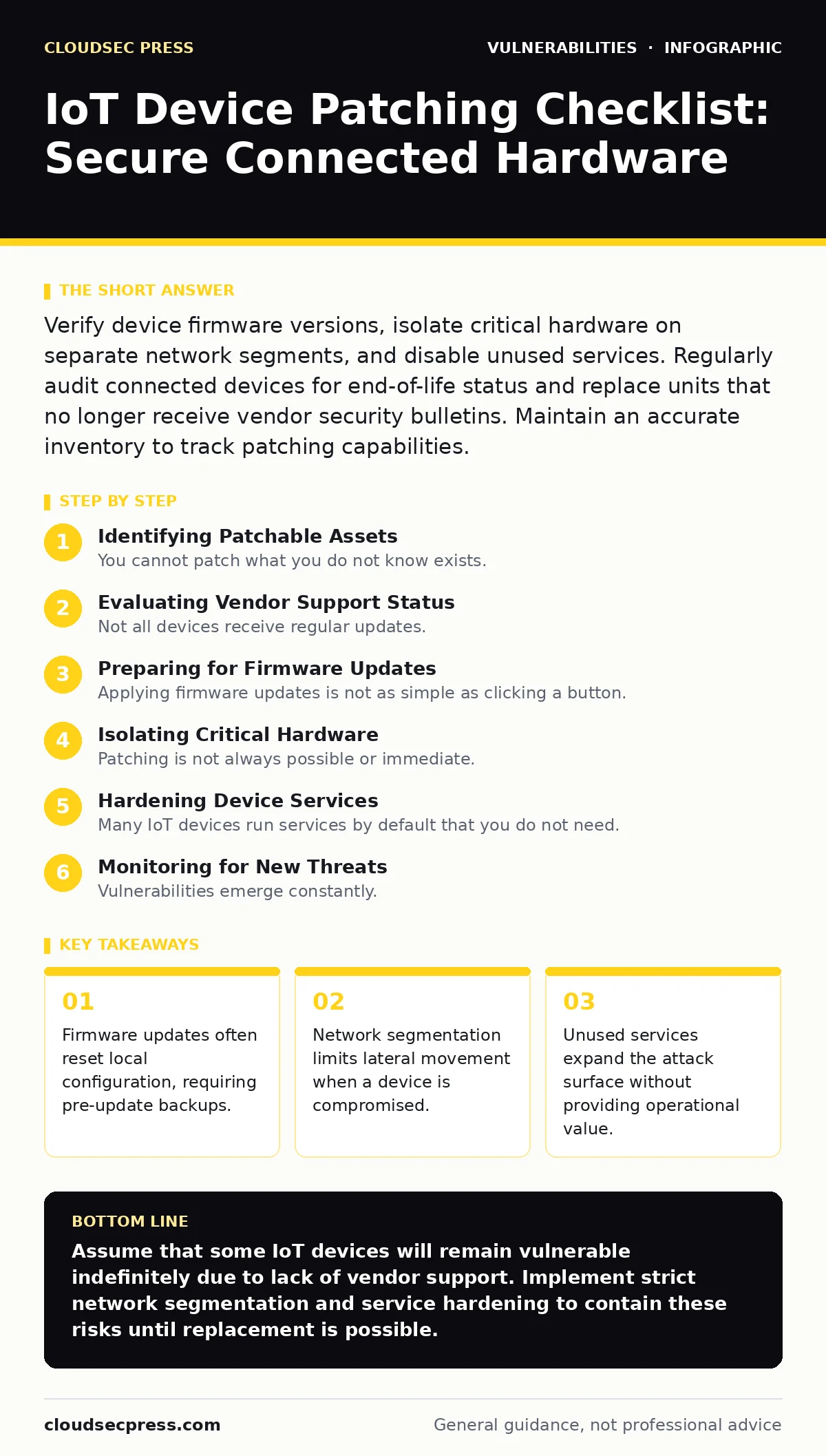
Identifying Patchable Assets
You cannot patch what you do not know exists. Many organizations discover devices only after a breach occurs. Start by building a complete inventory of every connected unit. This process aligns with standard IT asset inventory practices. You must record the manufacturer, model number, and current firmware version for each item. Without this data, you cannot determine if a security update is available or if the device has reached its end-of-life software status.
- Catalog all connected devices: Unknown assets cannot receive security updates or monitoring.
- Record firmware versions: Version numbers determine which vulnerabilities apply to your hardware.
- Note installation dates: Age often correlates with reduced vendor support and higher risk.
Evaluating Vendor Support Status
Not all devices receive regular updates. Some manufacturers stop producing patches shortly after release. You must verify whether the vendor still issues security bulletins for your specific model. If a device is past its supported lifecycle, no amount of network hardening will fix internal code flaws. You should plan to replace these units or move them to a strictly isolated network segment where they cannot communicate with critical systems.
- Check for active vendor support: Unsupported devices will never receive critical security fixes.
- Review past update frequency: Infrequent patches suggest poor long-term maintenance commitment.
- Identify end-of-life dates: Devices past this date are permanently vulnerable to new threats.
Preparing for Firmware Updates
Applying firmware updates is not as simple as clicking a button. The process often rewrites the entire device memory. This action can erase local configurations, network settings, and user accounts. You must back up current settings before initiating any update. Understand that some devices require a hard reset to apply changes, causing temporary service interruption. Plan these updates during maintenance windows to avoid operational disruption.
- Backup current configuration: Firmware updates often reset local settings and credentials.
- Verify power stability: Interrupted updates can brick the device permanently.
- Schedule maintenance windows: Updates may require restarts that halt device functionality.
Isolating Critical Hardware
Patching is not always possible or immediate. You must assume some devices will remain vulnerable. Network segmentation protects your core systems from compromised IoT units. Place cameras, sensors, and printers on a separate virtual local area network. This prevents an attacker who compromises a low-security device from accessing your main data network. Use firewall rules to restrict communication only to necessary services. This strategy reduces the blast radius of any successful attack.
- Place IoT devices on separate VLANs: Isolation prevents lateral movement from compromised hardware.
- Restrict inbound connections: Devices should only accept traffic from trusted management sources.
- Disable unused ports: Unused network interfaces provide unnecessary entry points for attackers.
Hardening Device Services
Many IoT devices run services by default that you do not need. Each active service increases the potential attack surface. Disable remote management interfaces if you configure devices locally. Turn off file sharing features unless explicitly required. Change default administrative passwords immediately. These steps do not fix code vulnerabilities, but they remove easy targets that attackers scan for automatically. This hardening complements your regular patch testing procedures.
- Disable remote management: Local configuration reduces exposure to internet-based attacks.
- Turn off file sharing: Unnecessary services provide additional vectors for exploitation.
- Change default credentials: Default passwords are publicly known and easily exploited.
See also: Firmware Update Management: Secure Device Lifecycles · Vulnerability Chaining: How Small Flaws Become Major Breaches
Monitoring for New Threats
Vulnerabilities emerge constantly. You must maintain a process to detect new threats affecting your hardware. Subscribe to vendor security bulletins for your specific devices. Use vulnerability scanning tools to check for known weaknesses in your network. These scans help you prioritize which devices need immediate attention. Combine this data with your software bill of materials (SBOM) to understand which components are affected. Regular monitoring ensures you respond before an exploit becomes widespread.
- Subscribe to vendor alerts: Early notification allows time for patch planning and testing.
- Run regular network scans: Automated checks identify vulnerable devices you may have missed.
- Track component vulnerabilities: Understanding underlying libraries helps assess complex risk factors.
Managing End-of-Life Hardware
Some devices will never receive another patch. You must have a plan for these units. The first option is physical removal from the network. The second option is strict network isolation. The third option is replacement with modern hardware that receives regular updates. Do not rely on external firewalls alone to protect internal legacy devices. Attackers often bypass perimeter defenses to target weak internal nodes. Prioritize replacing devices that handle sensitive data or control critical infrastructure.
- Remove unsupported devices: Eliminating the asset removes the risk entirely.
- Isolate legacy hardware: Network separation limits access from compromised internal systems.
- Plan hardware replacement: Budget for upgrades to maintain a secure, updatable infrastructure.
Key takeaways
- Firmware updates often reset local configuration, requiring pre-update backups.
- Network segmentation limits lateral movement when a device is compromised.
- Unused services expand the attack surface without providing operational value.
Assume that some IoT devices will remain vulnerable indefinitely due to lack of vendor support. Implement strict network segmentation and service hardening to contain these risks until replacement is possible.
Frequently asked questions
How often should I check for IoT firmware updates?
Check for updates monthly or whenever the vendor releases a security bulletin. Critical patches should be applied immediately, while routine updates can follow a scheduled maintenance cycle.
Can I patch IoT devices remotely?
Only if the vendor provides a secure, authenticated remote management interface. Never use unencrypted protocols for remote updates, as attackers can intercept or tamper with the firmware package during transmission.
What if a device has no firmware update option?
Treat the device as permanently vulnerable. Isolate it on a restricted network segment, disable all unnecessary services, and plan for its eventual replacement with a supported model.
Does network segmentation protect against all IoT attacks?
Network segmentation limits lateral movement but does not prevent initial compromise. Attackers can still exploit the device itself. You must combine segmentation with strong authentication and service hardening for effective protection.
How this guide was produced: written by the CloudSec Press editorial team with AI assistance, checked against the public references listed below, and reviewed when the facts change. See our editorial policy or report an error.