IT Asset Inventory: 8 FAQs on Tracking and Securing Your Infrastructure
Most security breaches occur because organizations are unaware of the specific assets that exist on their network, making inventory the primary control for risk reduction.
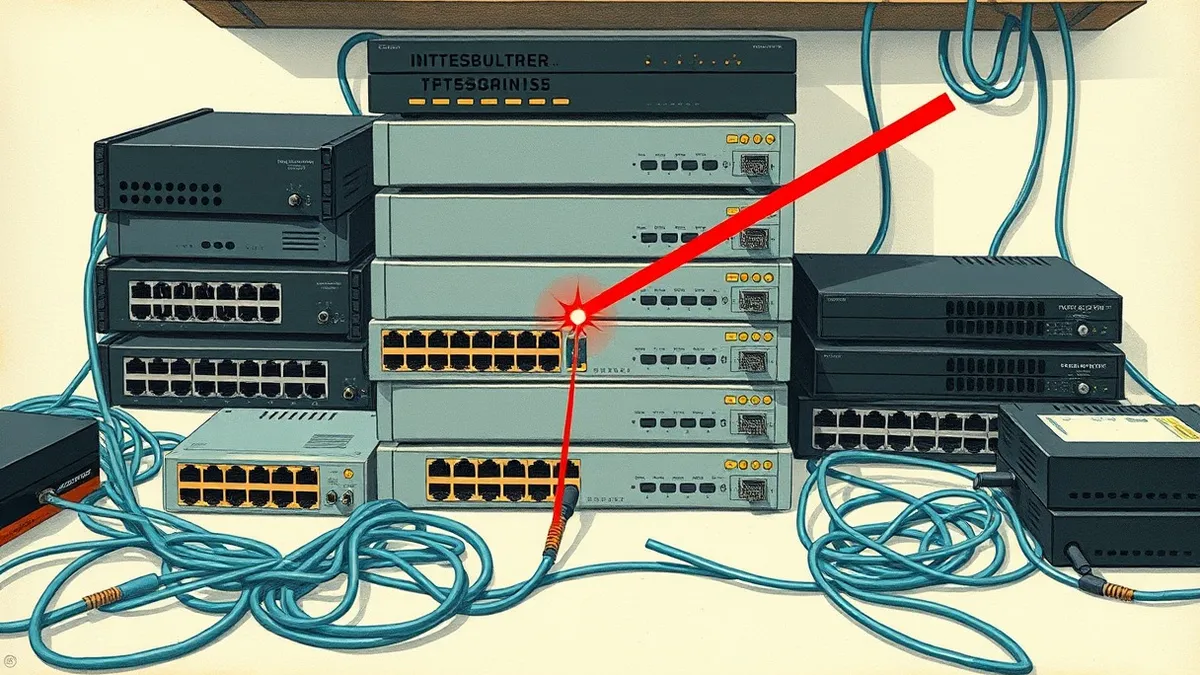
An IT asset inventory is a living record of every hardware, software, and cloud resource connected to your network. It enables accurate vulnerability management, ensures compliance, and prevents shadow IT. Without it, you cannot patch what you do not know exists, leaving critical gaps in your security posture.
What exactly counts as an IT asset?
An IT asset is any piece of hardware, software, or data resource that has value to your organization and requires protection. This definition extends beyond traditional servers and laptops to include mobile devices, Internet of Things (IoT) sensors, cloud instances, and even temporary development environments. Many teams forget to count virtual machines or containerized applications, which creates blind spots in your security architecture. If it connects to your network or processes your data, it belongs in the inventory.
Why can’t I just use my procurement records?
Procurement records track what you bought, not what is actually running on your network. Hardware gets moved, decommissioned, or repurposed without updating financial logs. Software installs often occur through shadow IT, where employees download tools without IT approval. Relying on purchase orders leaves you vulnerable to unauthorized devices and unpatched software that finance never approved. You need technical discovery, not just financial records, to know your true exposure.
How do I discover assets I didn’t know existed?
You must deploy automated network discovery tools that scan for active IP addresses and open ports. These tools send probes to devices and record responses, identifying operating systems and running services. This process reveals "shadow IT," which refers to technology systems, devices, and applications used by employees without explicit IT department approval. Manual audits fail to catch devices that are plugged in only occasionally or those on guest networks. Automation ensures you see the full picture, regardless of how the device joined the network.
What is the difference between hardware and software inventory?
Hardware inventory tracks physical or virtual machines, such as servers, laptops, and routers. Software inventory tracks the applications, libraries, and operating system versions running on those machines. The critical insight here is that a single server can host hundreds of software components, each with its own vulnerabilities. A hardware inventory tells you where the risk lives; a software inventory tells you what the risk is. You need both to understand your attack surface fully.
How often should I update my inventory?
You should update your inventory continuously, ideally in real-time or at least daily. In modern cloud environments, infrastructure changes every hour as containers spin up and down. A monthly manual audit is obsolete before the spreadsheet is finished. Continuous monitoring allows you to detect new assets immediately and correlate them with current threats. If your inventory is stale, your security controls are based on a lie.
See also: Cloud Security Architecture Diagram: Map Controls to Reduce Risk · 7 Payment Card Theft Mistakes That Leave Your Business Open
How does inventory help with patching?
An accurate inventory allows you to prioritize patching based on actual exposure rather than guesswork. You can cross-reference your asset list with security bulletins to see which specific systems are affected by a new vulnerability. This prevents the waste of time patching systems that are not vulnerable or not present. It also ensures you do not miss critical updates on forgotten servers. Without an inventory, patching is a shot in the dark.
What data fields are mandatory for security?
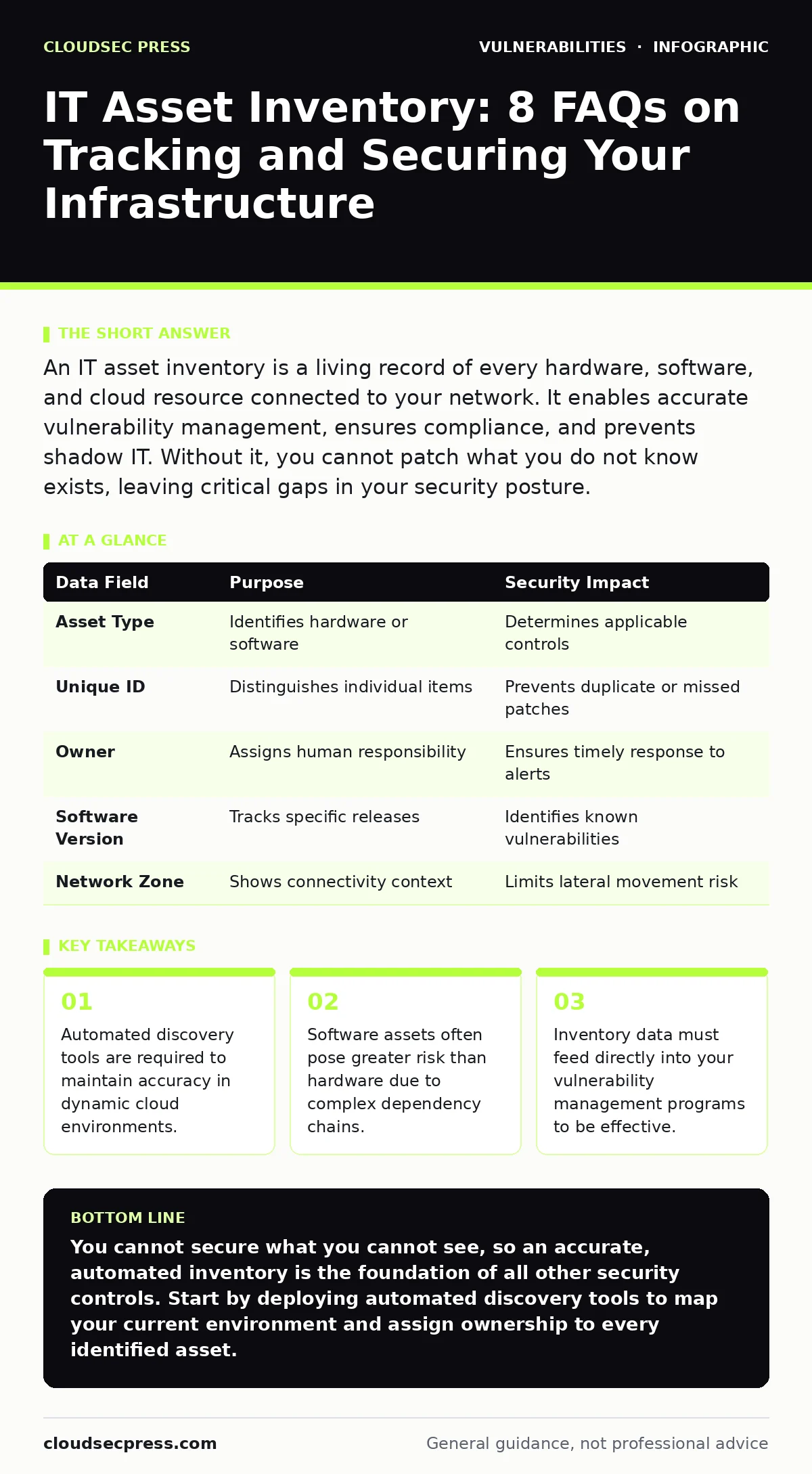
You must record the asset type, unique identifier, owner, location, and software versions. The owner field is critical because it assigns accountability for security and updates. Software versions allow you to identify known weaknesses quickly. Location data helps you understand physical security risks and network segmentation. Missing any of these fields creates a gap that attackers can exploit.
| Data Field | Purpose | Security Impact |
|---|---|---|
| Asset Type | Identifies hardware or software | Determines applicable controls |
| Unique ID | Distinguishes individual items | Prevents duplicate or missed patches |
| Owner | Assigns human responsibility | Ensures timely response to alerts |
| Software Version | Tracks specific releases | Identifies known vulnerabilities |
| Network Zone | Shows connectivity context | Limits lateral movement risk |
How do I handle cloud and ephemeral assets?
Cloud assets, such as virtual machines and serverless functions, appear and disappear rapidly. You must use cloud-native APIs to track resource creation and deletion automatically. Traditional scanning tools often miss these ephemeral resources because they exist for only minutes or hours. Integrate your inventory system with your cloud provider’s management console to capture lifecycle events. This ensures you have a record of every resource, even if it no longer exists.
What is the biggest mistake teams make with inventory?
The biggest mistake is treating the inventory as a static document rather than a dynamic data source. Teams often build a spreadsheet and then never update it, assuming the environment is stable. This leads to "inventory drift," where the record no longer matches reality. Another common error is failing to integrate inventory data with other security tools. If your inventory does not talk to your vulnerability management programs, it is useless for risk reduction.
How does inventory relate to configuration hardening?
Your inventory provides the baseline for configuration hardening, which is the process of securing a system by reducing its attack surface. You cannot harden a system if you do not know it exists or what software it runs. Inventory data allows you to group similar assets and apply consistent security settings across them. This ensures that every new server or application starts with a secure configuration. It turns security from a reactive chore into a proactive standard.
Key takeaways
- Automated discovery tools are required to maintain accuracy in dynamic cloud environments.
- Software assets often pose greater risk than hardware due to complex dependency chains.
- Inventory data must feed directly into your vulnerability management programs to be effective.
You cannot secure what you cannot see, so an accurate, automated inventory is the foundation of all other security controls. Start by deploying automated discovery tools to map your current environment and assign ownership to every identified asset.
Frequently asked questions
How do I deal with legacy systems that cannot be inventoried automatically?
For legacy systems that lack modern APIs, use passive network monitoring tools that analyze traffic patterns to identify active devices. You may also need to perform periodic manual audits of physical locations where these systems reside.
Is it safe to share my inventory with third-party vendors?
You should only share the minimum amount of information necessary for the vendor to perform their service. Never give full administrative access to your inventory database, as this exposes your entire attack surface to potential compromise.
How does inventory help with end-of-life software?
By tracking software versions in your inventory, you can easily identify systems running end-of-life software that no longer receives security updates. This allows you to prioritize replacing or isolating these high-risk assets before they are exploited.
What if my inventory shows assets that I think are decommissioned?
Treat these assets as active threats until you can verify they are offline. Decommissioned assets that remain on the network are prime targets for attackers because they are often unpatched and unmonitored. Investigate and remove them immediately.
How this guide was produced: written by the CloudSec Press editorial team with AI assistance, checked against the public references listed below, and reviewed when the facts change. See our editorial policy or report an error.