IaaS, PaaS and SaaS security: small business defense strategies
Small businesses face distinct risks in each cloud model, requiring specific controls that shift from infrastructure hardening to application logic and user behavior management.

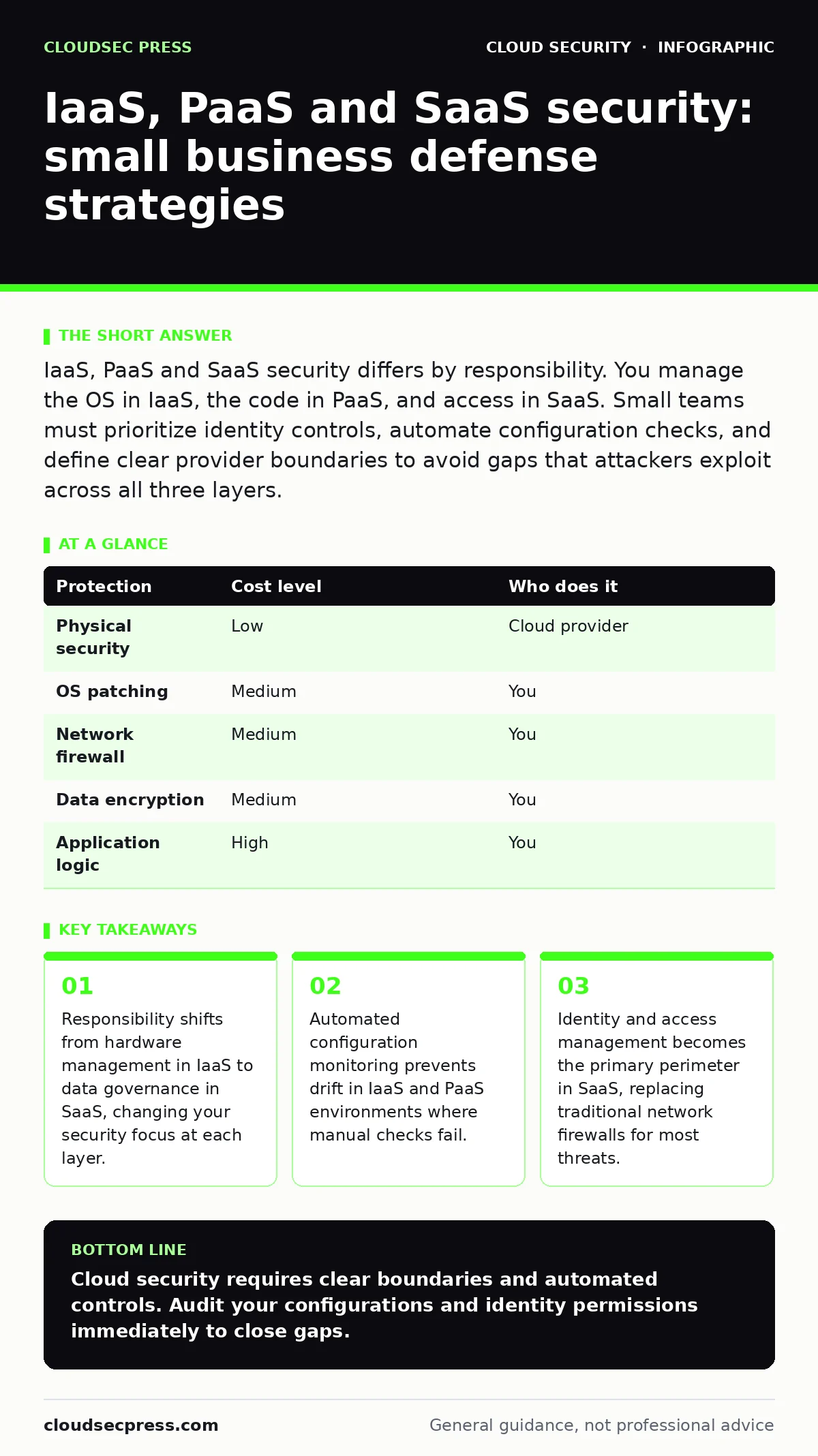
IaaS, PaaS and SaaS security differs by responsibility. You manage the OS in IaaS, the code in PaaS, and access in SaaS. Small teams must prioritize identity controls, automate configuration checks, and define clear provider boundaries to avoid gaps that attackers exploit across all three layers.
Defining the shared responsibility model
The shared responsibility model defines who secures what in the cloud. In Infrastructure as a Service (IaaS), you control the operating system, applications, and data. The provider secures the physical hardware and virtualization layer. In Platform as a Service (PaaS), the provider manages the runtime and middleware. You secure the application code and data. In Software as a Service (SaaS), the provider handles everything except your user access and data classification.
Many small businesses assume the provider secures everything because the software runs in the cloud. This assumption creates dangerous blind spots. If you store sensitive files in a SaaS document repository, the provider protects the server, but you must ensure only authorized users can view those files. A breach often occurs not because the cloud platform failed, but because your configuration allowed unauthorized access.
Understanding these boundaries is the first step in building a defense. You cannot secure what you do not control. You must identify which controls fall to you and which fall to the vendor. This distinction dictates your daily security tasks and your incident response plan.
Securing Infrastructure as a Service (IaaS)
IaaS gives you the most control but also the most maintenance burden. You manage virtual machines, storage, and networking. This flexibility allows for deep customization but introduces complexity. You must patch operating systems, configure firewalls, and manage user accounts on each instance. Neglecting these tasks leads to vulnerable systems that attackers can exploit remotely.
Exposed storage buckets are a common risk in IaaS. If you configure a storage container as public by mistake, sensitive data becomes accessible to anyone on the internet. This error does not require hacking; it only requires a misconfiguration. You must treat storage permissions as critical security controls. Regular audits of storage settings prevent accidental data leaks.
Automation reduces the risk of human error in IaaS. Manual patching is slow and prone to oversight. Automated tools can enforce security baselines across all virtual machines. These tools ensure that every new instance meets your security standards before it goes live. This approach scales better than manual checks and provides consistent protection.
| Protection | Cost level | Who does it |
|---|---|---|
| Physical security | Low | Cloud provider |
| OS patching | Medium | You |
| Network firewall | Medium | You |
| Data encryption | Medium | You |
| Application logic | High | You |
Managing Platform as a Service (PaaS)
PaaS abstracts the infrastructure, letting you focus on code. You do not manage servers or operating systems. The provider handles updates and scaling. This reduces your operational load but shifts security to the application layer. You must secure your code against injection attacks, broken authentication, and other common vulnerabilities.
Security in PaaS relies heavily on how you write and deploy your applications. Poor coding practices create entry points for attackers. You must implement secure development lifecycle practices. This includes code reviews, static analysis, and dependency scanning. These steps catch vulnerabilities before they reach production.
Kubernetes admission controllers can enforce security policies automatically in containerized PaaS environments. These controllers block non-compliant workloads from running. This prevents insecure configurations from ever reaching your production environment. You gain protection without manual intervention. This automation is vital for maintaining security at scale.
Governing Software as a Service (SaaS)
SaaS offers the least control but the highest convenience. You use the application as-is. The provider manages the infrastructure, platform, and software. Your security focus shifts entirely to identity and data. You must manage who has access and what they can do. Weak identity controls are the primary risk in SaaS.
Shadow IT is a significant threat in SaaS environments. Employees may subscribe to unauthorized applications to get their work done. These applications often lack proper security reviews. They may store data outside your control. You cannot secure what you do not know exists. Regular audits of connected applications reveal these hidden risks.
SaaS access reviews ensure that users only have the permissions they need. Permissions accumulate over time as employees change roles. Old permissions remain active, increasing the risk of insider threats or compromised accounts. Regular reviews remove unnecessary access. This reduces the attack surface and limits damage if an account is compromised.
The hidden cost of convenience
Convenience often comes at the cost of visibility. SaaS applications are easy to adopt but hard to monitor. You may not know how data moves between applications. Data may reside in multiple locations, complicating compliance and recovery. You must map your data flows to understand where sensitive information lives.
This lack of visibility creates compliance risks. Regulations often require specific data handling practices. If you cannot locate your data, you cannot prove compliance. You must enforce data classification policies. Labeling data as sensitive or public helps apply the right controls. This ensures that sensitive data receives higher protection levels.
See also: 7 Payment Card Theft Mistakes That Leave Your Business Open · Cloud Migration Security Checklist: Stop Data Leaks Before Launch
Automating security controls
Manual security tasks do not scale. As your business grows, the number of configurations and users increases. Manual checks become impossible to maintain. Automation ensures consistent security across your environment. You must automate patching, configuration checks, and access reviews.
Cloud access security brokers (CASB) help monitor and control SaaS usage. These tools provide visibility into shadow IT and enforce security policies. They can block risky applications and encrypt data in transit. CASB integrates with your existing security stack. This integration provides a unified view of your cloud security posture.
Secure access service edge (SASE) combines networking and security functions. It provides secure remote access to cloud applications. SASE ensures that users are authenticated and authorized before accessing resources. This approach replaces traditional VPNs with more flexible and secure solutions. It is particularly useful for distributed teams.
Cloud migration security considerations
Moving to the cloud introduces new risks. Data in transit must be encrypted. You must verify that the migration process does not expose sensitive information. Poor migration planning can lead to data loss or exposure. You must plan your migration carefully.
Cloud migration security requires a thorough assessment of your current environment. Identify all data and applications. Classify them by sensitivity. Plan the migration path for each item. This planning ensures that you apply the right security controls during the move. It also helps you avoid common pitfalls.
Identity and access management as the perimeter
Traditional network perimeters are gone in the cloud. Identity becomes the new perimeter. You must secure every user account and service principal. Multi-factor authentication is mandatory. It adds an extra layer of protection against credential theft.
Identity and access management (IAM) policies define who can do what. These policies must be least-privilege. Users should only have access to what they need. Excessive permissions increase risk. Regular reviews ensure that permissions remain appropriate. This reduces the impact of compromised accounts.
Questions to ask your IT provider
Your IT provider plays a key role in your cloud security. You must understand their capabilities and limitations. Ask these questions to ensure they can support your security needs:
- How do you monitor and respond to security incidents in the cloud?
- What tools do you use to automate security configurations?
- How do you handle identity and access management for our users?
- Can you provide evidence of compliance with relevant standards?
- What is your process for patching and updating cloud resources?
These questions help you assess their competence. They also clarify your shared responsibilities. You must ensure that your provider aligns with your security goals. This alignment is critical for effective protection.
Key takeaways
- Responsibility shifts from hardware management in IaaS to data governance in SaaS, changing your security focus at each layer.
- Automated configuration monitoring prevents drift in IaaS and PaaS environments where manual checks fail.
- Identity and access management becomes the primary perimeter in SaaS, replacing traditional network firewalls for most threats.
Cloud security requires clear boundaries and automated controls. Audit your configurations and identity permissions immediately to close gaps.
Frequently asked questions
Do I need a firewall for SaaS applications?
Traditional firewalls do not protect SaaS applications effectively. You need identity-based controls and application-specific security policies instead.
How often should I review cloud permissions?
Review permissions at least quarterly. Immediate reviews are necessary when employees change roles or leave the company.
Is my data safe if the cloud provider suffers a breach?
Provider breaches are rare, but your data is still at risk if you share credentials or misconfigure access. Strong identity controls protect your data.
What is the biggest risk for small businesses in the cloud?
Misconfiguration is the biggest risk. Accidental exposure of data or services leads to breaches. Automation helps prevent these errors.
How this guide was produced: written by the CloudSec Press editorial team with AI assistance, checked against the public references listed below, and reviewed when the facts change. See our editorial policy or report an error.