Data Classification Errors That Leave Cloud Systems Exposed
Most organizations label data by file extension rather than content, creating blind spots that attackers exploit to bypass security controls and exfiltrate sensitive information.

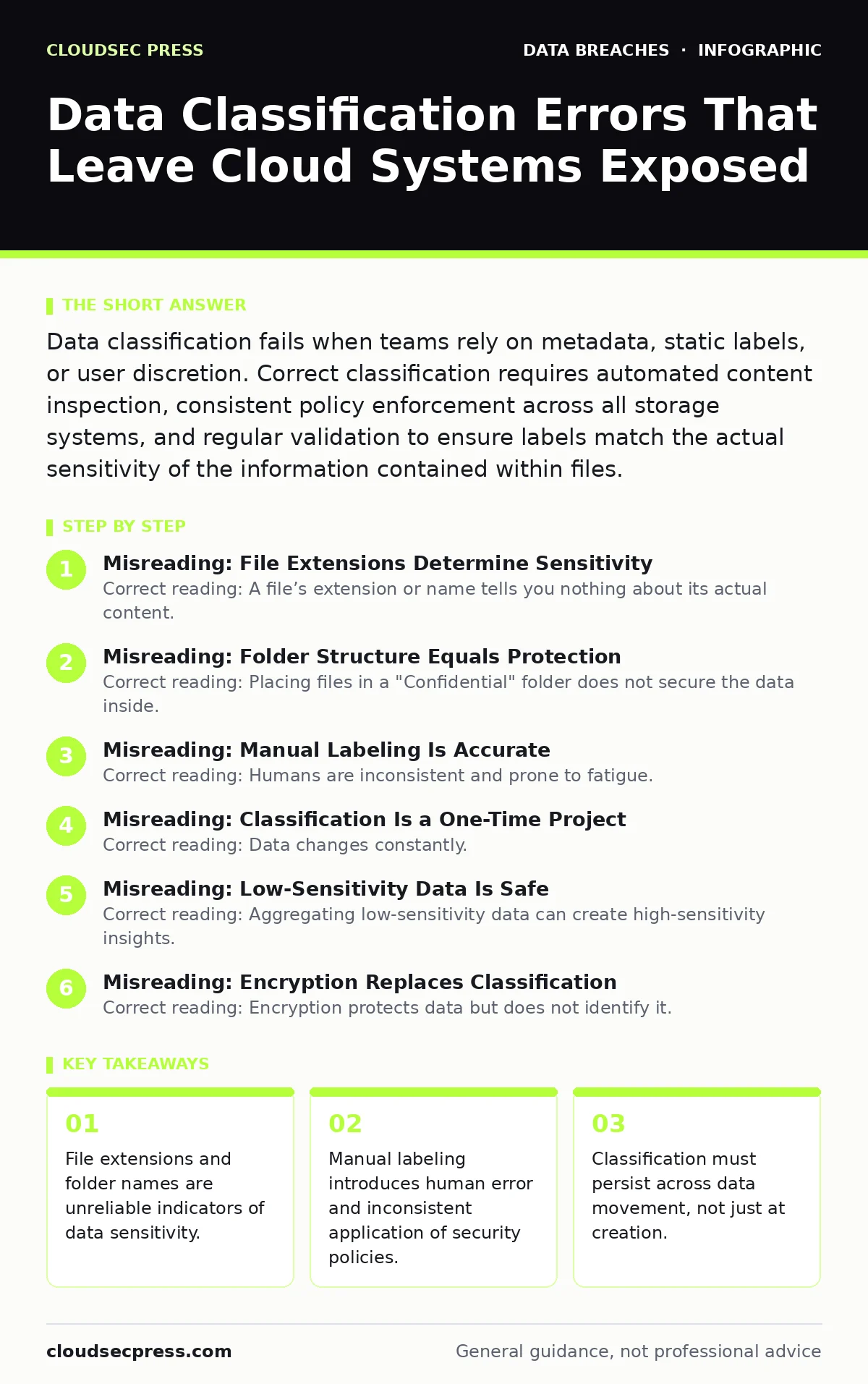
Data classification fails when teams rely on metadata, static labels, or user discretion. Correct classification requires automated content inspection, consistent policy enforcement across all storage systems, and regular validation to ensure labels match the actual sensitivity of the information contained within files.
Misreading: File Extensions Determine Sensitivity
Correct reading: A file’s extension or name tells you nothing about its actual content. Attackers routinely rename executable files to look like documents or embed sensitive data inside image files. Relying on extensions creates a false sense of security. You must inspect the actual content of the file, not just its label.
A .txt file can contain credit card numbers, while a .pdf might contain only public marketing materials. Content-aware classification engines scan the internal structure and text to determine sensitivity. This approach catches hidden threats that extension-based filters miss. It ensures that security controls apply to the data itself, regardless of how it is packaged or named.
Misreading: Folder Structure Equals Protection
Correct reading: Placing files in a "Confidential" folder does not secure the data inside. Users can move files between folders, copy them to shared drives, or email them externally. The folder label is a visual cue, not a technical control. If you rely on folder hierarchy, you lose track of data once it leaves that structure. You need persistent metadata tagging that travels with the file. This tag survives moves, copies, and downloads. It ensures that a sensitive document retains its security requirements even if a user places it in a public folder. This method prevents accidental exposure through misplacement.
Misreading: Manual Labeling Is Accurate
Correct reading: Humans are inconsistent and prone to fatigue. Asking employees to manually tag every file leads to errors, omissions, and bypasses. Users may skip labeling to save time or misunderstand the categories. This results in a fragmented security posture where some data is protected and similar data is left open. Automated classification reduces this variance. It applies rules consistently across all data sources. You can define patterns for sensitive information, such as health records or financial data, and let the system apply tags automatically. This ensures uniform protection without relying on individual memory or diligence.
Misreading: Classification Is a One-Time Project
Correct reading: Data changes constantly. Files are edited, merged, and moved. A label applied at creation may become obsolete as the content evolves. New sensitive data is created daily, and old data may lose its sensitivity. Treating classification as a static project leaves gaps. You need continuous monitoring and re-scanning. This process identifies new files and validates existing labels. It catches drift where content changes but the label remains the same. Regular audits ensure that your classification matches the current state of your data. This dynamic approach keeps your security controls aligned with your actual risk exposure.
Misreading: Low-Sensitivity Data Is Safe
Correct reading: Aggregating low-sensitivity data can create high-sensitivity insights. Individual records may seem harmless, but combined, they can reveal patterns or identify individuals. This is known as contextual sensitivity. You must consider how data interacts with other datasets. A list of names might be public, but when combined with purchase history, it becomes private.
Your classification policy must account for these relationships. You need to assess risk based on data aggregation, not just individual items. This prevents attackers from piecing together sensitive information from seemingly safe sources. It closes the gap between isolated data points and comprehensive profiles.
See also: Exposed Storage Buckets: The Hidden Risks and Fix · Synthetic Identity Fraud: 6 Myths That Keep You Exposed
Misreading: Encryption Replaces Classification
Correct reading: Encryption protects data but does not identify it. Without classification, you do not know what needs encryption. You might encrypt low-value data while leaving high-value data exposed. Classification drives encryption decisions. It tells you which data requires strong keys and which can use lighter controls. This optimization saves resources and ensures focus. You also need classification to manage keys effectively. Knowing what data is encrypted helps you respond to key compromises. If a key is lost, you know exactly which data is affected. This targeted response minimizes impact and recovery time.
Misreading: Users Understand Classification Policies
Correct reading: Complex policies confuse users. If your classification scheme has too many levels, employees will guess or ignore it. They may label everything as "Public" to avoid restrictions or "Confidential" to avoid scrutiny. This misuse undermines the entire system. You need a simple, intuitive model. Use three to four clear categories. Define each with concrete examples. Train users on why classification matters, not just how to do it. Connect it to real risks they understand. When users see the value, they comply. Simplification increases adherence and reduces errors. It makes the system usable and effective.
Misreading: Internal Data Is Less Risky
Correct reading: Internal data often contains trade secrets, intellectual property, and operational details. Attackers target this data for competitive advantage or insider threats. Assuming internal data is safe leads to lax controls. You must classify internal data with the same rigor as external data. This includes source code, design documents, and customer lists. Insider data theft can occur through accidental sharing or malicious intent. Proper classification helps detect unauthorized access. It alerts you when sensitive internal data moves unexpectedly. This protects your competitive edge and operational integrity.
Misreading: Classification Solves All Data Risks
Correct reading: Classification is a foundation, not a complete solution. It tells you what data is sensitive, but you still need access controls, monitoring, and incident response. Classification informs these controls. It helps you prioritize efforts and allocate resources. You must integrate classification into your broader security strategy. Use it to drive encryption, masking, and retention policies. Without these complementary measures, classification alone does not protect data. It is a map, not the shield. Combine it with technical controls to create a layered defense. This approach addresses the full spectrum of data risks.
Misreading: Only Structured Data Needs Classification
Correct reading: Unstructured data, such as emails, chats, and documents, often contains the most sensitive information. Structured data in databases is easier to classify, but unstructured data is harder to track. Ignoring unstructured data leaves major gaps. You need tools that can scan emails, instant messages, and file shares. These tools use natural language processing to identify sensitive content. This ensures comprehensive coverage. It protects data in all formats. You must treat unstructured data with the same care as structured data. This holistic approach prevents leaks from overlooked channels.
Key takeaways
- File extensions and folder names are unreliable indicators of data sensitivity.
- Manual labeling introduces human error and inconsistent application of security policies.
- Classification must persist across data movement, not just at creation.
- Automated content discovery is required to find mislabeled or unclassified data.
Frequently asked questions
How do I classify data without slowing down productivity?
Use automated scanning tools that tag files in the background. Integrate classification into your workflow so users see labels without extra steps.
Does encryption replace data classification?
No. Encryption protects data in transit or at rest, but classification determines which data needs encryption. Without classification, you may encrypt low-value data and miss high-value targets.
What happens if I misclassify data as low sensitivity?
The data receives fewer security controls. Attackers can exfiltrate it easily, and regulators may view this as negligence, leading to fines and reputational damage.
Can I rely on users to label their own data correctly?
Users often lack context or training. They may mislabel files due to haste or misunderstanding. Automation reduces this risk significantly.
How this guide was produced: written by the CloudSec Press editorial team with AI assistance, checked against the public references listed below, and reviewed when the facts change. See our editorial policy or report an error.