Exposed Storage Buckets: The Hidden Risks and Fix
Public storage buckets often leak data because default configurations prioritize accessibility over security, leaving sensitive files visible to anyone on the internet.

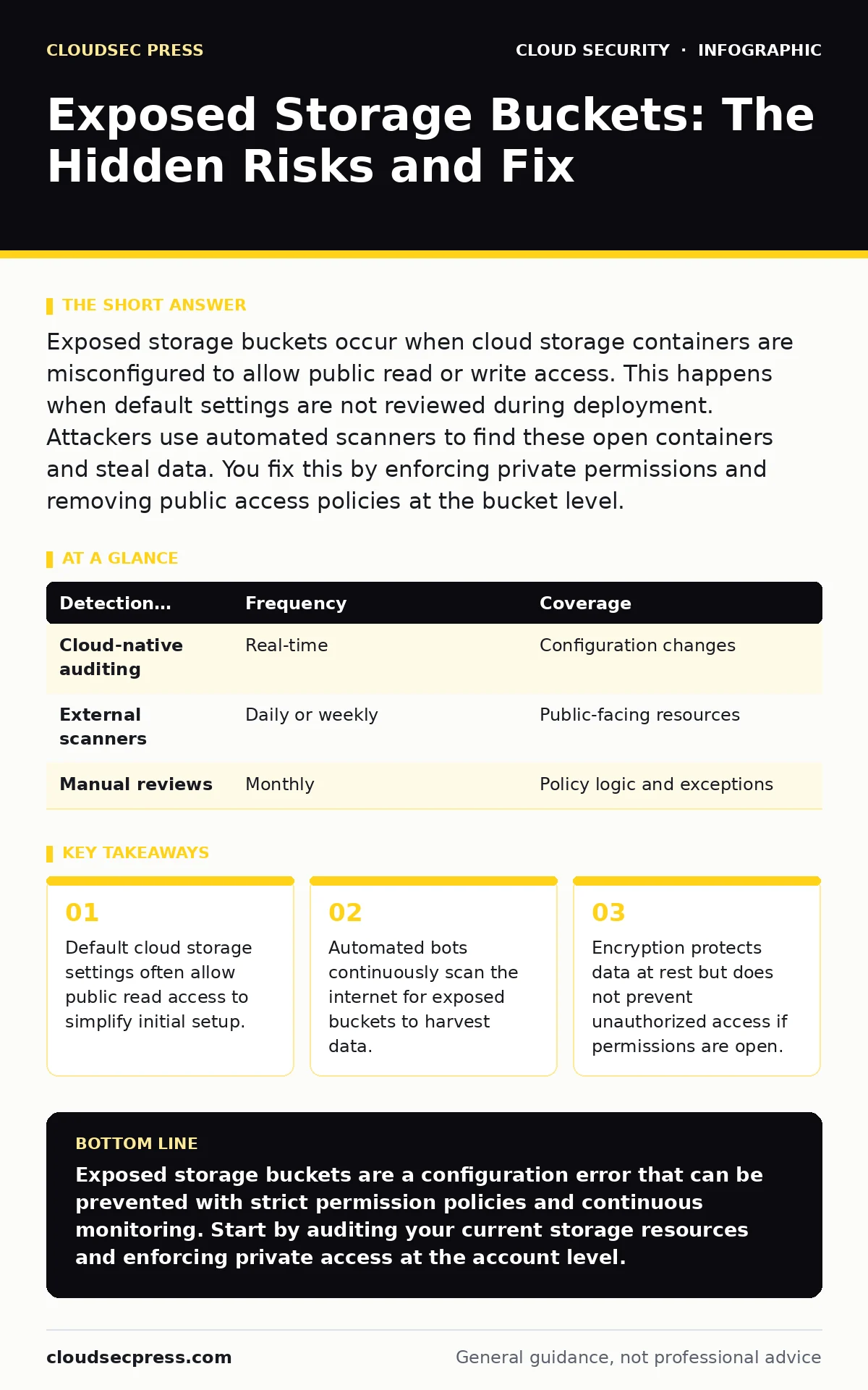
Exposed storage buckets occur when cloud storage containers are misconfigured to allow public read or write access. This happens when default settings are not reviewed during deployment. Attackers use automated scanners to find these open containers and steal data. You fix this by enforcing private permissions and removing public access policies at the bucket level.
What makes a storage bucket exposed?
A storage bucket becomes exposed when its access control policies permit public read or write operations. Cloud providers often default to private settings, but developers frequently override these defaults to share files or host static websites. This override creates a direct path for anyone on the internet to view or modify the contents. The exposure is not a flaw in the storage system itself, but a configuration error in how you define who can interact with the data.
Imagine you upload a database backup to a bucket and set the policy to "public-read" to test a download link. If you forget to revert that setting, the backup remains accessible to anyone who guesses or scans the URL. This is the most common cause of accidental data leaks in cloud environments.
How do attackers find exposed buckets?
Attackers use automated scripts that scan public IP ranges and domain lists for known cloud storage signatures. These tools look for error messages or directory listings that indicate an open container. They do not need to hack your account; they simply request files from the public internet. The speed of these scans means that an exposed bucket can be discovered within minutes of going live.
This process is similar to driving past houses with unlocked doors. The attacker does not break in; they simply walk through the open entrance. Because the scanning is automated, volume is high, and even obscure buckets are eventually checked.
Why do default settings often fail?
Cloud platforms prioritize ease of use and rapid deployment, which can lead to permissive default configurations for certain services. When you create a storage bucket for a web application, the platform may suggest enabling public access to serve images or documents. If you accept this suggestion without reviewing the long-term implications, you create a persistent risk. The convenience of immediate accessibility overrides the security principle of least privilege.
Does encryption stop unauthorized access?
Encryption protects the confidentiality of data while it is stored or transmitted, but it does not control who can request that data. If a bucket is publicly readable, an attacker can download the encrypted files. If they also obtain the decryption keys, the encryption provides no barrier to entry. Encryption is a layer of defense, not a replacement for access controls.
Think of encryption as a locked box. If you leave the box on a public sidewalk, anyone can pick it up. If they also have the key, they can open it. You must secure the location of the box, not just the lock on it.
What data is most at risk?
Database backups, configuration files, and internal documents are the most valuable targets in exposed buckets. These files often contain credentials, intellectual property, or personal information that can be used for further attacks. Attackers prioritize these files because they provide immediate leverage against your organization. Log files are also frequently exposed and can reveal system architecture and user behavior patterns.
Suppose a developer uploads a configuration file that contains API keys to a public bucket. An attacker finds this file and uses the keys to access other services. The initial exposure of the bucket leads to a broader compromise of your infrastructure.
See also: Identity and Access Management System: How It Controls Cloud Access · Stop Insider Data Theft: Prevention Measures That Actually Work
How can you detect exposed buckets?
You can detect exposed buckets by using cloud-native auditing tools that monitor permission changes in real time. These tools alert you when a bucket policy is modified to allow public access. You can also use third-party scanners that simulate external attacks to identify open containers. Regular manual reviews of bucket policies are necessary because automated tools may miss complex logic errors.
| Detection Method | Frequency | Coverage |
|---|---|---|
| Cloud-native auditing | Real-time | Configuration changes |
| External scanners | Daily or weekly | Public-facing resources |
| Manual reviews | Monthly | Policy logic and exceptions |
Why do buckets remain exposed after discovery?
Buckets often remain exposed because the initial remediation step is not enforced across all environments. A developer may fix the issue in production but forget to update the development or staging environments. Infrastructure as code templates may also contain the insecure configuration, causing new buckets to be created with the same flaw. Without a centralized policy enforcement mechanism, the problem recurs with every new deployment.
This is a failure of process, not just technology. If the template that creates the bucket allows public access, every instance created from that template will be vulnerable. You must fix the source, not just the symptom.
How do you enforce private access?
You enforce private access by defining bucket policies that explicitly deny public read and write operations. These policies should be applied at the account or organizational level to prevent individual users from overriding them. You can also use service controls that restrict access to specific IP ranges or virtual private clouds. This ensures that only authorized systems can interact with the storage resources.
What is the role of continuous monitoring?
Continuous monitoring ensures that security policies are consistently applied as your infrastructure changes. New buckets are created frequently, and each one carries the risk of misconfiguration. Monitoring tools can automatically remediate exposed buckets by reverting permissions to private settings. This reduces the window of exposure and minimizes the impact of human error.
Imagine a scenario where a developer accidentally exposes a bucket during a late-night deployment. Continuous monitoring detects the change within seconds and automatically reverts the permission. The data is never accessible to the public, even though the mistake was made.
How does this relate to broader cloud security?
Exposed storage buckets are a symptom of broader issues in cloud security architecture. Without a clear strategy for managing access controls, individual teams may make decisions that compromise overall security. Understanding the principles of secure access service edge (SASE) can help you manage access to data regardless of its location. Similarly, insights from serverless security risks highlight the need for strict permission boundaries in distributed systems.
For a deeper look at managing access across multiple clouds, see our guide on cloud access security brokers (CASB). Understanding how these tools fit into your broader strategy is key to reducing exposure.
Key takeaways
- Default cloud storage settings often allow public read access to simplify initial setup.
- Automated bots continuously scan the internet for exposed buckets to harvest data.
- Encryption protects data at rest but does not prevent unauthorized access if permissions are open.
- Regular audits of storage permissions are required because new deployments often reset security controls.
Exposed storage buckets are a configuration error that can be prevented with strict permission policies and continuous monitoring. Start by auditing your current storage resources and enforcing private access at the account level.
Frequently asked questions
Can I use a firewall to protect a storage bucket?
A firewall can restrict access by IP address, but it does not replace the need for proper bucket permissions. If the bucket policy allows public access, the firewall may not block all requests.
Do I need to encrypt data in exposed buckets?
Encryption adds a layer of protection but does not prevent unauthorized access. You should prioritize fixing the permissions before relying on encryption.
How often should I audit bucket permissions?
You should audit permissions in real time using automated tools. Manual audits should be performed at least monthly to catch any gaps in automation.
What is the difference between read and write access?
Read access allows others to view your data, while write access allows them to modify or delete it. Both are dangerous, but write access poses a higher risk of data corruption.
How this guide was produced: written by the CloudSec Press editorial team with AI assistance, checked against the public references listed below, and reviewed when the facts change. See our editorial policy or report an error.