SaaS Access Reviews for Small Teams: Cut Risk Without Hiring
Small teams lose more data through forgotten access rights than through active hacking, making periodic reviews the highest return security investment available.

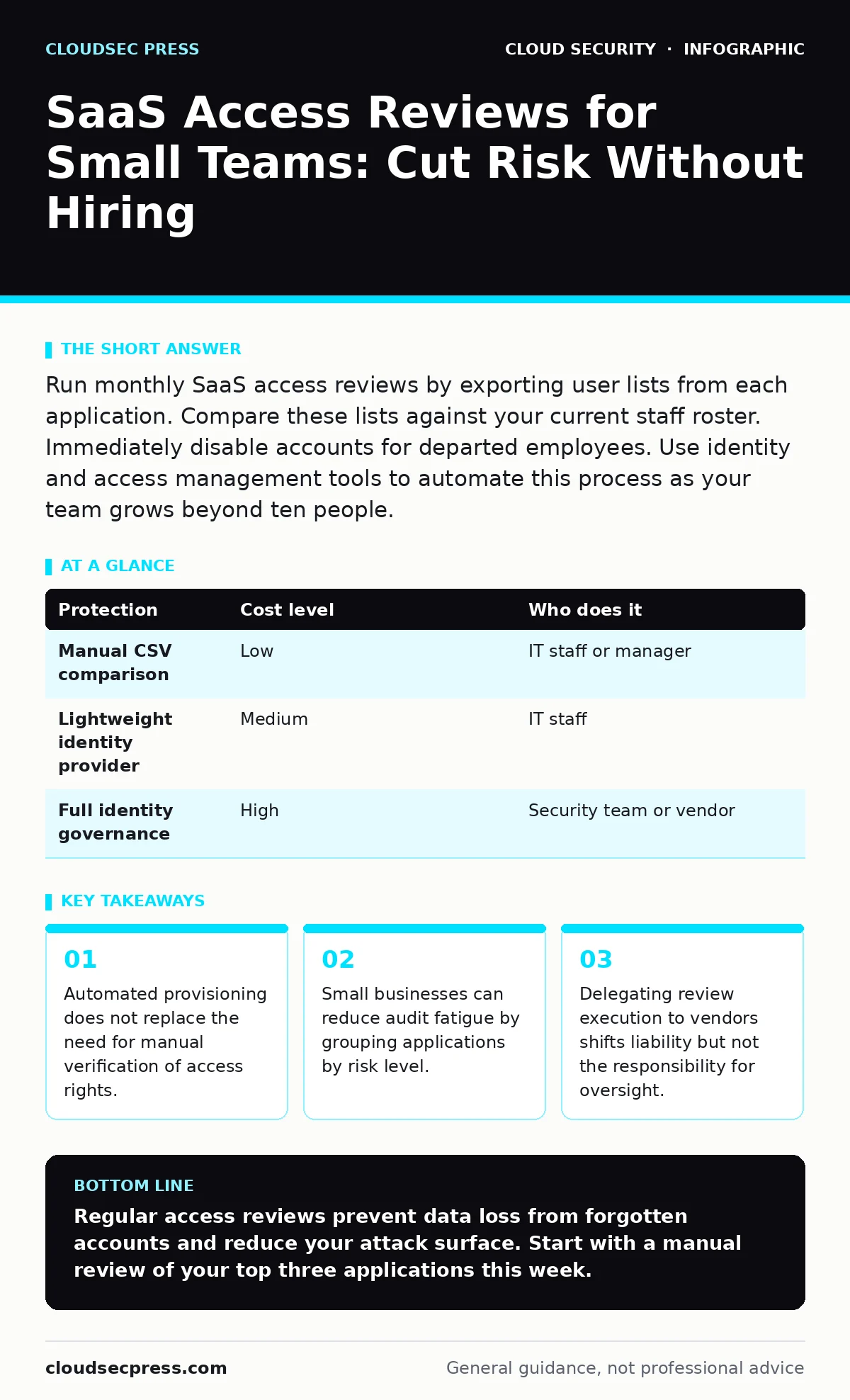
Run monthly SaaS access reviews by exporting user lists from each application. Compare these lists against your current staff roster. Immediately disable accounts for departed employees. Use identity and access management tools to automate this process as your team grows beyond ten people.
Why Small Teams Face Unique Access Risks
Small organizations often assume their size protects them from complex attacks. This assumption fails when former employees retain access to sensitive data. You likely rely on a handful of critical SaaS applications for daily operations. Each application holds a copy of your customer data or intellectual property. When an employee leaves, you remove their primary email account. You rarely check the secondary applications they used for project management or design work. This gap creates a persistent security hole.
The risk is not just about malicious intent. Forgotten accounts are prime targets for credential stuffing attacks. Attackers scan for valid usernames across multiple platforms. If a former employee’s account remains active, the attacker only needs the password. You may not notice the breach until data is already exfiltrated. Regular access reviews close this window of opportunity. They ensure that access aligns with current job responsibilities. This practice is a core component of identity and access management.
The Hidden Cost of Manual Reviews
Manual access reviews are tedious and error-prone. You must log into each application, export a user list, and compare it to your HR records. This process takes hours per month. As your team grows, the time required increases linearly. You might miss an account because you skipped an application during the review. This fatigue leads to inconsistent security practices.
Imagine you have five applications. You review three of them thoroughly. You skip two because they seem less critical. An attacker exploits the skipped application. The manual process creates a false sense of security. You believe you are protected because you performed the review. In reality, you only checked a subset of your attack surface. Automation reduces this cognitive load. It ensures every account is checked every time.
Affordable Ways to Automate Reviews
You do not need enterprise-grade software to start automating reviews. Many SaaS applications offer built-in features for user management. Look for export functions that allow you to download CSV files of active users. You can use spreadsheet software to compare these lists against your employee database. This low-tech approach is effective for very small teams.
As your needs grow, consider lightweight identity providers. These services connect to your SaaS applications via standard protocols. They allow you to manage access from a single dashboard. You can set rules to automatically disable accounts when an employee leaves. This reduces the need for manual intervention. You still need to review these rules periodically. Automation handles the routine, but you handle the exceptions.
| Protection | Cost level | Who does it |
|---|---|---|
| Manual CSV comparison | Low | IT staff or manager |
| Lightweight identity provider | Medium | IT staff |
| Full identity governance | High | Security team or vendor |
What to Delegate to Vendors
You can delegate the execution of reviews, but not the responsibility. Many SaaS vendors offer managed identity services. They can monitor for unusual login activity and flag stale accounts. You can delegate the initial detection of risk to these vendors. This frees your internal team to focus on strategic decisions.
Suppose your cloud storage provider alerts you to an unused account. You do not need to investigate every alert manually. Trust the vendor’s automated flags for low-risk actions. You still must verify high-risk changes. Do not delegate the final decision to revoke access. This remains your responsibility. Clear delegation boundaries prevent security gaps. You define the policy; the vendor enforces the technical controls.
Identifying Shadow IT in Small Teams
Shadow IT refers to applications used by employees without IT approval. These applications are invisible to your security team. They often contain sensitive data because users seek convenience. You cannot review access for applications you do not know exist. Start by asking your team what tools they use daily. Include this question in onboarding and exit interviews.
Check your corporate credit card statements for unknown subscriptions. Look for recurring charges from unfamiliar vendors. These charges often indicate shadow IT. Once identified, evaluate the security posture of these applications. If they are necessary, bring them under your management umbrella. If they are not, disable access and migrate data. This process reduces your overall risk exposure.
See also: Lateral Movement Explained: Step-by-Step Attack Progression · Identity and Access Management System: How It Controls Cloud Access
Questions to Ask Your IT Provider
If you outsource your IT support, you must verify their access review practices. Do not assume they are performing these checks. Ask specific questions to gauge their competence.
- How often do you review access rights for each SaaS application?
- What process do you use to identify and remove former employee accounts?
- Do you provide a monthly report of access changes and stale accounts?
- How do you handle access reviews for applications not integrated with your main system?
- What is your protocol for responding to alerts about unusual login activity?
Building a Sustainable Review Cycle
A sustainable review cycle balances security with operational efficiency. Monthly reviews are ideal for high-risk applications. Quarterly reviews may suffice for low-risk tools. Define your risk categories based on data sensitivity. Not all applications require the same level of scrutiny.
Start with your most critical systems. These are the applications that hold your customer data or financial records. Implement strict review processes for these first. Expand to other applications as you refine your workflow. Consistency is more important than frequency. A monthly review that is never completed is worse than a quarterly review that is always done.
Integrating with Broader Security Strategies
Access reviews are not an isolated task. They connect to your broader security architecture. For example, exposed storage buckets can result from misconfigured access rights. Regular reviews help identify these misconfigurations early. Similarly, secure access service edge (SASE) solutions can enforce access policies at the network level.
You should also consider serverless security risks when reviewing application permissions. Serverless functions often have broad access rights by default. Tightening these permissions reduces the impact of a breach. Finally, be aware of SaaS account takeover risks. Strong access reviews complement multi-factor authentication. They ensure that even if credentials are stolen, the attacker has limited access.
Key takeaways
- Automated provisioning does not replace the need for manual verification of access rights.
- Small businesses can reduce audit fatigue by grouping applications by risk level.
- Delegating review execution to vendors shifts liability but not the responsibility for oversight.
Regular access reviews prevent data loss from forgotten accounts and reduce your attack surface. Start with a manual review of your top three applications this week.
Frequently asked questions
How often should small businesses perform SaaS access reviews?
Monthly reviews are recommended for high-risk applications. Quarterly reviews may be acceptable for low-risk tools. Adjust frequency based on your team size and data sensitivity.
Can I automate access reviews completely?
No. Automation can handle routine checks and flag anomalies. Human oversight is required to verify exceptions and make final decisions on access revocation.
What is the first step in an access review?
Export the list of active users from each SaaS application. Compare this list against your current employee roster to identify discrepancies.
Do I need a dedicated security team for this?
No. Small teams can perform these reviews with basic tools and disciplined processes. Delegate technical execution to IT providers if needed.
How this guide was produced: written by the CloudSec Press editorial team with AI assistance, checked against the public references listed below, and reviewed when the facts change. See our editorial policy or report an error.