Cloud Migration Security Checklist: Stop Data Leaks Before Launch
Most cloud breaches occur because default settings leave storage buckets and database ports open to the public internet during the transition phase.

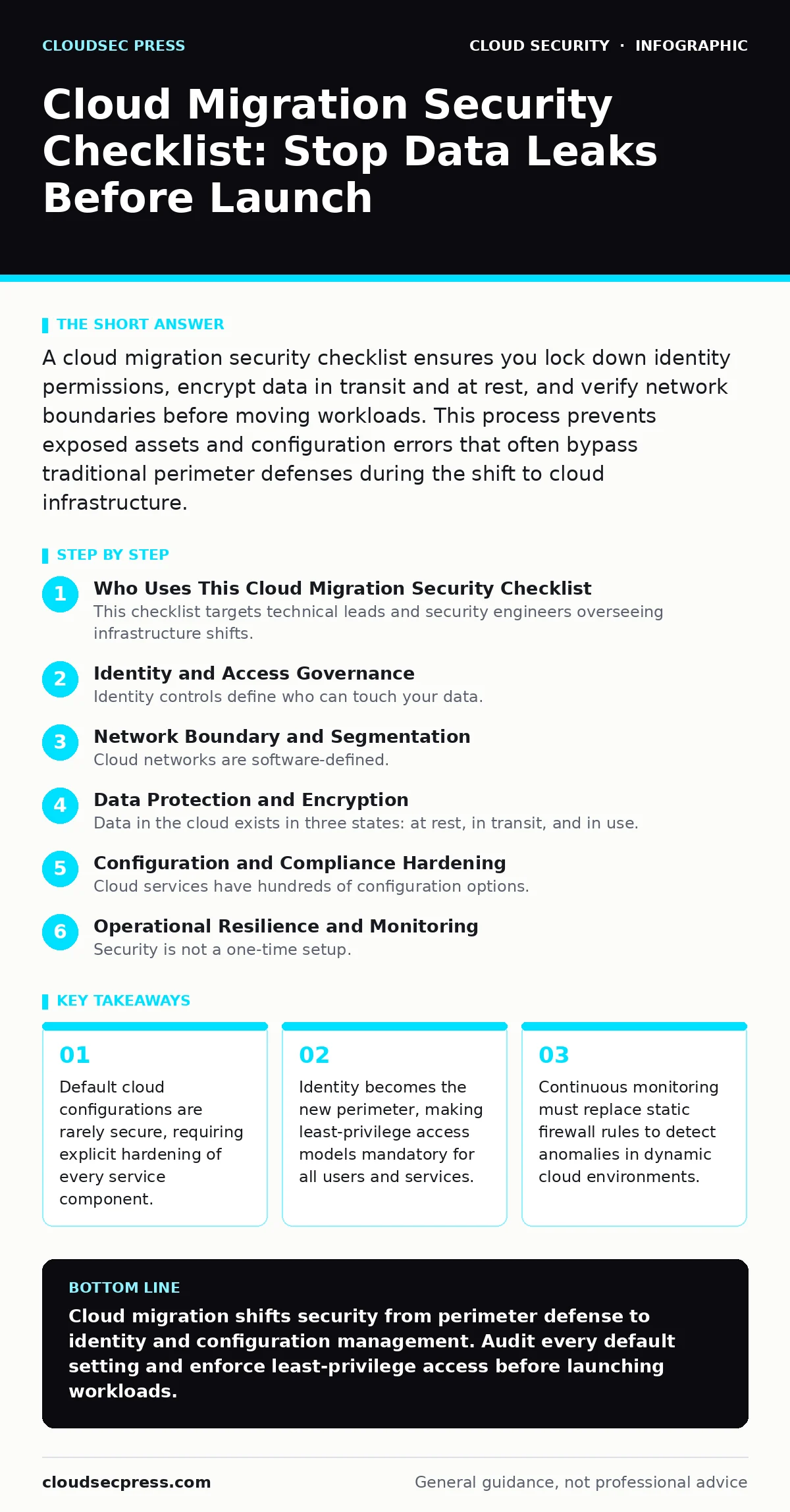
A cloud migration security checklist ensures you lock down identity permissions, encrypt data in transit and at rest, and verify network boundaries before moving workloads. This process prevents exposed assets and configuration errors that often bypass traditional perimeter defenses during the shift to cloud infrastructure.
Who Uses This Cloud Migration Security Checklist
This checklist targets technical leads and security engineers overseeing infrastructure shifts. Use it as a sequential verification tool before any workload goes live. Do not treat these items as optional suggestions. Each step addresses a specific failure mode common in cloud transitions. Skipping even one item increases the surface area for attackers who scan for misconfigured resources.
Identity and Access Governance
Identity controls define who can touch your data. Cloud environments replace physical boundaries with digital credentials. You must audit these credentials rigorously.
- Enforce multi-factor authentication for all human accounts: Prevents credential stuffing attacks from compromising admin consoles.
- Apply least-privilege roles to service accounts: Limits damage if an application key is stolen or leaked.
- Rotate automated credentials regularly: Reduces the window of opportunity for attackers using stolen long-lived tokens.
Legacy systems often use shared service accounts. Cloud platforms support unique identities for every application. You must update your configuration management to issue temporary credentials. This aligns with best practices in identity and access management. Static passwords for servers create a single point of failure. Temporary tokens expire automatically, removing the need for manual rotation and reducing the risk of persistent access.
Network Boundary and Segmentation
Cloud networks are software-defined. You must build virtual boundaries that mimic or exceed on-premise segmentation. Default settings often allow all internal traffic, which enables lateral movement by attackers.
- Disable public internet access for database ports: Prevents direct scanning and exploitation from the open web.
- Implement virtual private cloud peering with strict routing: Controls traffic flow between isolated network segments.
- Use security groups instead of network ACLs where possible: Allows stateful inspection and easier management of inbound rules.
Suppose an attacker compromises a web server. If network segmentation is weak, they pivot to the database. Strict routing rules block this path. You must also review secure access service edge (SASE) principles if your users access cloud apps from remote locations. Zero-trust networking assumes no internal traffic is safe. Verify that east-west traffic is inspected. Many teams focus on north-south traffic and ignore internal lateral movement risks.
Data Protection and Encryption
Data in the cloud exists in three states: at rest, in transit, and in use. You must protect each state with appropriate cryptographic controls. Default encryption often uses provider-managed keys, which may not meet your compliance requirements.
- Encrypt all storage buckets and volumes: Protects data if physical media is stolen or access controls fail.
- Enforce TLS 1.2 or higher for all data in transit: Prevents eavesdropping on sensitive information moving between services.
- Audit encryption key rotation policies: Ensures keys remain secure even if one is compromised over time.
Unencrypted backups are a common oversight. You must align your backup strategy with your encryption standards. Refer to our guide on cloud backup for detailed retention and recovery testing. Encryption does not replace access controls. It adds a layer of defense so that stolen data remains unreadable. Key management is the critical component. If you lose the keys, you lose the data. If an attacker gets the keys, they get the data.
Configuration and Compliance Hardening
Cloud services have hundreds of configuration options. Most are set to insecure defaults to ease initial setup. You must harden these settings to match your security baseline.
- Enable logging for all API calls and data access: Creates an audit trail for forensic analysis and anomaly detection.
- Block anonymous access to storage resources: Prevents accidental public exposure of sensitive files.
- Scan infrastructure code for misconfigurations before deployment: Catches errors like open ports before they reach production.
Unsecured cloud databases often result from rushed migrations. Developers may enable public access for testing and forget to disable it. Automated scanning tools catch these drifts. You should also review cloud security architecture principles to ensure your design supports continuous compliance. Configuration drift is inevitable in dynamic environments. Regular automated audits correct these deviations. Manual checks are insufficient for large-scale infrastructure.
See also: Cloud Security Architecture Diagram: Map Controls to Reduce Risk · 7 Payment Card Theft Mistakes That Leave Your Business Open
Operational Resilience and Monitoring
Security is not a one-time setup. Cloud environments change constantly. You must monitor for anomalies and maintain recovery capabilities.
- Implement automated alerting for privilege escalation: Detects suspicious activity that indicates a compromised account.
- Test disaster recovery plans quarterly: Ensures you can restore services within acceptable time limits after an incident.
- Monitor for unusual compute usage patterns: Identifies potential cryptojacking or resource abuse early.
Attackers often hide their activity by blending in with normal traffic. Behavioral analytics help distinguish malicious actions from legitimate spikes. Check our guide on cloud cryptojacking to understand how attackers exploit idle resources. You must also consider serverless security risks if you use event-driven architectures. Serverless functions execute code without persistent servers, changing the attack surface. Monitoring must adapt to these ephemeral execution contexts.
Final Verification Steps
Before cutting over to the cloud, perform a final review. This step ensures that all previous checks are active and effective.
- Conduct a penetration test on the new environment: Validates that controls work against real-world attack techniques.
- Review emergency access procedures: Ensures responders can act quickly without bypassing security controls.
- Document all exceptions and compensating controls: Provides transparency for auditors and future teams.
Imagine a scenario where a critical service fails during migration. Your documentation must guide the response. Do not assume everyone knows the architecture. Clear records reduce recovery time. This final phase closes the loop on your cloud migration security checklist. It transforms theoretical security into operational reality.
Key takeaways
- Default cloud configurations are rarely secure, requiring explicit hardening of every service component.
- Identity becomes the new perimeter, making least-privilege access models mandatory for all users and services.
- Continuous monitoring must replace static firewall rules to detect anomalies in dynamic cloud environments.
Cloud migration shifts security from perimeter defense to identity and configuration management. Audit every default setting and enforce least-privilege access before launching workloads.
Frequently asked questions
How often should I update my cloud security checklist?
Update it whenever you add new services, change compliance requirements, or after any security incident to address new findings.
Does encryption replace the need for access controls?
No, encryption protects data content, but access controls prevent unauthorized users from accessing the encrypted data in the first place.
What is the biggest risk in cloud migration?
Misconfigured permissions and open network ports are the most common causes of data exposure during the transition phase.
Can I use my on-premise security tools in the cloud?
You can, but native cloud security services often provide better integration and real-time visibility into cloud-specific threats.
How this guide was produced: written by the CloudSec Press editorial team with AI assistance, checked against the public references listed below, and reviewed when the facts change. See our editorial policy or report an error.