Warning Signs of Vulnerabilities in VPN Gateways and ADCs
Silent certificate mismatches and stale firmware versions often hide in VPN gateways long before performance drops or users report access failures.

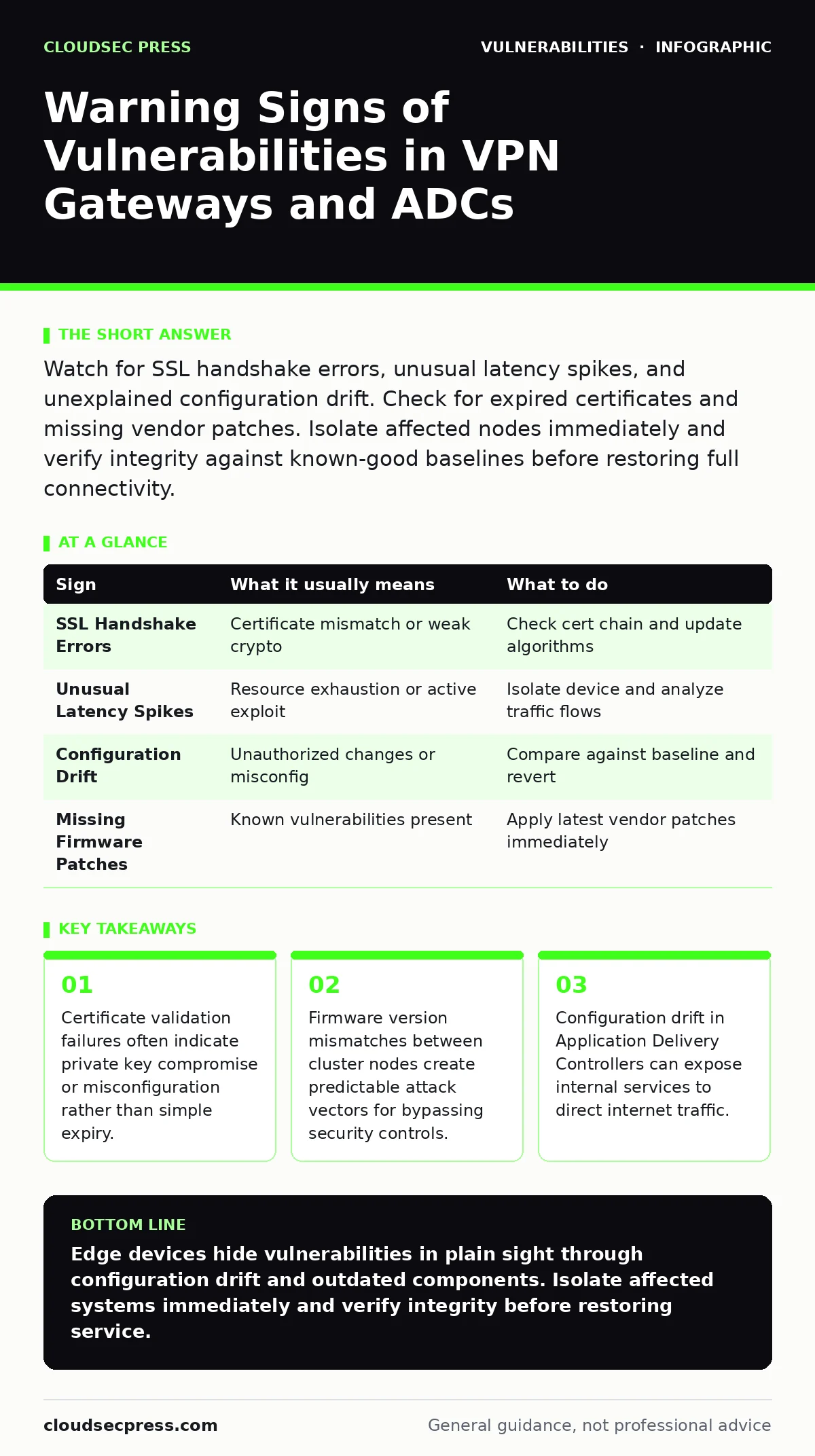
Watch for SSL handshake errors, unusual latency spikes, and unexplained configuration drift. Check for expired certificates and missing vendor patches. Isolate affected nodes immediately and verify integrity against known-good baselines before restoring full connectivity.
Visible Indicators of Gateway Instability
You notice the first signs when users report intermittent access failures. VPN gateways and application delivery controllers (ADCs) sit at the edge of your network, handling encryption and traffic routing. When these devices weaken, the symptoms appear as connectivity issues. Users experience slow logins or broken sessions. The device logs show increased error rates during SSL handshakes.
These handshakes establish the encrypted channel between the client and the server. A failure here means the encryption layer is breaking down. This breakdown usually stems from a misconfigured certificate or a vulnerable cryptographic library. You must check the certificate chain immediately. If the chain is broken, trust is lost. This loss of trust allows man-in-the-middle attacks. Attackers can intercept traffic when the device fails to validate identities correctly.
Hidden Signs in Configuration Drift
Configuration drift is easy to miss because it happens gradually. An administrator changes a setting for one service. Another change follows for a different application. Over time, the configuration deviates from the secure baseline. This drift often opens ports that should remain closed. You might see new services listening on unexpected interfaces. These services may lack proper authentication. An attacker scanning the perimeter finds these open doors.
They exploit the lack of authentication to gain entry. This entry point bypasses the intended security controls. You need a way to detect this drift. Automated configuration auditing tools compare the current state to the desired state. Without these tools, drift accumulates unnoticed. This accumulation increases the attack surface significantly. The device becomes a stepping stone for lateral movement.
Silent Firmware and Component Risks
Firmware updates are not always urgent, but they are necessary. Many organizations delay updates to avoid downtime. This delay leaves known vulnerabilities unpatched. The device continues to function normally, hiding the risk. You might not see any performance impact. The vulnerability remains dormant until an attacker finds it. This is why checking for security bulletins is critical. Vendors publish these bulletins when they discover flaws.
You must cross-reference your firmware version against these bulletins. A mismatch means you are exposed. The exposure might involve a buffer overflow or a remote code execution flaw. These flaws allow attackers to take control of the device. Once controlled, the device becomes a tool for further attacks. You cannot rely on the device’s internal monitoring to detect this. You need external validation of your patch status.
Certificate Management Failures
Certificates are the foundation of trust in VPN and ADC deployments. When certificates expire, services stop working. This is an obvious failure. A more subtle failure occurs when certificates are misconfigured. You might use a weak signing algorithm. This algorithm is easy to break with modern computing power. Attackers can forge certificates that your device accepts. This forgery allows them to impersonate legitimate services.
You must enforce strong cryptographic standards. Disable weak algorithms like SHA-1. Ensure that certificate revocation lists are checked regularly. If a certificate is compromised, revoking it stops its use. Without revocation checks, the compromised certificate remains valid. This validity allows the attacker to maintain access. You must automate these checks to catch issues quickly.
Response Protocol for Detected Anomalies
When you see a sign, you must act quickly. Do not ignore the symptom. Isolate the affected device from the network. This isolation prevents further exploitation. You should then investigate the root cause. Check the logs for unauthorized access attempts. Look for changes in configuration files. Verify the integrity of the firmware.
If the firmware is compromised, you must reinstall it from a trusted source. Do not trust the existing system. Restore the configuration from a known-good backup. This backup should be from before the issue started. Test the restored system in a isolated environment. Ensure it works correctly before reconnecting it to production. This testing prevents reintroducing the vulnerability.
| Sign | What it usually means | What to do |
|---|---|---|
| SSL Handshake Errors | Certificate mismatch or weak crypto | Check cert chain and update algorithms |
| Unusual Latency Spikes | Resource exhaustion or active exploit | Isolate device and analyze traffic flows |
| Configuration Drift | Unauthorized changes or misconfig | Compare against baseline and revert |
| Missing Firmware Patches | Known vulnerabilities present | Apply latest vendor patches immediately |
See also: CSAF Security Advisories Explained: Machine-Readable Vulnerability Data · PHP Vulnerability Response: Containment and Recovery Steps
Preventing Future Vulnerabilities
Prevention requires continuous monitoring. You cannot set and forget these devices. Establish a routine for checking security bulletins. Integrate patch testing into your regular maintenance cycle. This testing ensures patches do not break existing services. Use vulnerability scanning to identify unpatched flaws. Combine scanning with attack surface management to see the full picture.
This management tracks all exposed services and endpoints. It helps you prioritize which vulnerabilities to fix first. Fix the ones that are easily exploitable from the internet. This prioritization reduces your risk significantly. You must also train administrators on secure configuration practices. Human error is a major source of vulnerabilities. Training reduces the likelihood of mistakes.
The Role of Supply Chain Integrity
Vulnerabilities often come from third-party components. Your gateway or ADC uses many libraries. Some of these libraries have flaws. You need a software bill of materials (SBOM) to see what is inside. The SBOM lists every component and its version. This list allows you to track vulnerabilities in dependencies. When a flaw is found in a library, you can check your SBOM.
If you use that library, you are affected. You can then plan a patch or mitigation. Without an SBOM, you are blind to these risks. You might patch the main firmware but miss the underlying library. This oversight leaves the vulnerability active. Supply chain attacks target these weak links. You must verify the integrity of all components. This verification includes checking digital signatures.
Final Checks and Maintenance
Regular maintenance keeps your gateways secure. You must review access controls frequently. Ensure only authorized administrators can change settings. Use multi-factor authentication for all administrative access. This adds a layer of security against stolen passwords. Monitor logs for suspicious administrative activity. Look for logins from unusual locations or times. Investigate any anomalies immediately.
Document all changes and incidents. This documentation helps with forensic analysis if a breach occurs. It also provides a history for compliance audits. Keep your emergency response plan updated. Ensure your team knows how to isolate and remediate issues. Practice your response procedures regularly. This practice reduces the time to containment. Faster containment limits the damage.
Key takeaways
- Certificate validation failures often indicate private key compromise or misconfiguration rather than simple expiry.
- Firmware version mismatches between cluster nodes create predictable attack vectors for bypassing security controls.
- Configuration drift in Application Delivery Controllers can expose internal services to direct internet traffic.
Edge devices hide vulnerabilities in plain sight through configuration drift and outdated components. Isolate affected systems immediately and verify integrity before restoring service.
Frequently asked questions
How do I know if my VPN gateway is compromised?
Look for unusual traffic patterns, unexpected configuration changes, or failed authentication attempts from known users. These signs often indicate active exploitation.
What is the risk of delayed firmware updates?
Delayed updates leave known vulnerabilities unpatched, allowing attackers to exploit them for remote code execution or privilege escalation. This exposure persists until patched.
Should I disable all unused ports on my ADC?
Yes, disabling unused ports reduces the attack surface. Open ports can be exploited even if the service behind them is not actively used. Closing them prevents accidental exposure.
How often should I review my SBOM?
Review your software bill of materials after every firmware update or major configuration change. This ensures you track new dependencies and their associated risks.
How this guide was produced: written by the CloudSec Press editorial team with AI assistance, checked against the public references listed below, and reviewed when the facts change. See our editorial policy or report an error.