QR Code Phishing Prevention Checklist for Secure Scanning
Scanning a code does not verify the destination URL, allowing attackers to redirect you to malicious sites before you see the address bar.
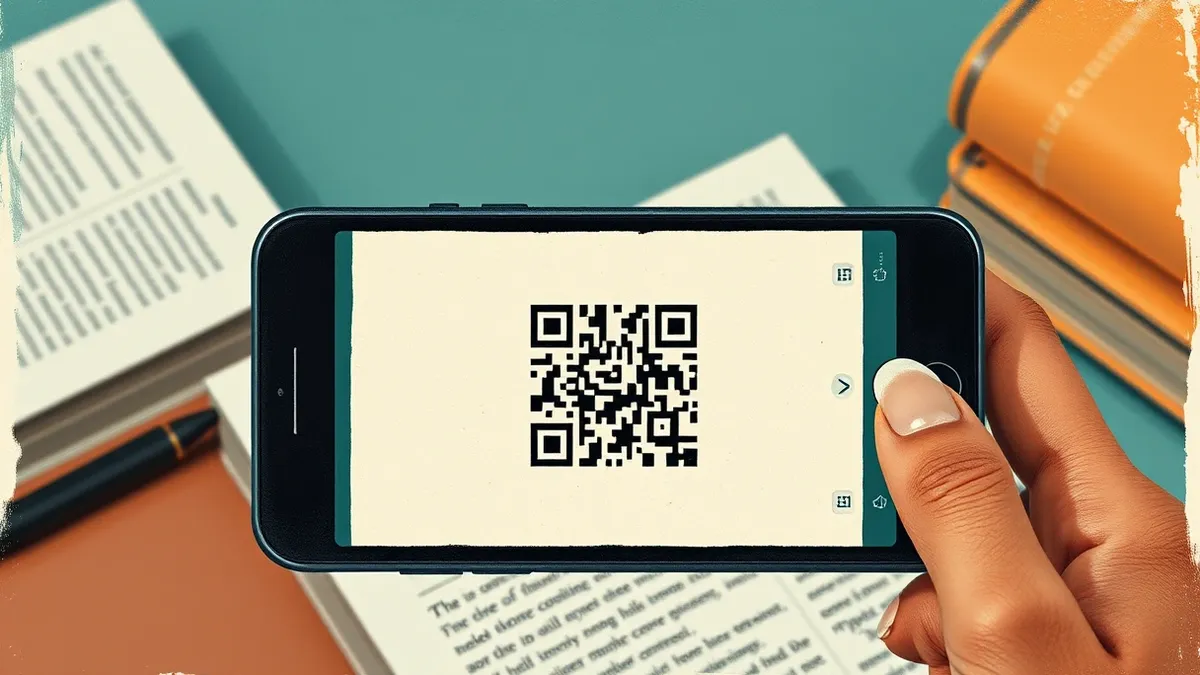
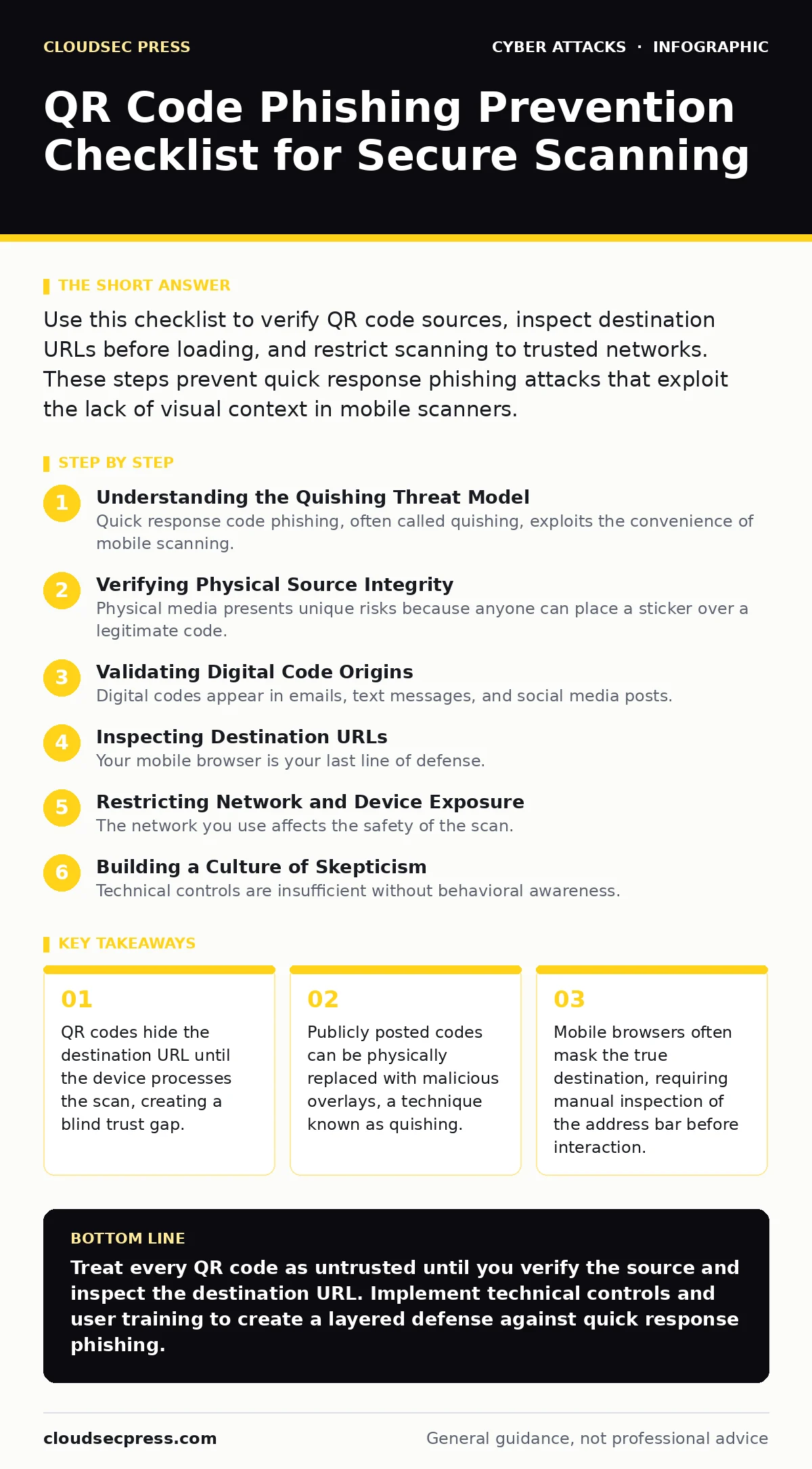
Use this checklist to verify QR code sources, inspect destination URLs before loading, and restrict scanning to trusted networks. These steps prevent quick response phishing attacks that exploit the lack of visual context in mobile scanners.
Understanding the Quishing Threat Model
Quick response code phishing, often called quishing, exploits the convenience of mobile scanning. A quick response code is a two-dimensional barcode that stores data, typically a Uniform Resource Locator. When you scan a code, your device opens the stored link without showing you the address first. This lack of transparency is the primary vulnerability. Attackers rely on your habit of trusting printed materials or digital images. They do not need to hack your device; they only need to trick you into visiting a harmful site. The attack vector shifts from technical exploitation to physical or social manipulation. You must treat every scan as an untrusted input until verified.
Verifying Physical Source Integrity
Physical media presents unique risks because anyone can place a sticker over a legitimate code. This overlay technique is the physical equivalent of tailgating, where an unauthorized party inserts themselves into a trusted flow. You must inspect the physical medium before scanning. Look for signs of tampering, such as loose edges, mismatched printing quality, or multiple layers of adhesive. If a code appears on a poster, check the surrounding area for other suspicious materials. Do not scan codes that are placed over existing ones. Verify the publisher’s identity through independent channels if the context seems ambiguous.
- Inspect printed codes for physical tampering: Overlays can redirect you to attacker-controlled servers.
- Confirm the publisher’s identity independently: Trusting the medium alone ignores the risk of physical substitution.
- Avoid scanning codes in high-traffic public areas: These locations offer anonymity for attackers placing malicious stickers.
Validating Digital Code Origins
Digital codes appear in emails, text messages, and social media posts. These channels are rife with spoofing. An email might appear to come from your bank, but the sender address is fake. The QR code inside links to a credential harvesting site. You must verify the source before scanning. Check the sender’s address for subtle misspellings or domain variations. Cross-reference the request with official communication channels. Never scan a code from an unsolicited message. If you expect a code, confirm its existence through a separate, trusted communication method. This step prevents reliance on potentially compromised digital channels.
- Verify the sender’s identity before scanning: Spoofed emails often contain malicious codes that mimic legitimate requests.
- Cross-reference requests via trusted channels: Independent confirmation ensures the code was actually issued by the source.
- Reject unsolicited QR codes: Unexpected codes are likely phishing attempts designed to exploit curiosity or urgency.
Inspecting Destination URLs
Your mobile browser is your last line of defense. When a code scans, it opens a URL. Do not interact with the page immediately. Look at the address bar. Many mobile browsers shorten the display, hiding the true domain. Tap the address bar to reveal the full Uniform Resource Locator. Check for misspellings, unusual top-level domains, or mismatched certificates. If the site asks for login credentials, verify that the site is the official service provider. A secure connection, indicated by a lock icon, does not guarantee the site is legitimate. It only means the connection is encrypted. Attackers use encryption to protect their data theft.
- Reveal the full URL in the browser: Shortened displays hide malicious domains and redirect chains.
- Check for certificate mismatches: Valid certificates do not prove the site is legitimate, only that the connection is encrypted.
- Look for domain misspellings: Attackers often use visually similar domains to mimic trusted services.
Restricting Network and Device Exposure
The network you use affects the safety of the scan. Public Wi-Fi networks are often unsecured, allowing attackers to intercept traffic. If you scan a code on public Wi-Fi, an attacker could redirect the request to a malicious server, similar to how DNS hijacking compromises name resolution. Use cellular data for sensitive scans. On your device, ensure that automatic opening of scanned links is disabled. Configure your scanner to show a preview of the URL before launching the browser. This adds a friction step that allows you to abort the action if the destination looks suspicious. Regular updates to your operating system and scanner app patch known vulnerabilities.
- Use cellular data for sensitive scans: Public Wi-Fi networks allow traffic interception and potential redirection.
- Disable automatic link opening: Manual confirmation prevents immediate navigation to malicious destinations.
- Keep scanning apps updated: Patches address known vulnerabilities in QR code parsing and handling logic.
See also: DKIM Explained: How Email Signatures Prevent Spoofing
Building a Culture of Skepticism
Technical controls are insufficient without behavioral awareness. Security culture determines how quickly an organization responds to emerging threats. Train users to question the context of every scan. Encourage reporting of suspicious codes. Create a process for verifying codes that appear in official communications. This proactive approach reduces the success rate of phishing campaigns. It also helps identify compromised internal systems. If multiple users report strange codes, it may indicate a broader security issue. Treat every scan as a potential entry point for a botnet attack or formjacking script. Vigilance must be systematic, not accidental.
- Train users to question scan context: Skepticism reduces the likelihood of falling for social engineering tricks.
- Report suspicious codes immediately: Early detection helps identify broader security incidents and compromised systems.
- Establish verification procedures: Standard processes ensure consistent handling of unexpected or ambiguous codes.
Integrating with Email Security Controls
QR codes in emails bypass many traditional security filters. Email security protocols like DKIM verify the sender’s identity, but they do not inspect the content of the email body. A legitimate sender could accidentally include a malicious code, or an attacker could spoof the sender perfectly. You must combine QR code vigilance with robust email security. Deploy DNS filtering to block known malicious domains that might be the destination of a scan. This adds a layer of protection that operates independently of user behavior. If the destination is blacklisted, the browser can block the connection before the user interacts with it.
- Combine with DKIM verification: Sender authentication does not guarantee the safety of embedded QR codes.
- Use DNS filtering for destination blocking: Blocking known malicious domains prevents access even if the code is scanned.
- Monitor for anomalous scanning patterns: Unusual volumes of scans may indicate a coordinated phishing campaign.
Key takeaways
- QR codes hide the destination URL until the device processes the scan, creating a blind trust gap.
- Publicly posted codes can be physically replaced with malicious overlays, a technique known as quishing.
- Mobile browsers often mask the true destination, requiring manual inspection of the address bar before interaction.
Treat every QR code as untrusted until you verify the source and inspect the destination URL. Implement technical controls and user training to create a layered defense against quick response phishing.
Frequently asked questions
Can a QR code infect my phone directly?
No, QR codes only store data like URLs. They cannot execute code directly, but the site they open might attempt to exploit browser vulnerabilities.
Is it safe to scan a QR code from a trusted brand?
Only if you verify the physical or digital source. Trusted brands can be impersonated, or their physical materials can be tampered with.
Do QR code scanners have built-in security features?
Some scanners offer URL preview or blacklist checks, but most default to immediate opening. You must configure these settings manually.
How does this relate to Slowloris attacks?
It does not. Slowloris is a denial-of-service attack that targets web servers, while QR phishing targets user behavior and credential theft.
How this guide was produced: written by the CloudSec Press editorial team with AI assistance, checked against the public references listed below, and reviewed when the facts change. See our editorial policy or report an error.