DNS Filtering for Schools: How It Blocks Threats and Shapes Access
DNS filtering acts as a gatekeeper that stops malware before it loads, but it also creates blind spots for encrypted traffic and legitimate educational tools that rely on dynamic domains.
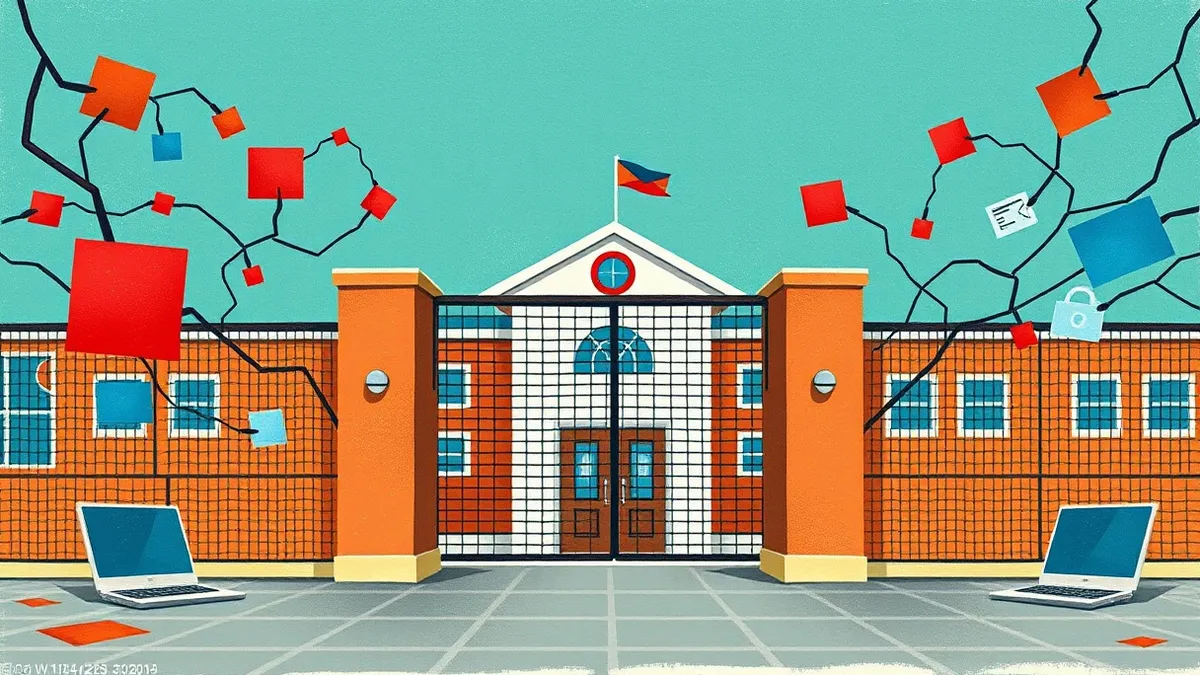
DNS filtering for schools intercepts domain name requests to block access to malicious or inappropriate websites. It operates at the network level, preventing devices from connecting to known threats. This method reduces bandwidth waste and enforces acceptable use policies without installing software on every student device, though it cannot inspect encrypted content.
The Library Catalog Analogy
Imagine a library where every book request goes through a single catalog desk. The librarian checks each request against a list of banned titles before handing over the book. If the title is on the list, the request stops there. No book leaves the shelf. This is how DNS filtering works. It does not read the content of the web page. It only checks the address you are trying to visit. If the address matches a blocked category, the connection fails immediately. This happens before any data reaches your device.
What Is DNS Filtering?
DNS filtering is a security mechanism that controls internet access by intercepting Domain Name System queries. The Domain Name System translates human-readable web addresses into numeric IP addresses that computers use to locate each other. When a student types a website address, the request first goes to a DNS server. The filter sits between the device and the DNS server. It checks the requested domain against allow and block lists. If the domain is permitted, the filter returns the IP address. If the domain is blocked, the filter returns an error or a redirect page. This process happens in milliseconds.
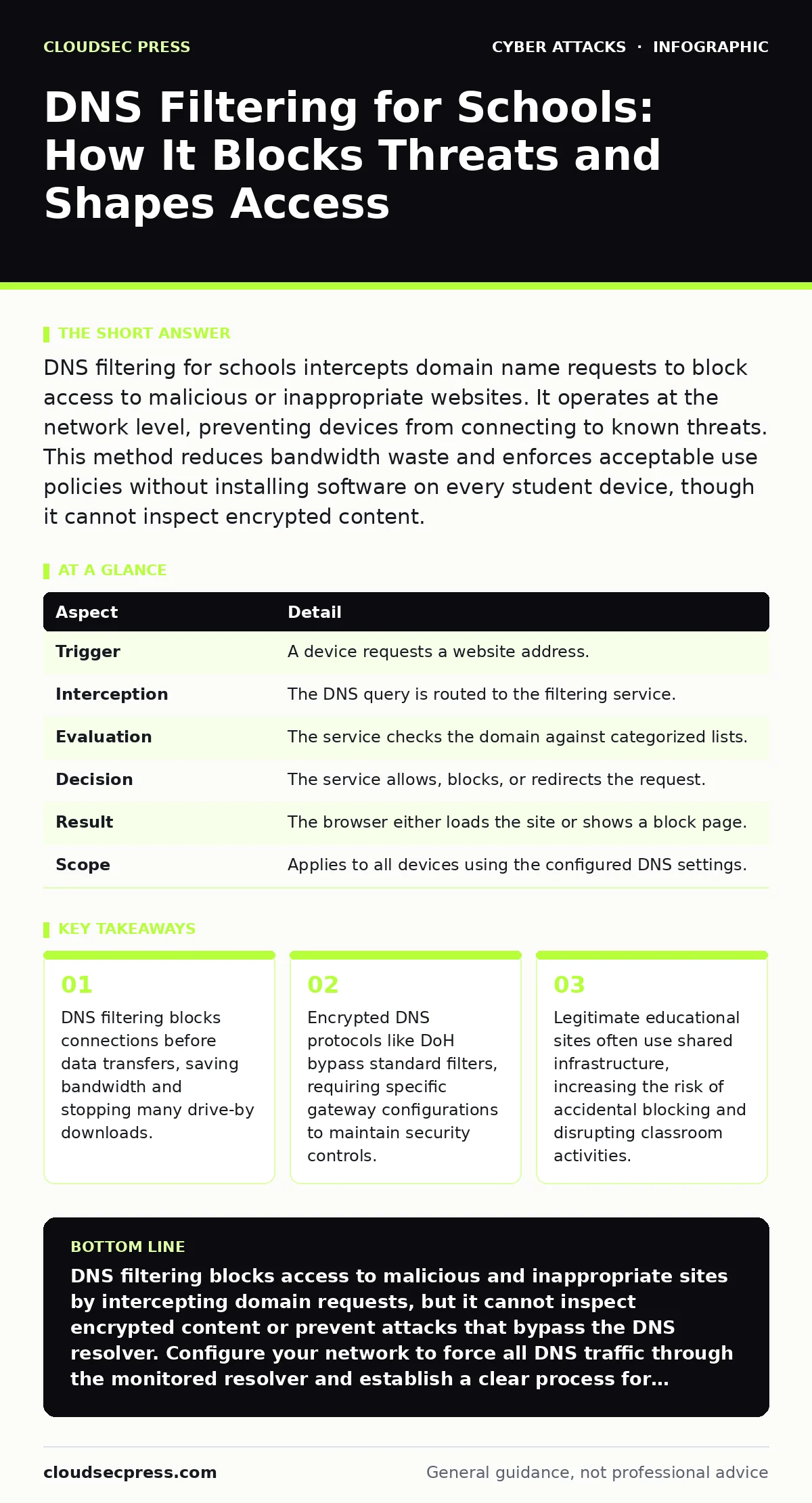
At a Glance: How It Works
| Aspect | Detail |
|---|---|
| Trigger | A device requests a website address. |
| Interception | The DNS query is routed to the filtering service. |
| Evaluation | The service checks the domain against categorized lists. |
| Decision | The service allows, blocks, or redirects the request. |
| Result | The browser either loads the site or shows a block page. |
| Scope | Applies to all devices using the configured DNS settings. |
Why Schools Use This Method
Schools face unique challenges with network security and bandwidth management. DNS filtering provides a centralized control point. Administrators do not need to install software on every laptop, tablet, or phone. They simply point the network’s DNS settings to the filtering service. This approach blocks access to adult content, gambling sites, and known malicious domains. It also prevents devices from communicating with command-and-control servers used in botnet attacks. By stopping these connections at the address resolution stage, the school reduces the risk of data exfiltration and ransomware deployment. It is a passive defense that works silently in the background.
The Hidden Cost of Convenience
Convenience comes with trade-offs. DNS filtering relies on categorized lists of domains. These lists are updated frequently, but they are not perfect. Many legitimate services use dynamic domains or shared hosting environments. A news site might share an infrastructure provider with a malicious site. If the provider gets blacklisted, the news site becomes inaccessible.
This is known as collateral damage. Teachers often spend time troubleshooting blocked educational resources. Students may find workarounds, such as using mobile data or personal hotspots, which bypass the school’s network controls entirely. This creates a false sense of security. The filter only protects traffic that passes through the school’s DNS resolver.
See also: Cyber Espionage Prevention Checklist: Stop Silent Data Theft · Botnet Attack Mistakes That Leave Your Network Exposed
What People Usually Get Wrong
Many administrators assume DNS filtering provides complete visibility. It does not. DNS filtering only sees the domain name. It cannot see the specific path or file within that domain. If a malicious file is hosted on a legitimate domain, the filter will allow the connection. The malware downloads successfully. This is why DNS filtering must be paired with other security layers.
It also does not inspect encrypted traffic. Modern browsers use DNS over HTTPS or DNS over TLS. These protocols encrypt the DNS query itself. A standard DNS filter cannot read the request. It sees only that a DNS query is happening, not what domain is being requested. To maintain control, schools must configure their network to force DNS queries through the unencrypted, monitored resolver.
Handling Encrypted DNS Queries
Encrypted DNS is a double-edged sword. It protects user privacy by preventing eavesdropping on DNS requests. However, it also prevents the school’s filter from seeing those requests. If a student enables DNS over HTTPS on their device, the query goes directly to a public resolver like Google or Cloudflare. The school’s filter never sees it. The student bypasses all content restrictions.
To address this, network administrators must block direct connections to public DNS resolvers. They force all devices to use the school’s internal DNS server. This server then forwards queries to the filtering service. This technique is called DNS sinkholing. It ensures that all DNS traffic passes through the inspection point. It requires careful configuration to avoid breaking legitimate applications that rely on embedded DNS resolvers.
Mitigating False Positives
False positives occur when legitimate sites are blocked. This disrupts learning and erodes trust in the security system. Schools should implement a streamlined appeal process. Teachers and staff need a quick way to request exceptions. The filtering service should allow temporary whitelisting for specific classes or projects. Regular reviews of the block lists help identify overly broad categories.
Administrators should adjust category thresholds to balance security and usability. For instance, a social media site might be blocked generally but allowed during a specific research project. This flexibility reduces friction. It also encourages users to report issues rather than seeking workarounds. Transparency is key. Users should know why a site is blocked and how to request access.
Complementary Security Measures
DNS filtering is one layer of defense. It should not be the only one. Schools must also protect against other threats. For example, malicious email attachments can deliver malware without visiting a blocked website. Users often open these files because they appear to come from trusted sources. DNS filtering cannot stop an email from being delivered. It can only block the domain if the email client tries to connect to a malicious server later.
This is a reactive measure. Proactive measures include email security gateways and user training. Additionally, DNS hijacking attacks can redirect users to fake sites even if the original domain is allowed. This occurs when an attacker compromises the DNS resolver itself. Using authenticated DNSSEC helps prevent this. It ensures that the DNS responses are valid and have not been tampered with.
The Limits of Network Control
No single tool provides complete protection. DNS filtering is effective at blocking known bad domains. It fails against new, unknown threats that have not yet been categorized. It also fails against encrypted traffic that bypasses the resolver. Schools must accept these limits. They should focus on reducing the attack surface.
This includes keeping software updated, restricting administrative privileges, and educating users about phishing. Session hijacking is another threat that DNS filtering cannot prevent. Once a user logs into a legitimate site, the filter cannot stop an attacker from stealing the session cookie. This requires secure coding practices and multi-factor authentication. DNS filtering is a gatekeeper, not a bodyguard. It controls entry, but it does not protect what happens inside.
Key takeaways
- DNS filtering blocks connections before data transfers, saving bandwidth and stopping many drive-by downloads.
- Encrypted DNS protocols like DoH bypass standard filters, requiring specific gateway configurations to maintain security controls.
- Legitimate educational sites often use shared infrastructure, increasing the risk of accidental blocking and disrupting classroom activities.
DNS filtering blocks access to malicious and inappropriate sites by intercepting domain requests, but it cannot inspect encrypted content or prevent attacks that bypass the DNS resolver. Configure your network to force all DNS traffic through the monitored resolver and establish a clear process for handling false positive blocks.
Frequently asked questions
Can students bypass DNS filtering?
Yes, students can bypass DNS filtering by using mobile data, changing DNS settings on their devices, or using encrypted DNS protocols. Network administrators must block direct access to public DNS resolvers to maintain control.
Does DNS filtering protect against viruses?
DNS filtering blocks connections to known malicious domains, which can prevent some malware downloads. It does not scan files for viruses. It cannot stop malware hosted on legitimate domains or delivered via email attachments.
How does DNS filtering affect internet speed?
DNS filtering adds a small delay to each domain lookup, usually measured in milliseconds. This delay is generally negligible. However, blocking large categories of traffic can reduce overall bandwidth usage, potentially improving speed for allowed sites.
Is DNS filtering legal in schools?
In many jurisdictions, schools are required to filter internet access for minors. Laws like the Children’s Internet Protection Act in the US mandate such controls. Schools must comply with local regulations and balance security with educational needs.
How this guide was produced: written by the CloudSec Press editorial team with AI assistance, checked against the public references listed below, and reviewed when the facts change. See our editorial policy or report an error.