Formjacking: How Small Businesses Lose Customer Data
Small firms face disproportionate formjacking risks because attackers exploit weak validation logic rather than complex server vulnerabilities.

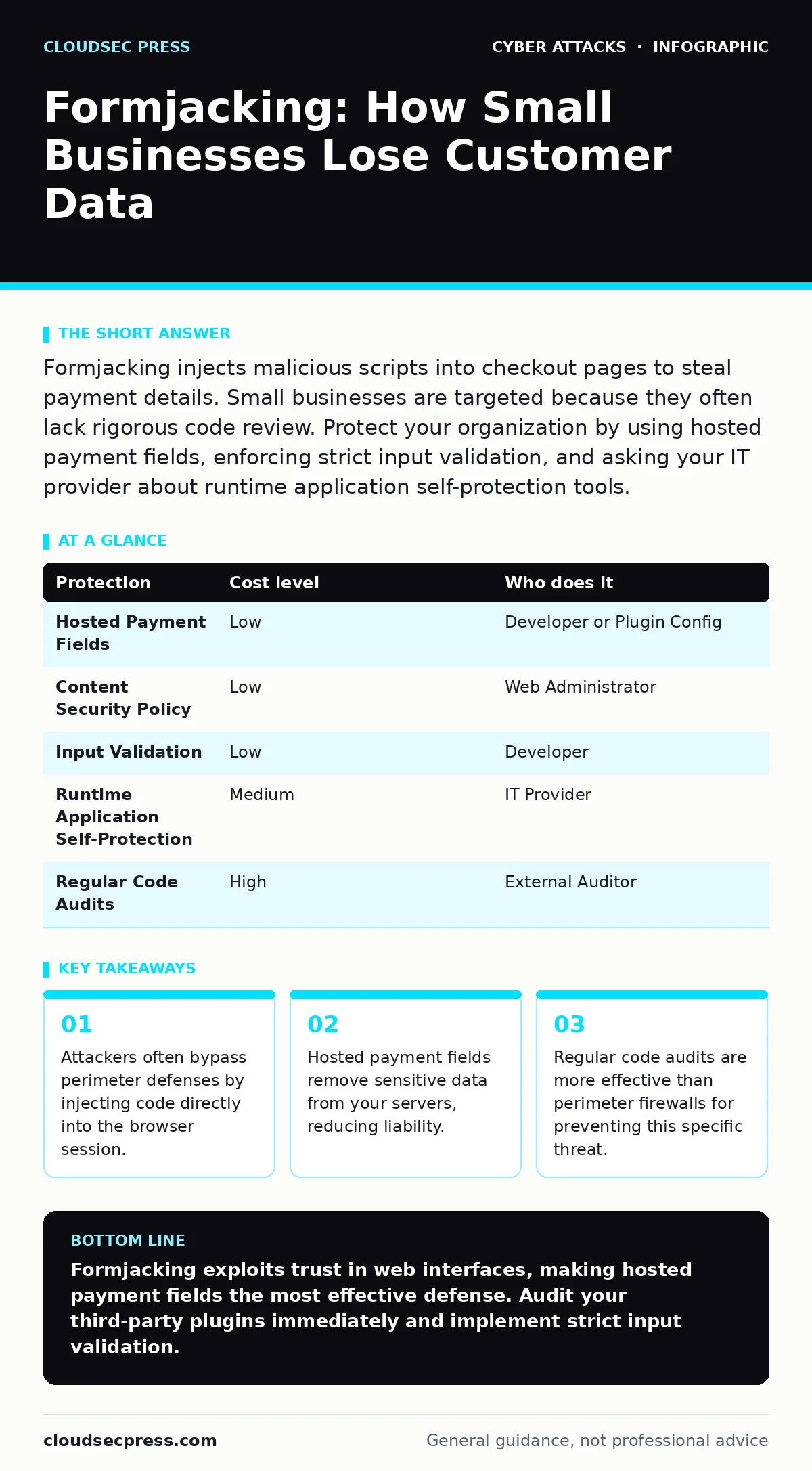
Formjacking injects malicious scripts into checkout pages to steal payment details. Small businesses are targeted because they often lack rigorous code review. Protect your organization by using hosted payment fields, enforcing strict input validation, and asking your IT provider about runtime application self-protection tools.
The Silent Checkout Compromise
This scenario describes formjacking. Unlike traditional malware that infects a user's device, formjacking targets the web application itself. Attackers inject malicious JavaScript into the forms customers fill out. This script runs in the background, capturing keystrokes or scraping form fields as the user types.
The stolen data includes credit card numbers, expiration dates, and security codes. This information allows criminals to make unauthorized purchases. Because the transaction appears legitimate to the payment processor, the fraud often goes undetected until the cardholder disputes the charge.
Small organizations are frequently targeted because they assume their size makes them invisible. Attackers know that small teams often lack dedicated security engineers. They also know that small businesses may use off-the-shelf plugins or themes that have not been thoroughly vetted for security flaws.
Why Small Organizations Are Exposed
The primary exposure for small businesses is the reliance on third-party code. Many small sites use content management systems with community-built extensions. These extensions are convenient but may contain vulnerabilities. An attacker can exploit a flaw in a minor plugin to inject malicious code into your checkout process.
Another risk factor is inadequate input validation. If your application does not strictly define what characters are allowed in a form field, attackers can insert script tags. This is known as cross-site scripting, or XSS. When a user visits the page, their browser executes the attacker's script instead of just displaying it as text.
Small teams often prioritize speed over security. Adding rigorous validation takes time and testing. Without a dedicated security budget, these tasks fall to developers who are focused on feature delivery. This trade-off creates gaps that automated scanning tools may miss, especially if the attacks are polymorphic, meaning they change their code structure with each injection.
Understanding the Attack Vector
Formjacking is distinct from other web attacks. It does not necessarily require the attacker to compromise your server files. Instead, they may exploit a vulnerability in a CMS plugin or a theme. This allows them to insert a script that loads dynamically.
The script is often disguised to look like legitimate code. It might be minified, or compressed, to avoid detection by simple text searches. It may also use domain generation algorithms to communicate with command-and-control servers. This makes it difficult for basic security tools to identify the malicious traffic.
The attack succeeds because the user trusts the website interface. The checkout page looks normal. The progress bar advances correctly. The only difference is that the data is being copied. This reliance on user trust is the core mechanism of the threat.
Low-Cost Protections for Limited Budgets
You can mitigate formjacking risks without expensive enterprise security suites. The most effective measure is to use hosted payment fields. This approach means the payment form is served directly from the payment provider's servers, not yours.
When you use hosted fields, the customer's browser communicates directly with the payment processor. Your website never sees the raw credit card data. This eliminates the attack surface for formjacking because there is no form on your server to inject into.
| Protection | Cost level | Who does it |
|---|---|---|
| Hosted Payment Fields | Low | Developer or Plugin Config |
| Content Security Policy | Low | Web Administrator |
| Input Validation | Low | Developer |
| Runtime Application Self-Protection | Medium | IT Provider |
| Regular Code Audits | High | External Auditor |
Implementing a Content Security Policy, or CSP, is another low-cost step. CSP is a browser security standard that specifies which sources of content are allowed to load. By restricting where scripts can be loaded from, you prevent malicious scripts from executing even if they are injected into the page.
Strict input validation is also critical. Ensure that every form field rejects unexpected characters. If a field is for a phone number, reject letters and symbols. This reduces the likelihood of successful cross-site scripting attacks that enable formjacking.
What to Ask Your IT Provider
If you rely on an external IT provider, you need specific answers regarding web application security. General statements about "keeping things secure" are not enough. You need to know how they detect and prevent code injection.
Ask your provider about their process for reviewing third-party plugins. Many small businesses use plugins that are no longer maintained. An outdated plugin is a known vulnerability. Your provider should have a policy for removing or replacing unsupported code.
Also, inquire about runtime application self-protection, or RASP. RASP tools monitor the application's behavior while it is running. They can detect and block malicious code execution in real-time. This is more effective than static code analysis, which only checks the code before it runs.
Finally, ask about their incident response plan for web compromises. If formjacking is detected, how quickly can they isolate the affected pages? How do they verify that all malicious code has been removed? A clear plan ensures minimal downtime and data exposure.
See also: Server-Side Request Forgery: Step-by-Step Attack Mechanics · SaaS Access Reviews for Small Teams: Cut Risk Without Hiring
Integrating Broader Security Practices
Formjacking is rarely an isolated incident. It often accompanies other threats. For instance, attackers may use malicious email attachments to gain initial access to your administrative accounts. Once inside, they can inject malicious code into your website.
Strong password hygiene is a prerequisite for web security. If an attacker can guess your admin password, they can modify your site's code directly. Using password managers helps generate and store complex credentials, reducing the risk of unauthorized access.
You should also consider the risk of session hijacking. If an attacker can steal a user's session cookie, they can act as that user. This might allow them to view sensitive data or make changes to their account. Implementing secure cookie flags helps mitigate this risk.
Rate limiting can also help protect your login pages. By limiting the number of login attempts, you slow down brute-force attacks that seek to gain administrative access. This adds a layer of defense around the entry points to your system.
Building a Resilient Culture
Security is not just a technical issue; it is a cultural one. Your team needs to understand the risks of using unvetted software. Developers should be trained to write secure code from the start, rather than adding security as an afterthought.
Regular training helps staff recognize phishing attempts that could lead to credential theft. If an employee clicks a link in an email, they may inadvertently expose your administrative credentials. This is a common precursor to formjacking attacks.
You should also establish a process for reporting suspicious activity. If a customer reports a strange checkout experience, it should be treated as a potential security incident. Early detection can limit the amount of data stolen.
Verifying Your Defenses
Regular testing is the only way to verify that your protections are working. Static analysis tools can find some vulnerabilities, but they miss logic errors. Dynamic application security testing, or DAST, simulates real-world attacks against your live application.
Consider hiring an external auditor to perform a penetration test. This involves ethical hackers attempting to exploit your system. Their findings will reveal gaps that internal teams may have missed. This is particularly important if you have recently updated your website or added new plugins.
Do not rely solely on automated scanners. They can produce false positives and miss complex attack chains. Human expertise is required to interpret the results and prioritize fixes. This ensures that you address the most critical vulnerabilities first.
By combining technical controls with vigilant monitoring and regular testing, you can significantly reduce the risk of formjacking. The goal is not to eliminate all risk, which is impossible, but to make your organization a difficult target. This approach protects your customers and preserves your reputation.
Key takeaways
- Attackers often bypass perimeter defenses by injecting code directly into the browser session.
- Hosted payment fields remove sensitive data from your servers, reducing liability.
- Regular code audits are more effective than perimeter firewalls for preventing this specific threat.
Formjacking exploits trust in web interfaces, making hosted payment fields the most effective defense. Audit your third-party plugins immediately and implement strict input validation.
Frequently asked questions
Does HTTPS protect against formjacking?
HTTPS encrypts data in transit, but it does not prevent malicious scripts from running in the browser. The script can still capture data before it is encrypted.
How do I know if my site has been formjacked?
Look for unexpected scripts in your page source code. Unexplained spikes in server traffic or customer complaints about fraudulent charges are also indicators.
Can a firewall stop formjacking?
Traditional firewalls monitor network traffic, not application logic. They may block known malicious IPs, but they cannot stop code injection that occurs within allowed traffic.
Is using a reputable CMS enough?
No. Even reputable CMS platforms can be compromised through vulnerable plugins or themes. Regular updates and strict access controls are necessary.
How this guide was produced: written by the CloudSec Press editorial team with AI assistance, checked against the public references listed below, and reviewed when the facts change. See our editorial policy or report an error.