Session Hijacking: How Attackers Steal Your Active Login
Session hijacking bypasses password defenses entirely by stealing the temporary token that proves you are already logged in to a service.
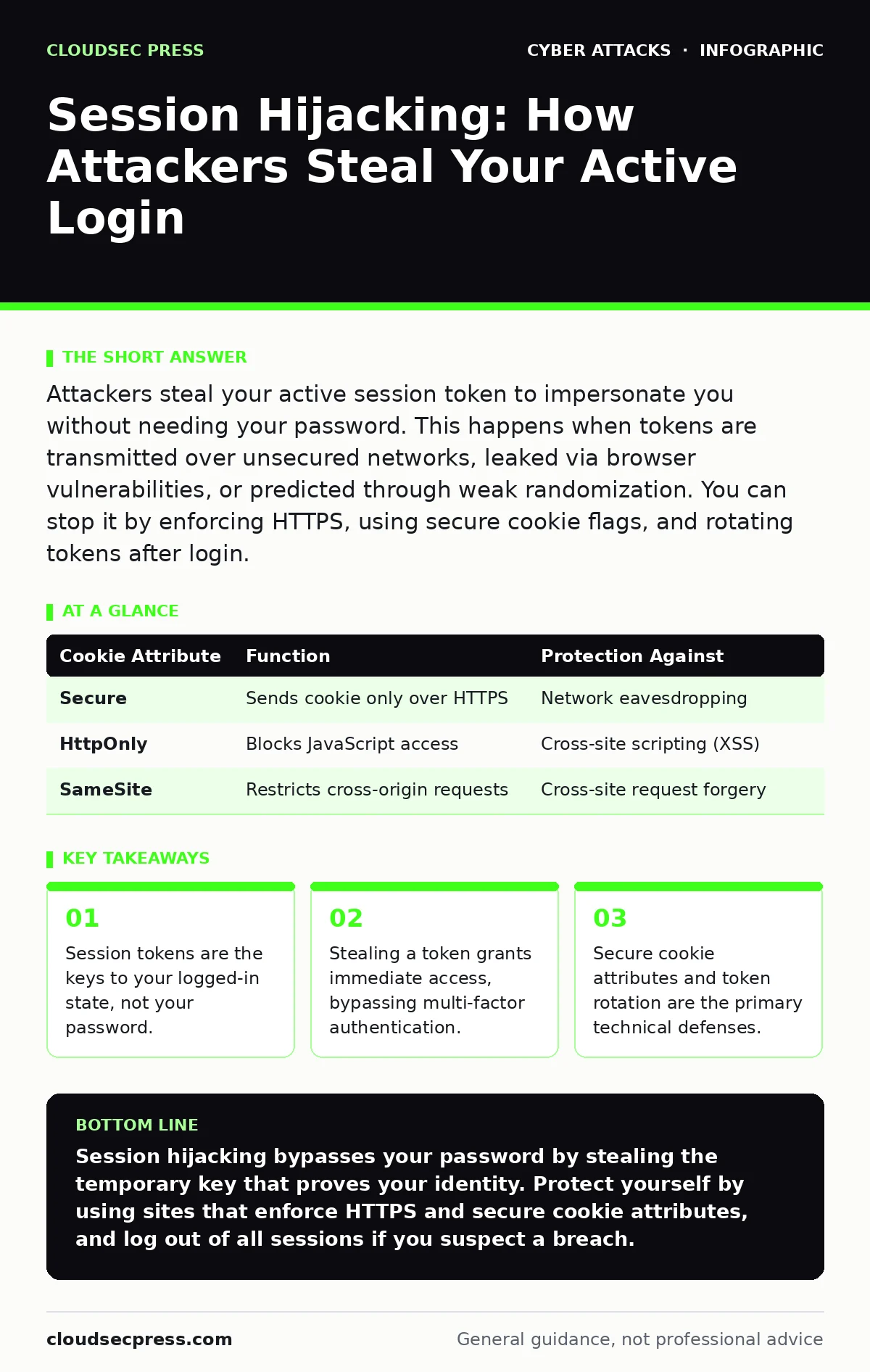
Attackers steal your active session token to impersonate you without needing your password. This happens when tokens are transmitted over unsecured networks, leaked via browser vulnerabilities, or predicted through weak randomization. You can stop it by enforcing HTTPS, using secure cookie flags, and rotating tokens after login.
What exactly is a session hijacking attack?
Session hijacking is the theft of a valid session identifier that allows an attacker to impersonate a legitimate user. When you log in to a website, the server creates a unique string of characters called a session token. This token acts as a digital badge, telling the server that you have already authenticated. If an attacker obtains this badge, they can present it to the server and gain full access to your account. The server cannot distinguish between your browser and the attacker’s request if both hold the same valid token.
How do attackers actually steal session tokens?
Attackers use several technical methods to intercept or predict these tokens. One common method is man-in-the-middle interception, where the attacker sits between you and the server on an unsecured network. They capture the token as it travels across the network in plain text. Another method involves cross-site scripting, where malicious code runs in your browser and sends your token to the attacker. Less commonly, attackers exploit weak random number generators to guess valid tokens. Each method relies on a specific failure in how the token is generated, stored, or transmitted.
Can I get hijacked on a public Wi-Fi network?
Public Wi-Fi networks are high-risk environments for session interception because traffic is often unencrypted. Imagine you are checking email at a coffee shop using an open network. An attacker on the same network can use packet sniffing tools to read the data flowing through the air. If the website you are visiting does not enforce HTTPS, your session token travels in clear text. The attacker captures this token and uses it to access your account from their own device. This is why encrypted connections are non-negotiable on shared networks.
Does HTTPS prevent session hijacking completely?
HTTPS encrypts the data traveling between your browser and the server, which prevents most network-based interception. However, it does not protect against all forms of hijacking. If a website has a cross-site scripting vulnerability, an attacker can inject code that steals your token directly from your browser memory. In this case, the token is sent to the attacker over a legitimate, encrypted connection. The encryption hides the theft from network monitors, but the compromise has already occurred. You must also protect against client-side vulnerabilities, not just network eavesdropping.
What role do cookies play in these attacks?
Cookies are the standard storage mechanism for session tokens in web browsers. When a server sets a session cookie, it can apply specific security flags to control how the cookie behaves. The Secure flag ensures the cookie is only sent over HTTPS connections. The HttpOnly flag prevents JavaScript from accessing the cookie, which blocks many cross-site scripting attacks. If a developer fails to set these flags, the token becomes vulnerable to script-based theft. Understanding these attributes helps you evaluate the security posture of the services you use.
| Cookie Attribute | Function | Protection Against |
|---|---|---|
| Secure | Sends cookie only over HTTPS | Network eavesdropping |
| HttpOnly | Blocks JavaScript access | Cross-site scripting (XSS) |
| SameSite | Restricts cross-origin requests | Cross-site request forgery |
See also: DKIM Explained: How Email Signatures Prevent Spoofing · QR Code Phishing Prevention Checklist for Secure Scanning
Is multi-factor authentication enough to stop this?
Multi-factor authentication adds a second layer of verification during the initial login process. However, it does not protect you after you have successfully logged in. Once you pass the multi-factor check, the server issues a session token. If an attacker steals that token, they bypass the multi-factor requirement entirely. They are already "logged in" in the eyes of the server. This is why session security is distinct from authentication security. You can have strong login credentials and still be hijacked if your session is compromised.
How can developers prevent session hijacking?
Developers must implement strict session management practices to mitigate these risks. They should generate tokens using cryptographically secure random number generators to prevent prediction. Tokens should be rotated after every login and after any privilege change. This means the old token becomes invalid immediately, limiting the window of opportunity for an attacker. Additionally, developers should set short expiration times for idle sessions. If you stop interacting with the site, the token should expire automatically. This reduces the lifespan of any stolen token.
What should I do if I suspect hijacking?
If you notice unusual activity in your account, assume your session token has been stolen. Immediately log out of all active sessions on the affected service. This action invalidates the current token, rendering the attacker’s copy useless. Then, change your password to prevent the attacker from logging in again with new credentials. Review your account settings for any unauthorized changes, such as new recovery emails or linked devices. For broader protection against credential reuse, consider using a password manager to generate unique credentials for each site.
How is this different from cookie poisoning?
Cookie poisoning involves modifying the data stored in a cookie to manipulate the server’s behavior. In session hijacking, the attacker steals the valid token to impersonate you. In cookie poisoning, the attacker might alter a value within the cookie, such as changing a user ID from "guest" to "admin". This is a form of tampering rather than theft. Defenses against poisoning often involve digital signatures or encryption of the cookie data. Understanding the difference helps you identify whether the threat is impersonation or data manipulation.
Can session hijacking happen on mobile apps?
Mobile apps often use API tokens instead of browser cookies for session management. These tokens are stored in the device’s secure storage or memory. If an app fails to encrypt this storage, a rooted or jailbroken device can expose the tokens to other applications. Attackers can then harvest these tokens and use them to access your account via the API. Mobile apps must implement strict key management and check for jailbreak status to reduce this risk. The principles of token rotation and expiration apply equally to mobile environments.
Key takeaways
- Session tokens are the keys to your logged-in state, not your password.
- Stealing a token grants immediate access, bypassing multi-factor authentication.
- Secure cookie attributes and token rotation are the primary technical defenses.
Session hijacking bypasses your password by stealing the temporary key that proves your identity. Protect yourself by using sites that enforce HTTPS and secure cookie attributes, and log out of all sessions if you suspect a breach.
Frequently asked questions
Does clearing my browser cache stop session hijacking?
Clearing cache removes temporary files but may not invalidate active session tokens stored in memory or secure cookies. You must explicitly log out of accounts to terminate active sessions and invalidate tokens.
Is session hijacking the same as DNS hijacking?
No, DNS hijacking redirects your web traffic to a fake server by manipulating domain name resolution. Session hijacking steals your authentication token after you have successfully connected to the legitimate server.
Can a VPN prevent session hijacking?
A VPN encrypts your traffic between your device and the VPN server, protecting against local network eavesdropping. However, it does not protect against cross-site scripting or server-side vulnerabilities that steal tokens from your browser.
How long does a session token last?
Session duration varies by service, ranging from minutes to weeks. Shorter expiration times reduce the risk window for stolen tokens. Idle timeouts typically expire sessions after a period of inactivity, such as 30 minutes.
How this guide was produced: written by the CloudSec Press editorial team with AI assistance, checked against the public references listed below, and reviewed when the facts change. See our editorial policy or report an error.