HTTP Security Headers: 6 Common Misreadings That Leave Sites Exposed
HTTP headers enforce browser behavior rather than server security, meaning many misconfigurations fail silently while attackers exploit the underlying protocol gaps.

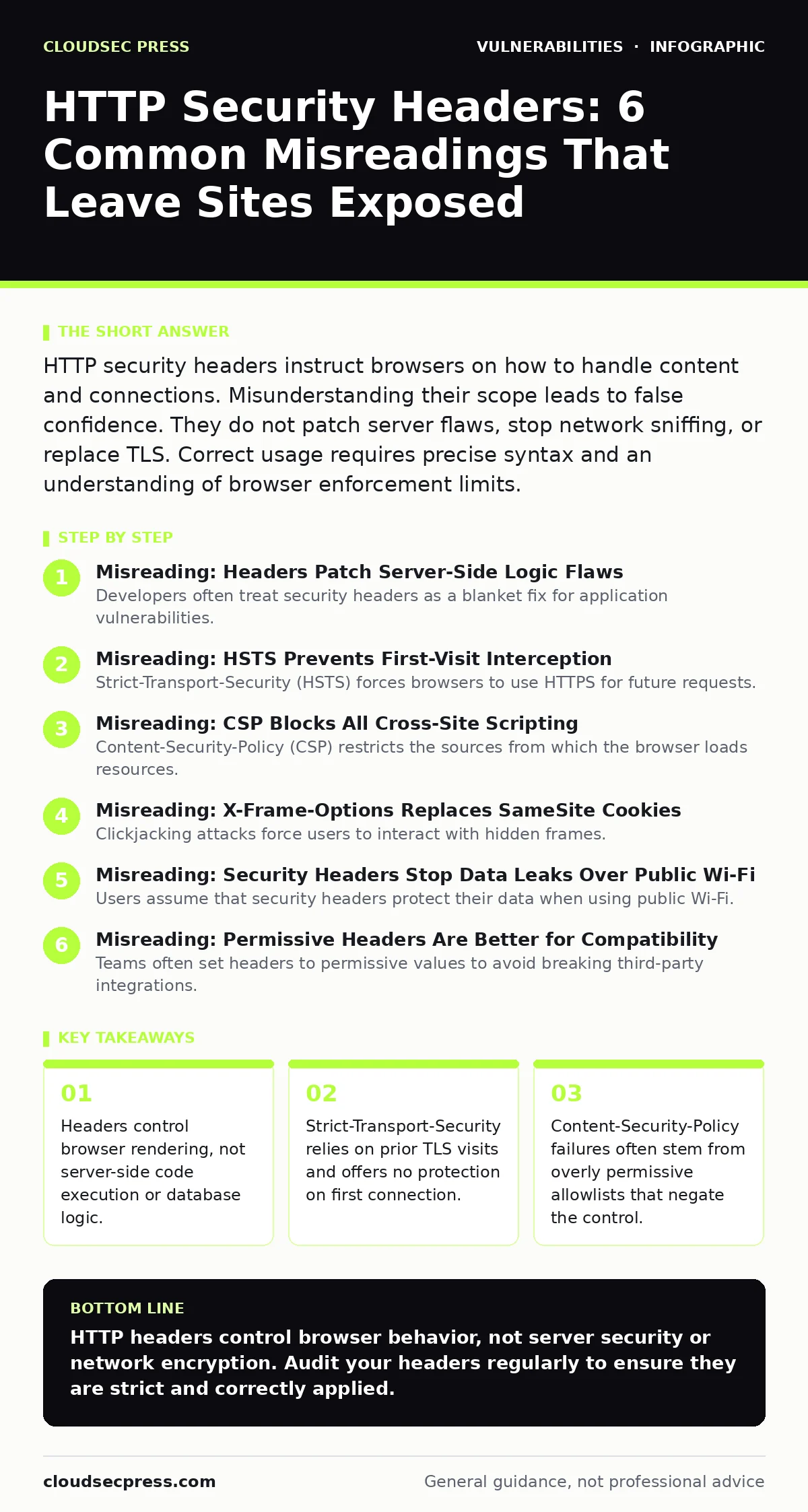
HTTP security headers instruct browsers on how to handle content and connections. Misunderstanding their scope leads to false confidence. They do not patch server flaws, stop network sniffing, or replace TLS. Correct usage requires precise syntax and an understanding of browser enforcement limits.
Misreading: Headers Patch Server-Side Logic Flaws
Developers often treat security headers as a blanket fix for application vulnerabilities. This view is incorrect. Headers like X-Content-Type-Options or Referrer-Policy only influence how the client browser interprets and sends data. They do not alter server-side request processing. If your application suffers from command injection, adding headers will not prevent an attacker from executing system commands. The server still receives and processes the malicious input. The header merely controls how the resulting HTML is displayed or how referrer data is shared. You must patch the code logic itself. Headers are a layer of defense for the client, not the server.
Misreading: HSTS Prevents First-Visit Interception
Strict-Transport-Security (HSTS) forces browsers to use HTTPS for future requests. Many believe this protects users from the very first visit to a site. This is a dangerous assumption. HSTS requires the browser to have previously received the header over a secure HTTPS connection. On a first visit, or if the user clears their cache, the browser uses HTTP.
An attacker on the network can intercept this initial HTTP request. They can redirect the user to a malicious HTTPS site. The browser accepts the attacker’s certificate because it has no HSTS record. To protect first-time visitors, you must rely on Certificate Transparency and preloading lists. HSTS is a memory mechanism, not an initial handshake protection.
Misreading: CSP Blocks All Cross-Site Scripting
Content-Security-Policy (CSP) restricts the sources from which the browser loads resources. Teams often enable CSP and assume it eliminates cross-site scripting (XSS) attacks. This is rarely true in practice. Most CSP configurations include 'self' or specific third-party domains for analytics and ads. Attackers exploit these allowed origins.
They inject scripts that load resources from permitted domains. The browser executes the code because the source is authorized. A poorly configured CSP often allows more harm than none. It gives a false sense of security while the application remains vulnerable to stored XSS. You must audit your allowlist strictly. Remove every domain you do not explicitly need.
Misreading: X-Frame-Options Replaces SameSite Cookies
Clickjacking attacks force users to interact with hidden frames. X-Frame-Options prevents your site from being loaded in frames on other domains. Some teams use this header to protect session cookies from cross-site request forgery (CSRF). This is the wrong mechanism. X-Frame-Options only controls rendering. It does not stop the browser from sending cookies with requests.
A malicious site can still trigger a POST request to your API. Your server receives the request with valid authentication cookies. SameSite cookie attributes are the correct control for CSRF mitigation. They instruct the browser to withhold cookies on cross-site requests. X-Frame-Options is for UI redress, not data integrity.
Misreading: Security Headers Stop Data Leaks Over Public Wi-Fi
Users assume that security headers protect their data when using public Wi-Fi. This belief overlooks the transport layer. Headers are text strings inside HTTP responses. They travel in the clear if TLS is not enabled. An attacker on the same network can capture the raw packet. They read the headers and the body. No header can encrypt the connection itself. Only Transport Layer Security (TLS) provides confidentiality and integrity. If you serve content over HTTP, all your security headers are visible to anyone listening. You must enforce HTTPS via HSTS and server configuration. Headers alone are useless without encryption. They are metadata, not a vault.
See also: Formjacking: How Small Businesses Lose Customer Data
Misreading: Permissive Headers Are Better for Compatibility
Teams often set headers to permissive values to avoid breaking third-party integrations. They use CSP wildcards or omit X-Content-Type-Options entirely. This approach creates a hidden cost. Permissive headers offer zero security value. They are functionally identical to having no headers. The browser defaults to legacy behavior. Legacy behavior includes type sniffing and loose script sourcing.
Attackers rely on these defaults. By staying permissive, you keep the attack surface wide open. Compatibility issues usually stem from outdated integrations. You should update or remove those integrations. Security headers require precision. A strict policy that breaks a non-essential widget is better than a permissive policy that allows script injection.
Misreading: Headers Are Static and Set Once
Many organizations configure headers in web server files and forget them. This static view ignores the dynamic nature of applications. Different pages have different security requirements. The login page needs stricter controls than a static marketing page. Using a global header configuration often leads to errors. A strict policy on a dynamic dashboard breaks functionality.
A loose policy on a login page exposes it to attacks. You need context-aware header generation. Your application framework should allow per-route header definitions. This ensures each endpoint has the right level of restriction. Regular audits of header responses are necessary. Configuration drift happens when deployments change the environment.
Misreading: Headers Replace Input Validation
Input validation is the primary defense against injection attacks. Some developers believe that headers like X-XSS-Protection (now deprecated) or CSP replace the need to validate user input. This is a fundamental error. Headers mitigate the impact of a successful injection. They do not prevent the injection itself. If you do not validate input, attackers find bypasses. They use encoded payloads or alternative vectors. The browser may block some scripts, but others slip through. You must validate and sanitize all user input on the server. Headers are a secondary control. They are not a substitute for secure coding practices. Trust nothing from the client. Validate everything on the server.
Check your understanding by reviewing the response headers of your production site. Use a browser developer tool to inspect the network tab. Look for missing or misconfigured headers. Compare them against current best practices. Identify which headers are present and which are absent. Note any permissive values that weaken the policy. This audit reveals the gap between assumed and actual security.
Key takeaways
- Headers control browser rendering, not server-side code execution or database logic.
- Strict-Transport-Security relies on prior TLS visits and offers no protection on first connection.
- Content-Security-Policy failures often stem from overly permissive allowlists that negate the control.
HTTP headers control browser behavior, not server security or network encryption. Audit your headers regularly to ensure they are strict and correctly applied.
Frequently asked questions
Do security headers protect against SQL injection?
No, security headers do not protect against SQL injection. SQL injection is a server-side logic flaw that requires input validation and parameterized queries to fix.
Should I use X-XSS-Protection header?
No, the X-XSS-Protection header is deprecated and can introduce new vulnerabilities. Modern browsers ignore it, and it may interfere with Content-Security-Policy.
How do I test my HTTP security headers?
You can test headers using browser developer tools or online scanning services. Inspect the network tab to see response headers and verify their values against security standards.
Do security headers impact website performance?
Security headers have negligible impact on performance. They are small text strings added to HTTP responses. The overhead is minimal compared to the security benefits.
How this guide was produced: written by the CloudSec Press editorial team with AI assistance, checked against the public references listed below, and reviewed when the facts change. See our editorial policy or report an error.