DNS Hijacking Definition: How Attackers Steal Your Web Traffic
DNS hijacking reroutes your browser requests to fraudulent sites by corrupting the address book of the internet, often without triggering standard security alerts.

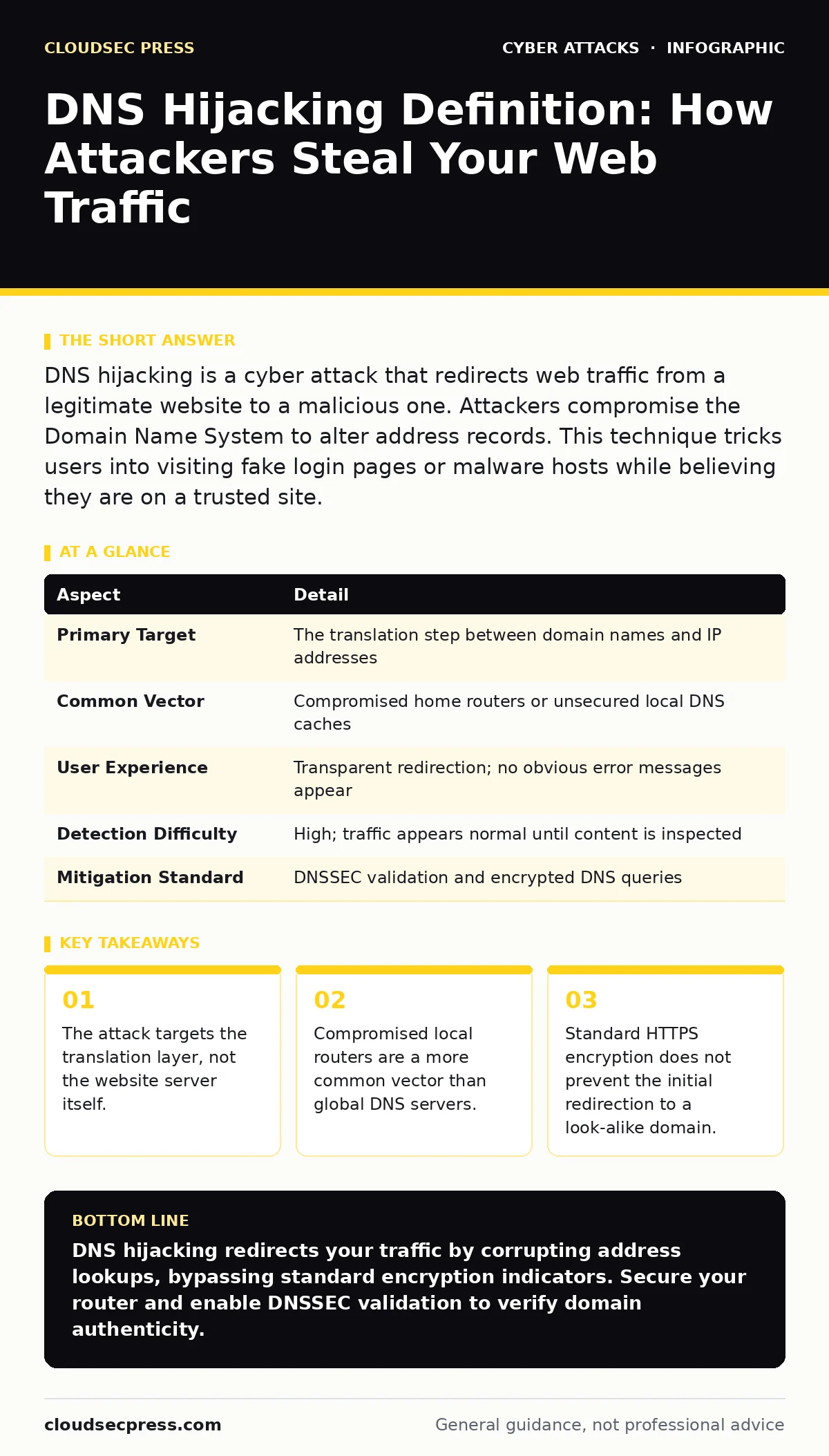
DNS hijacking is a cyber attack that redirects web traffic from a legitimate website to a malicious one. Attackers compromise the Domain Name System to alter address records. This technique tricks users into visiting fake login pages or malware hosts while believing they are on a trusted site.
An Everyday Analogy for DNS Hijacking
Imagine you are calling a friend using a printed phone directory. You look up their name, find the number, and dial it. A DNS hijacking attack is like someone secretly altering that printed directory. You still believe you are calling your friend because you used the correct name. The phone company connects you, but the number now rings a stranger’s house.
You enter the building thinking it is safe. The stranger answers the phone and asks for your bank details. You provide them because the call originated from a trusted source in your hands. The connection works perfectly. The failure lies in the directory, not the phone line. This analogy explains why the technology works and why it feels so natural to the victim.
At a glance
| Aspect | Detail |
|---|---|
| Primary Target | The translation step between domain names and IP addresses |
| Common Vector | Compromised home routers or unsecured local DNS caches |
| User Experience | Transparent redirection; no obvious error messages appear |
| Detection Difficulty | High; traffic appears normal until content is inspected |
| Mitigation Standard | DNSSEC validation and encrypted DNS queries |
DNS Hijacking Definition
A DNS hijacking definition centers on the unauthorized alteration of domain name resolution. The Domain Name System acts as the internet’s phone book. It translates human-readable names like "example.com" into numerical IP addresses that computers use to locate servers. When an attacker hijacks this process, they inject false IP addresses into the response.
Your browser receives the wrong address and connects to a server controlled by the attacker. This redirection happens before any data exchange occurs. You see a website that looks identical to the real one. The address bar may even show a valid domain if the attacker uses a look-alike name. The core mechanism is the corruption of trust in the address lookup step.
How the Attack Mechanism Works
The attack exploits the lack of cryptographic verification in standard DNS queries. Most home networks use a local router to handle DNS requests. This router maintains a small cache of recent lookups to speed up browsing. If an attacker gains administrative access to this router, they can change the DNS settings. They replace the legitimate DNS server address with one they control.
Every device on the network now sends its queries to the attacker’s server. The attacker’s server returns fake IP addresses for any requested site. This creates a man-in-the-middle position. The attacker can intercept, modify, or record all traffic passing through. They do not need to hack your computer directly. They only need control of the network gateway.
Who Is Affected by DNS Hijacking
This threat affects anyone who relies on unverified DNS resolution. Home users are frequent targets because home routers often have default passwords or outdated firmware. These devices are easy entry points for attackers looking for low-hanging fruit. Small businesses suffer similarly when their network infrastructure lacks proper segmentation. Large organizations face risks from global DNS providers, though these are less common due to stricter security.
Mobile users are vulnerable when connecting to untrusted networks. The impact ranges from identity theft to malware distribution. If you enter credentials on a hijacked site, your accounts are compromised. If the site hosts malware, your device becomes infected. The attack scales easily because it targets the infrastructure, not individual users.
See also: Botnet Attack Mistakes That Leave Your Network Exposed · DKIM Explained: How Email Signatures Prevent Spoofing
What People Usually Get Wrong
Many users believe that HTTPS protects them from DNS hijacking. This is a dangerous misconception. HTTPS encrypts the data between your browser and the server. It does not guarantee that you are talking to the correct server. If the DNS hijack redirects you to a site with a valid SSL certificate, your browser will show a green lock. The lock only proves the connection is encrypted, not that the site is legitimate.
Another common error is assuming that only major websites are at risk. Attackers often target smaller, less monitored domains to avoid detection. They know that users trust established brands, but they also know that less secure servers are easier to compromise. Users also overlook the role of their local network. They focus on securing their computer while ignoring the router that controls their internet traffic.
Effective Mitigation Strategies
You can reduce the risk of DNS hijacking by implementing multiple layers of defense. First, use DNSSEC. The Domain Name System Security Extensions add digital signatures to DNS records. This allows your resolver to verify that the response came from the authoritative source. If the signature is invalid, the query fails rather than returning a fake address. Second, enable encrypted DNS.
Protocols like DNS over HTTPS or DNS over TLS prevent attackers from sniffing or modifying your DNS queries in transit. This stops local network attackers from seeing where you are going. Third, secure your local router. Change the default administrative password. Keep the firmware updated. Disable remote management features if you do not need them. These steps close the most common entry points for hijackers.
Advanced Protection and Related Threats
For organizations, integrating DNS filtering can block known malicious domains before they are resolved. This proactive measure stops traffic to sites associated with malware or phishing. It complements DNSSEC by adding a policy layer. You should also consider the broader context of network security. Session hijacking can occur if an attacker intercepts traffic after the DNS resolution. Even with secure DNS, other vectors remain. QR code phishing attacks often lead to compromised domains that rely on similar redirection techniques. Understanding these connections helps you build a holistic defense.
Security culture training ensures that employees recognize the signs of suspicious behavior, such as unexpected login prompts or strange URL structures. DKIM helps verify email authenticity, reducing the chance that you will click a link to a hijacked domain from a fraudulent message. Malicious email attachments can also install malware that modifies local host files, achieving a similar result to DNS hijacking. Rate limiting on your DNS servers can help mitigate large-scale attacks that try to overwhelm your resolution infrastructure.
Verifying Your Connection
You can perform simple checks to ensure your DNS is not hijacked. Use a command-line tool to query a specific domain and compare the result with a known good source. If the IP address differs, your local DNS may be compromised. Check your router settings regularly for unauthorized changes. Look for unfamiliar DNS server entries in your network configuration.
If you suspect a hijack, disconnect from the network and test with a different connection. Mobile data can serve as a control test. If the site loads correctly on mobile data but not on Wi-Fi, the issue is likely with your local network infrastructure. Reporting the incident to your internet service provider can help them identify broader network issues.
Conclusion on DNS Security
DNS hijacking remains a potent threat because it exploits a fundamental trust mechanism. The internet relies on accurate address translation. When that trust is broken, users are vulnerable to interception and fraud. Protecting yourself requires a combination of technical controls and user awareness. Implementing DNSSEC and encrypted DNS adds cryptographic verification to the process. Securing your local network devices prevents unauthorized configuration changes. Understanding the limitations of HTTPS helps you avoid false confidence. By treating the DNS layer as a critical security boundary, you can significantly reduce your exposure to this attack vector.
Key takeaways
- The attack targets the translation layer, not the website server itself.
- Compromised local routers are a more common vector than global DNS servers.
- Standard HTTPS encryption does not prevent the initial redirection to a look-alike domain.
DNS hijacking redirects your traffic by corrupting address lookups, bypassing standard encryption indicators. Secure your router and enable DNSSEC validation to verify domain authenticity.
Frequently asked questions
Can a firewall stop DNS hijacking?
A standard firewall filters traffic based on IP addresses and ports. It cannot detect if a DNS response has been altered to point to a malicious IP. You need DNS-specific security measures like DNSSEC.
Is DNS hijacking the same as DNS poisoning?
They are related but distinct. DNS poisoning involves injecting false data into a DNS cache. DNS hijacking is a broader term that includes poisoning, router compromise, and ISP-level redirection.
How do I know if my DNS is hijacked?
Signs include being redirected to unexpected sites, seeing ads on sites that do not normally have them, or receiving errors for sites that should load. Compare DNS results with a trusted external source.
Does using a VPN prevent DNS hijacking?
A VPN encrypts your traffic, which can hide DNS queries from local network attackers. However, if the VPN provider’s DNS is compromised, you are still at risk. Choose a reputable provider with strict DNS policies.
How this guide was produced: written by the CloudSec Press editorial team with AI assistance, checked against the public references listed below, and reviewed when the facts change. See our editorial policy or report an error.