Stop DNS Hijacking: Secure Your Resolver and Verify Certificates
Changing your DNS settings alone fails to stop sophisticated hijacking that targets the path between your device and the resolver.

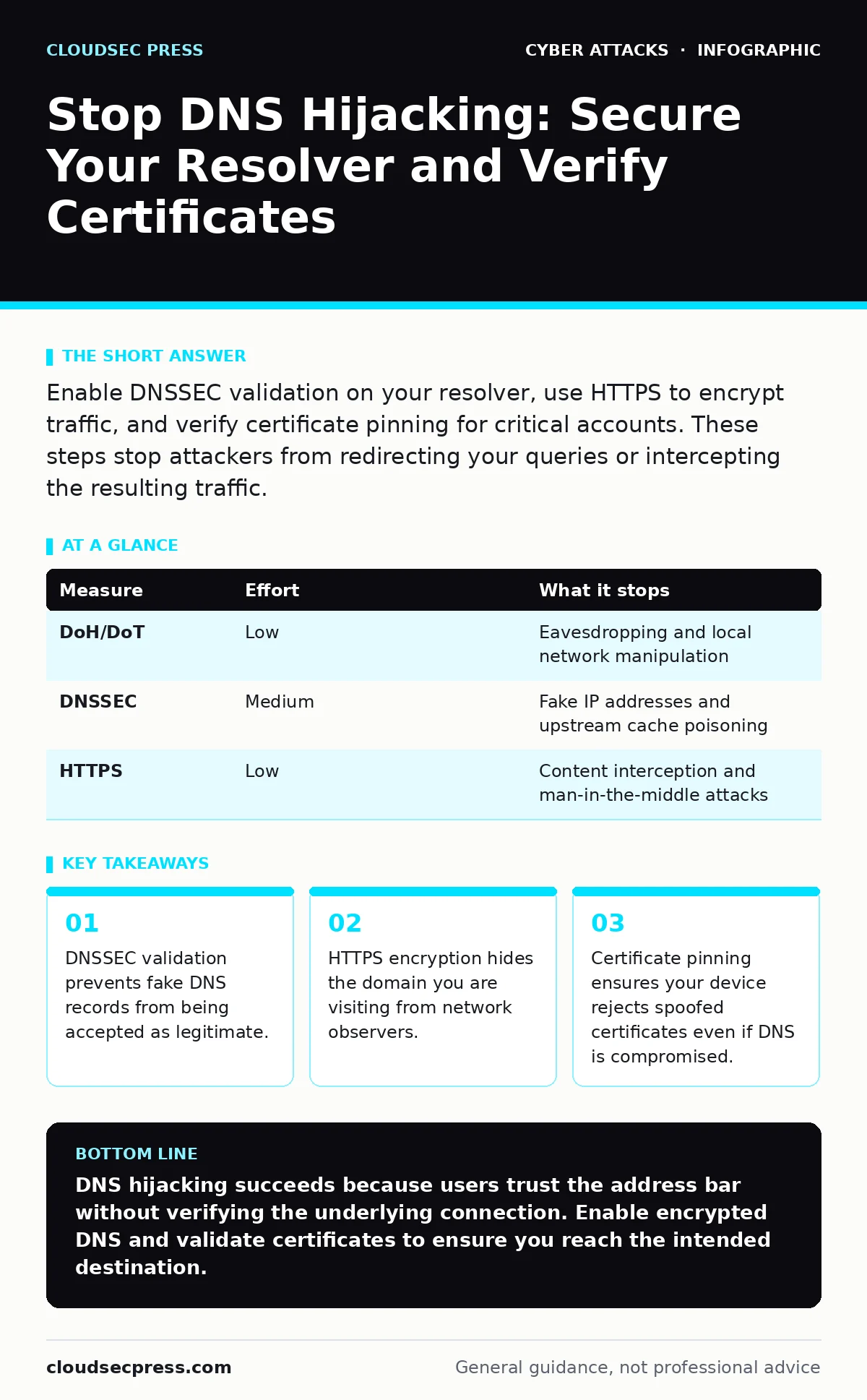
Enable DNSSEC validation on your resolver, use HTTPS to encrypt traffic, and verify certificate pinning for critical accounts. These steps stop attackers from redirecting your queries or intercepting the resulting traffic.
The Invisible Redirect
Domain Name System (DNS) hijacking occurs when an attacker intercepts or alters the process that translates website names into IP addresses. You type a bank’s address, but the system sends you to a counterfeit site. The danger lies in the transparency. Most users never see the DNS query happen. They only see the website load. If the site looks correct, they trust it. This trust is the attacker’s primary leverage.
The attack surface is large. It includes your local network, your Internet Service Provider, and the public resolvers you use. A compromised router can redirect all traffic from your home. A malicious ISP can filter or rewrite DNS responses for entire regions. Understanding where the break happens dictates which defense works.
Encrypt the Query Path
The first line of defense is to ensure that no one can read or modify your DNS requests in transit. Standard DNS uses plaintext. Any device on the network path can see what domains you are requesting and can inject false responses. You must switch to encrypted DNS protocols.
DNS over HTTPS (DoH) and DNS over TLS (DoT) wrap your queries in an encrypted tunnel. This prevents your ISP or a local hacker from seeing or altering the request. Your device sends the query directly to a trusted resolver, bypassing local network interference. This stops the most common form of hijacking that relies on network-level manipulation.
Validate with DNSSEC
Encryption hides the query, but it does not guarantee the answer is correct. If the resolver itself is compromised, or if the attacker has injected a record upstream, you still get the wrong IP address. DNS Security Extensions (DNSSEC) solves this by adding digital signatures to DNS data.
When your resolver supports DNSSEC, it verifies the signature of the returned record against a chain of trust. If the signature is missing or invalid, the resolver rejects the response. You do not get redirected. You get an error. This stops attackers from substituting fake IP addresses, even if they control the network path.
| Measure | Effort | What it stops |
|---|---|---|
| DoH/DoT | Low | Eavesdropping and local network manipulation |
| DNSSEC | Medium | Fake IP addresses and upstream cache poisoning |
| HTTPS | Low | Content interception and man-in-the-middle attacks |
Verify the Destination
Even with secure DNS, you can be tricked. An attacker might use a legitimate IP address but serve a fake version of a site. This is where HTTPS becomes critical. HTTPS encrypts the connection between your browser and the server. It also presents a certificate that identifies the server.
Your browser checks this certificate against a list of trusted authorities. If the certificate does not match the domain you requested, the browser warns you. Never ignore these warnings. They are the final check that you are talking to the real server. For high-value accounts, look for Certificate Transparency logs, which provide a public record of every certificate issued.
The Limits of Local Controls
Many users believe that installing a specific security suite or changing their local DNS settings is enough. This is a dangerous misconception. Local controls only protect the device, not the connection. If the attacker is on the same local network, they can intercept traffic before it leaves your device.
Imagine a coffee shop with a rogue access point. You connect to it, thinking it is free Wi-Fi. The attacker controls the DNS resolution for that network. No matter what DNS settings you have on your laptop, the router forces you to use its own resolver. Your local settings are bypassed. This is why network-level encryption and validation are superior to local software fixes.
See also: HTML Smuggling Myths Debunked: What Attackers Actually Hide · Botnet Attack Mistakes That Leave Your Network Exposed
What Does Not Work
Some popular advice fails against determined attackers. Using a "secure" public DNS resolver like a well-known provider does not guarantee safety if you are on a compromised network. The router can block your attempt to reach that resolver and force you to use a malicious one.
Similarly, simply using a password manager does not stop DNS hijacking. If you are redirected to a fake login page, the password manager may auto-fill your credentials into the attacker’s site. The password manager protects the password storage, not the destination authenticity. You must verify the URL and certificate manually.
Prioritize Your Defenses
Not all measures are equal. Start with the ones that remove the most risk with the least effort. Encrypting your DNS queries stops the majority of casual hijacking. Enabling DNSSEC validation stops sophisticated record substitution. Using HTTPS and verifying certificates stops content interception.
These layers work together. If one fails, another catches the error. This is defense in depth. Do not rely on a single tool. Combine these technical controls with careful verification habits. Check the URL carefully. Look for mismatched certificates. These small actions prevent the most common pitfalls.
Closing Checklist
Secure your device and network with these three actions today. They address the most common vectors for DNS hijacking.
- Enable DNS over HTTPS or DNS over TLS in your browser and operating system settings.
- Verify that your DNS resolver supports DNSSEC validation and enable it.
- Install a certificate transparency monitor or use a browser that enforces strict certificate validation.
Key takeaways
- DNSSEC validation prevents fake DNS records from being accepted as legitimate.
- HTTPS encryption hides the domain you are visiting from network observers.
- Certificate pinning ensures your device rejects spoofed certificates even if DNS is compromised.
DNS hijacking succeeds because users trust the address bar without verifying the underlying connection. Enable encrypted DNS and validate certificates to ensure you reach the intended destination.
Frequently asked questions
Does a VPN stop DNS hijacking?
A VPN can help by routing your traffic through an encrypted tunnel, but it depends on the VPN provider’s DNS handling. If the VPN leaks DNS queries, you remain vulnerable.
Can I detect if I have been hijacked?
You may notice slow loading times, unexpected redirects, or certificate errors. However, sophisticated hijacking can be invisible without technical tools to verify DNS responses.
Is DNSSEC available for all websites?
No, DNSSEC adoption is voluntary for domain owners. While many major sites use it, many do not. Relying solely on DNSSEC leaves gaps in your protection.
How do I know if my router is compromised?
Check for unauthorized changes to DNS settings in your router’s admin panel. Reset the router to factory settings if you suspect tampering, and change the admin password.
How this guide was produced: written by the CloudSec Press editorial team with AI assistance, checked against the public references listed below, and reviewed when the facts change. See our editorial policy or report an error.