Implement Encryption in Transit: A Step-by-Step Rollout Plan
You can lock data while it moves across networks, yet most teams fail because they trust the network path instead of verifying the cryptographic handshake.

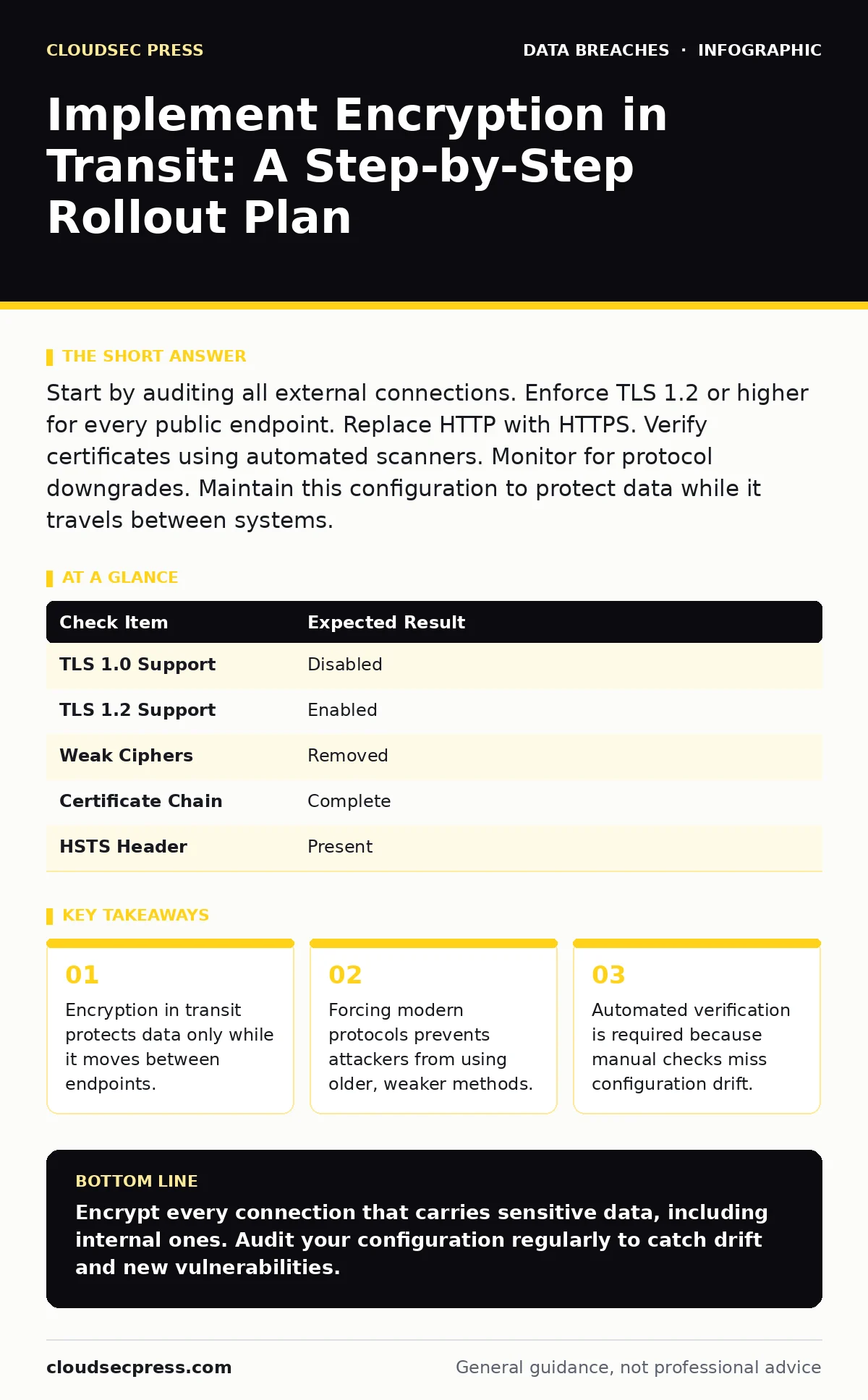
Start by auditing all external connections. Enforce TLS 1.2 or higher for every public endpoint. Replace HTTP with HTTPS. Verify certificates using automated scanners. Monitor for protocol downgrades. Maintain this configuration to protect data while it travels between systems.
Map Your Data Paths
Before changing any settings, you must know where your data travels. Encryption in transit secures information while it moves across networks, but it does nothing for data at rest or in use. If you do not know which services talk to each other, you cannot protect them.
Draw a diagram of your external-facing services. Identify every API endpoint, web interface, and management console. Note which protocols they currently use. Many organizations assume their web servers are secure, but internal tools often run on unencrypted HTTP. This blind spot is a common source of data breaches.
Do not rely on memory or outdated documentation. Network traffic changes as you deploy new features. A service that was internal last year might be exposed today. Map these paths to understand the scope of your work.
Audit Current Protocol Versions
Check which versions of TLS (Transport Layer Security) your servers accept. TLS is the protocol that establishes secure connections over the internet. Older versions like TLS 1.0 and 1.1 have known vulnerabilities that allow attackers to decrypt traffic or inject malicious content.
Use a scanner to test each endpoint. Look for support of TLS 1.2 and TLS 1.3. Disable support for SSL 3.0, TLS 1.0, and TLS 1.1. These legacy protocols exist for backward compatibility with very old clients, but that compatibility is a security risk.
If a service requires an old protocol, isolate it. Do not expose it to the public internet. Use a private network or a secrets management solution to handle credentials for these legacy systems. This reduces the attack surface while you plan a migration.
Step 1: Disable Legacy Protocols
Turn off support for SSL 3.0, TLS 1.0, and TLS 1.1 on all public-facing servers. This forces clients to use stronger encryption methods. If a client cannot negotiate a secure connection, the server will reject the request.
How to tell it worked:
- Attempt to connect using a tool that forces TLS 1.0.
- The connection should fail with a handshake error.
- Check server logs for rejected connections.
Do not disable these protocols on internal tools without testing. Some monitoring agents or older printers may rely on them. Isolate these systems from the public internet before disabling support.
Step 2: Enforce Strong Cipher Suites
Configure your servers to prefer strong cipher suites. A cipher suite is a set of algorithms that define how data is encrypted and authenticated. Weak ciphers like RC4 or DES should be removed.
Prioritize suites that use AES (Advanced Encryption Standard) and ECDHE (Elliptic Curve Diffie-Hellman Ephemeral). ECDHE provides forward secrecy. This means that if your private key is stolen later, attackers cannot decrypt past traffic.
How to tell it worked:
- Run a cipher suite scanner against your endpoints.
- Verify that only strong ciphers are listed.
- Ensure weak ciphers are not present in the output.
Test this change in a staging environment first. Some older browsers or mobile apps may fail to connect if they do not support the new ciphers. Balance security with usability.
Step 3: Redirect HTTP to HTTPS
Ensure all HTTP requests are automatically redirected to HTTPS. HTTPS is HTTP over TLS. This ensures that users and applications always use encryption, even if they type the wrong address.
Configure your web server to return a 301 redirect for HTTP requests. This tells the client to use the secure URL permanently. Do not allow plain HTTP connections to serve content.
How to tell it worked:
- Type your domain without "https" in a browser.
- The address bar should change to "https" automatically.
- The page should load without security warnings.
Check for mixed content. If the HTTPS page loads images or scripts over HTTP, the browser will flag the page as not secure. Fix these references to ensure full encryption.
Step 4: Validate Certificate Chains
Verify that your SSL certificates are valid and properly chained. A certificate proves the identity of your server. If the chain is broken, clients will not trust the connection.
Ensure the server presents the full chain, including intermediate certificates. Many servers send only the leaf certificate, causing errors on mobile devices or strict clients. Configure your server to send the complete chain.
How to tell it worked:
- Use a certificate checker tool.
- Verify that no errors are reported.
- Check that the chain is complete and valid.
Set up automated monitoring for certificate expiration. Certificates expire, and if they are not renewed, services will go down. This is a common cause of outages that can be prevented with simple alerts.
Verify the Configuration
Manual checks are not enough. You need automated verification to catch configuration drift. Use a continuous monitoring tool to scan your endpoints regularly.
Check for Protocol Downgrade attacks. These attacks force a connection to use a weaker protocol. Your servers should reject these attempts. Monitor logs for failed handshake attempts.
Verify that HSTS (HTTP Strict Transport Security) is enabled. HSTS tells browsers to only use HTTPS for your domain. This prevents attackers from stripping encryption via man-in-the-middle attacks.
| Check Item | Expected Result |
|---|---|
| TLS 1.0 Support | Disabled |
| TLS 1.2 Support | Enabled |
| Weak Ciphers | Removed |
| Certificate Chain | Complete |
| HSTS Header | Present |
Maintain and Monitor
Encryption is not a one-time task. You must maintain your configuration. New vulnerabilities are discovered regularly. You need to update your protocols and ciphers accordingly.
Monitor for new CIA triad threats. Confidentiality is just one part of security. Integrity and availability are also important. Ensure that your encryption does not impact performance or availability.
Review your logs regularly. Look for unusual patterns in connection attempts. A spike in failed handshakes might indicate an attack. Investigate these events promptly.
Handle Internal Traffic
Do not ignore internal traffic. Data moving between servers is just as vulnerable as data moving to the internet. Use mutual TLS for internal services.
Mutual TLS requires both the client and server to present certificates. This ensures that only authorized services can communicate. This is particularly important in microservices architectures.
Implement this gradually. Start with high-value services. Test thoroughly to avoid breaking dependencies. Internal encryption adds complexity, but it reduces the risk of insider data theft.
See also: Lateral Movement Explained: Step-by-Step Attack Progression
Plan for Edge Cases
Some systems cannot support modern encryption. Legacy hardware or embedded devices may be stuck on old protocols. Isolate these systems from the public internet.
Use a proxy or gateway to handle encryption for these systems. This allows you to maintain security without replacing hardware. Monitor these systems closely for signs of compromise.
Document these exceptions. Review them regularly. Plan for eventual replacement or upgrade. Security is a continuous process, not a destination.
Key takeaways
- Encryption in transit protects data only while it moves between endpoints.
- Forcing modern protocols prevents attackers from using older, weaker methods.
- Automated verification is required because manual checks miss configuration drift.
Encrypt every connection that carries sensitive data, including internal ones. Audit your configuration regularly to catch drift and new vulnerabilities.
Frequently asked questions
Do I need to encrypt internal traffic?
Yes, internal traffic is vulnerable to interception and insider threats. Use mutual TLS to secure communication between internal services.
What is forward secrecy?
Forward secrecy ensures that past traffic cannot be decrypted if your private key is stolen. Use ECDHE cipher suites to enable this feature.
How often should I update my TLS configuration?
Update when new vulnerabilities are discovered or when stronger protocols become standard. Monitor security advisories regularly.
Can encryption stop all attacks?
No, encryption protects data in transit but does not prevent attacks on endpoints or stolen credentials. Combine encryption with other security measures.
How this guide was produced: written by the CloudSec Press editorial team with AI assistance, checked against the public references listed below, and reviewed when the facts change. See our editorial policy or report an error.