What Is Process Injection: How Malware Hides in Legitimate Memory
Process injection hides malicious code inside trusted applications, rendering traditional signature-based scanners blind to the activity within active memory.

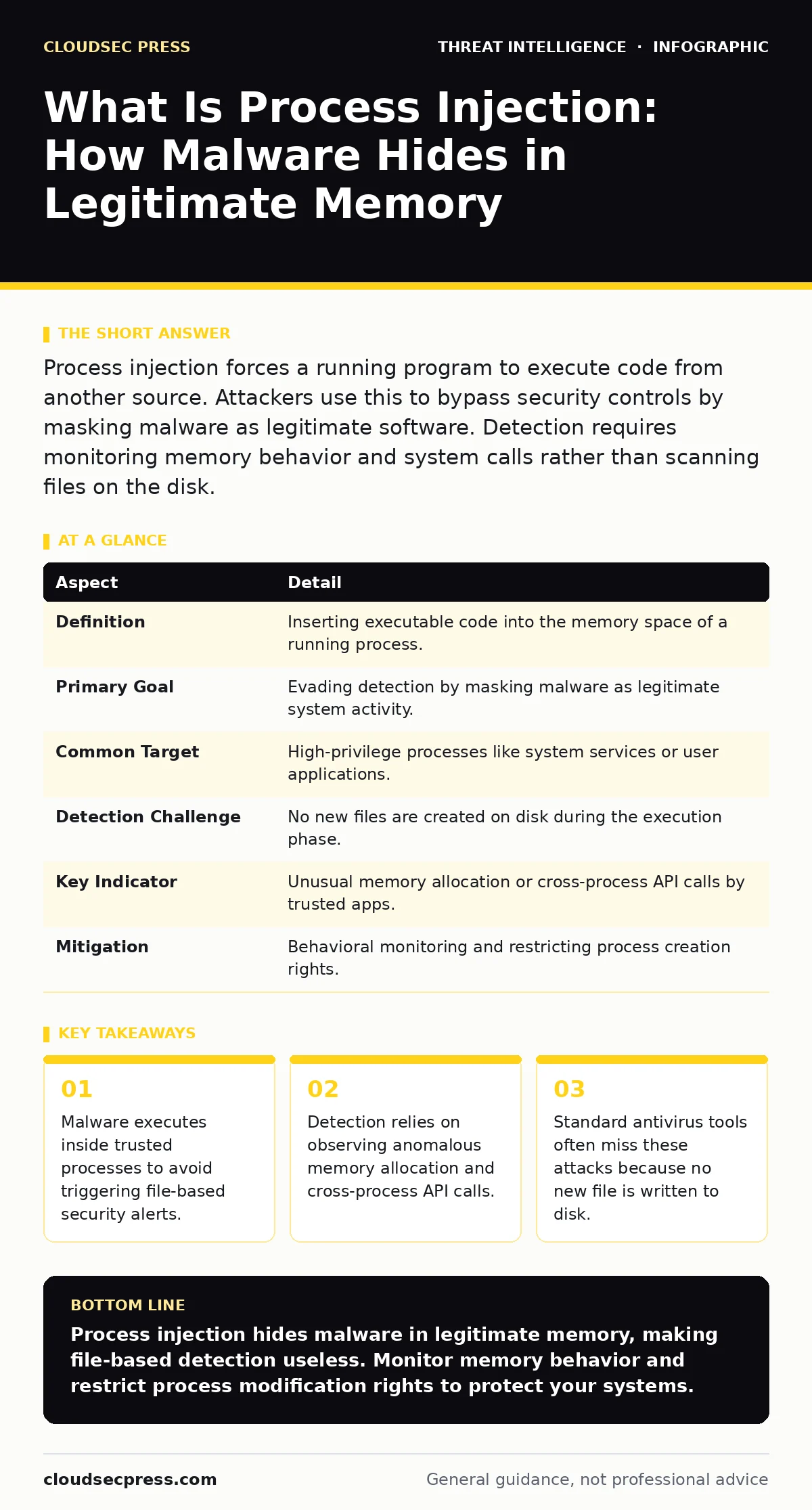
Process injection forces a running program to execute code from another source. Attackers use this to bypass security controls by masking malware as legitimate software. Detection requires monitoring memory behavior and system calls rather than scanning files on the disk.
What Is Process Injection
Process injection is a technique where malicious code is inserted into the memory space of a legitimate, running process. You execute the harmful instructions inside a trusted application like a web browser or system utility. This method allows attackers to hide their activities from security tools that only scan files on the hard drive. The operating system sees the work as coming from the trusted program, not from a separate malware file. This disguise makes it difficult to identify the source of the compromise using standard file integrity checks.
The core advantage for an attacker is stealth. Security software typically monitors file creation and execution. When malware runs as its own process, it creates a new entry in the task manager. Process injection avoids this by reusing an existing entry. The malicious code runs in the shadows of a process that users and administrators already expect to see. This technique is a primary method for lateral movement within a network, as it allows threats to jump between systems without creating obvious artifacts.
How Process Injection Works
The mechanism relies on the operating system's memory management. A process has a defined memory space that the system protects from other processes. Process injection breaks these boundaries by forcing a target process to allocate new memory for the attacker's code. The attacker then writes their malicious payload into this new memory region. Finally, they trick the target process into executing that specific block of memory. The result is code running under the identity and privileges of the host process.
There are several methods to achieve this goal. Thread hijacking stops a legitimate thread of execution and redirects it to run the injected code. Remote thread creation starts a new thread in the target process that executes the attacker's payload. DLL injection forces the target process to load a dynamic link library containing the malicious code. Each method has different signatures in system logs, but all share the same goal of hiding within a trusted context.
| Aspect | Detail |
|---|---|
| Definition | Inserting executable code into the memory space of a running process. |
| Primary Goal | Evading detection by masking malware as legitimate system activity. |
| Common Target | High-privilege processes like system services or user applications. |
| Detection Challenge | No new files are created on disk during the execution phase. |
| Key Indicator | Unusual memory allocation or cross-process API calls by trusted apps. |
| Mitigation | Behavioral monitoring and restricting process creation rights. |
Who Is Affected by This Technique
Process injection affects any system running a multi-process operating system. Windows, Linux, and macOS all manage memory in ways that can be exploited for this technique. The risk is highest on systems where users have administrative privileges. Elevated rights allow an attacker to inject code into critical system services. This can lead to full system compromise and persistence. Standard user accounts limit the scope of injection, but many malware variants are designed to exploit known vulnerabilities to gain those higher privileges.
Server environments are particularly vulnerable because they run long-lived processes. A web server or database service might run for months without restarting. Injecting code into these processes provides a stable platform for long-term data exfiltration. The injected code survives system reboots if the service is configured to start automatically. This makes removal difficult, as deleting the malicious file on disk does not stop the code already running in memory.
What People Usually Get Wrong
Many defenders assume that process injection requires writing a malicious file to the disk. This is incorrect. Advanced techniques use fileless methods where the payload never touches the hard drive. The code is generated or decoded directly in memory. Scanning the file system will never find these threats. Relying solely on file hashes or digital signatures leaves a massive blind spot in your security posture. You must monitor memory activity to catch these attacks.
Another common error is trusting process names alone. Attackers often inject code into processes with benign names like Explorer or Chrome. Seeing a familiar process name in a log does not mean the activity is safe. The context matters more than the name. A web browser allocating large blocks of executable memory and making network connections to unknown addresses is suspicious, regardless of the process name. You must analyze the behavior, not just the identity.
Detecting the Hidden Activity
Detection requires shifting focus from files to behavior. You need tools that can observe system calls and memory operations. An Endpoint Detection and Response solution can alert on unusual patterns. Look for a process creating a thread in another process. This is a rare event in normal operations. Also, watch for memory regions being marked as executable shortly after allocation. Legitimate programs rarely change memory permissions in this manner. These behaviors are strong indicators of injection attempts.
Integrating these signals with threat intelligence improves accuracy. Tactical threat intelligence can provide context on specific injection techniques used by current campaigns. Correlating local alerts with global data helps distinguish between a false positive and a real attack. You can also use SIEM platforms to aggregate these events across your network. This allows you to see patterns that might be invisible on a single machine.
See also: HTML Smuggling Myths Debunked: What Attackers Actually Hide · SIEM Explained: Answers to Your Most Pressing Security Questions
Mitigating the Risk
Preventing process injection requires limiting the ability of processes to modify each other. Operating systems provide features to restrict this. Windows has a feature called Job Objects that can limit which processes can create threads in others. Linux uses seccomp profiles to restrict system calls. Configuring these correctly reduces the attack surface significantly. You should also apply the principle of least privilege. Running applications with minimal rights prevents injection into critical system processes.
Regular updates are also necessary. Vendors frequently patch vulnerabilities that allow for easy injection. Keeping software current removes known entry points. Additionally, you can use application whitelisting. This ensures that only approved applications can run. While this does not stop injection into approved apps, it prevents unauthorized programs from starting in the first place. Combining these measures creates a layered defense.
Next Steps for Defense
Review your current monitoring capabilities. Ensure your tools can detect cross-process API calls. Check if your alerts include memory permission changes. If not, you may be missing these attacks. Update your detection rules to flag legitimate processes that exhibit unusual memory behavior. You should also audit your application privileges. Reduce administrative access wherever possible. This limits the impact if an injection does occur.
Consider implementing a SOAR platform to automate the response to these alerts. When an injection is detected, the platform can isolate the affected machine. This prevents the malware from spreading further. You can also use IOC enrichment to check the injected payload against known threat databases. This helps determine the severity of the incident. Quick isolation and analysis are key to minimizing damage.
Key takeaways
- Malware executes inside trusted processes to avoid triggering file-based security alerts.
- Detection relies on observing anomalous memory allocation and cross-process API calls.
- Standard antivirus tools often miss these attacks because no new file is written to disk.
Process injection hides malware in legitimate memory, making file-based detection useless. Monitor memory behavior and restrict process modification rights to protect your systems.
Frequently asked questions
Can antivirus software detect process injection?
Traditional antivirus often misses it because no file is created. Advanced EDR tools that monitor memory and behavior can detect the unusual activity associated with injection.
Is process injection the same as a virus?
No. A virus is a type of malware that replicates itself. Process injection is a technique used by many types of malware, including viruses, to hide their execution from security tools.
How do I know if my computer is infected?
Look for high CPU usage by legitimate programs, unexpected network connections from system processes, or alerts from your security software about unusual memory access patterns.
Does restarting the computer fix process injection?
Restarting clears the memory, removing the injected code. However, if the malware has persistence mechanisms, it may reinject itself immediately after the system boots back up.
How this guide was produced: written by the CloudSec Press editorial team with AI assistance, checked against the public references listed below, and reviewed when the facts change. See our editorial policy or report an error.