Immutable Backups: How Read-Only Storage Stops Ransomware
Immutable backups prevent attackers from deleting or encrypting your safety net, ensuring you can restore data even when the primary system is compromised.

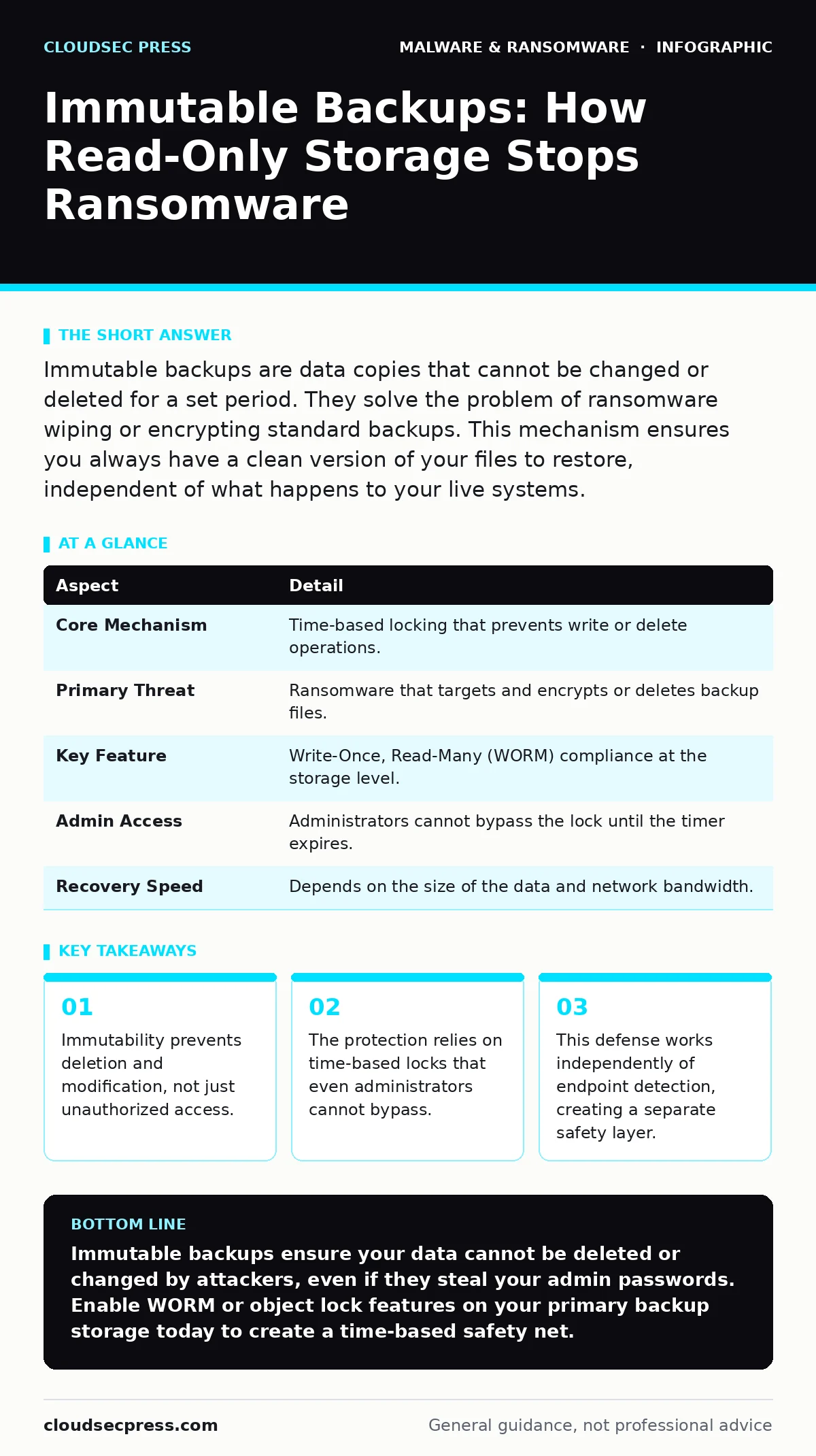
Immutable backups are data copies that cannot be changed or deleted for a set period. They solve the problem of ransomware wiping or encrypting standard backups. This mechanism ensures you always have a clean version of your files to restore, independent of what happens to your live systems.
The Time-Locked Vault Analogy
Imagine a safety deposit box that seals itself after you place items inside. The bank staff cannot open it, and neither can you, for a specific duration. Even if a thief steals the master keys to the bank, they cannot open that specific box until the timer expires. This is the core concept behind immutable storage. It removes the ability to alter or remove data, regardless of who tries.
Standard backups are like a regular filing cabinet. If someone breaks into your office with a crowbar, they can smash the cabinet or steal the files. Immutable storage changes the physics of the backup. It turns the data into something that simply cannot be touched for a defined window of time.
Defining Immutability in Data Protection
Immutable backups refer to data copies that are protected from modification or deletion for a predetermined period. This protection is enforced by the storage system itself, not by user permissions. In technical terms, the data becomes "write-once, read-many" (WORM). Once written, the file remains static until the retention policy expires.
This differs from standard access controls. Standard controls rely on passwords and roles. If an attacker steals an administrator password, they gain access. Immutability does not care about passwords. It cares about time. The system physically rejects any command to delete or change the file, even if the command comes from a trusted admin account.
| Aspect | Detail |
|---|---|
| Core Mechanism | Time-based locking that prevents write or delete operations. |
| Primary Threat | Ransomware that targets and encrypts or deletes backup files. |
| Key Feature | Write-Once, Read-Many (WORM) compliance at the storage level. |
| Admin Access | Administrators cannot bypass the lock until the timer expires. |
| Recovery Speed | Depends on the size of the data and network bandwidth. |
The Problem of Compromised Credentials
The main problem immutable backups solve is the loss of trust in credentials. Modern attacks often begin with phishing emails that install macro malware or download firmware malware. These threats steal login credentials for your systems. Once the attacker has your admin password, they have the same rights as you. They can navigate to your backup server and delete the last week of backups.
If your backups are standard, the attacker encrypts them too. You are left with no choice but to pay the ransom or rebuild from scratch. Immutable backups break this chain. The attacker may have the password, but the password does not grant the power to delete locked data. The data remains untouched, waiting for the lock to expire.
This is distinct from endpoint detection and response (EDR). EDR tries to stop the malware on the computer. If the malware slips past EDR, it can still destroy standard backups. Immutable backups assume the endpoint has already failed. They provide a safety net that works even when the primary defenses are down.
Main Components of an Immutable System
An immutable backup solution consists of three main parts: the storage medium, the locking policy, and the retention period. The storage medium can be cloud storage, dedicated network-attached storage, or tape. The hardware itself must support WORM capabilities. Not all hard drives or cloud buckets offer this feature by default.
The locking policy defines how long the data remains immutable. You might set a policy of thirty days. For those thirty days, the files are locked. After thirty days, the lock releases, and the files become mutable again. This allows you to update backups with new versions while keeping old ones safe.
The retention period must be long enough to detect an attack but short enough to manage storage costs. If you set it too long, you pay for more storage. If you set it too short, an attacker might wait out the lock and delete the data before you notice. Balancing this trade-off is key to effective implementation.
Integration with Other Defences
Immutable backups do not replace other security measures. They are the last line of defense. You still need email attachment scanning to stop the initial infection. You still need attack surface reduction rules to limit what applications can do on your network. These measures prevent the attack from happening in the first place.
However, no prevention is perfect. Attackers find new ways to bypass filters. They use social engineering to trick users into clicking links. They exploit zero-day vulnerabilities that no patch covers. Immutable backups accept that failure will happen. They ensure that failure does not mean total loss.
This approach complements ransomware incident response. When an attack occurs, your response team needs to know exactly what data is available. If your backups are immutable, you know the recent copies are safe. This clarity speeds up recovery. You do not spend days verifying if the backups are infected. You trust the lock.
See also: Ransomware Recovery Plans: 8 Practices for Downtime Reduction · 6 Common Mistakes That Leave Your System Open to Bootkits
Common Misconceptions About Immutability
People often confuse immutability with encryption. Encryption scrambles data so only someone with the key can read it. Immutability prevents the data from being changed or deleted. You can have encrypted data that is not immutable. An attacker with the right permissions can delete an encrypted file just as easily as an unencrypted one. You need both. Encryption protects the content; immutability protects the existence.
Another mistake is assuming cloud storage is automatically immutable. Most cloud storage buckets are mutable by default. You must explicitly enable object lock or WORM features. If you do not configure this setting, your cloud backups are vulnerable to deletion by anyone with write access. Always verify that the specific storage tier you use supports immutability.
A third error is ignoring the "delete" command. Many users focus on preventing encryption. They forget that ransomware often deletes backups first to prevent recovery. Immutability stops deletion just as effectively as it stops modification. The goal is to keep the file present and unchanged.
What People Usually Get Wrong
The biggest mistake is treating immutable backups as a replacement for hygiene. If your systems are infested with malware, restoring from a backup may re-infect your network. You must clean the environment before restoring. Immutable backups give you a clean copy, but they do not clean your live systems. You still need to investigate the breach and remove the attacker's access.
Another error is assuming immutability is free. WORM storage often costs more than standard storage. It may also have different performance characteristics. Writing to immutable storage can be slower. You must budget for these differences. Do not implement immutability only on your most critical data. Apply it to all backups that could enable business recovery.
Finally, do not rely solely on one backup target. If your immutable storage is in the same network as your live systems, a sophisticated attacker might isolate the storage network. Use an air-gapped or offline backup for your most critical data. Immutable storage on a networked device is strong, but an isolated copy is stronger.
Balancing Cost and Security
Implementing immutability requires a balance. You want long retention periods for safety, but long periods increase costs. You want fast recovery, but immutable storage can sometimes be slower to write. Start with a thirty-day immutable window for all critical data. This covers most detection windows. Review your costs and adjust based on your risk tolerance.
Do not let the complexity stop you. Many cloud providers offer simple toggles to enable immutability. Check your backup software settings. Ensure that the backup job writes to a storage target that supports WORM. Verify that the lock is active. Test your recovery process regularly. Knowing that the data is there is useless if you cannot restore it.
Key takeaways
- Immutability prevents deletion and modification, not just unauthorized access.
- The protection relies on time-based locks that even administrators cannot bypass.
- This defense works independently of endpoint detection, creating a separate safety layer.
Immutable backups ensure your data cannot be deleted or changed by attackers, even if they steal your admin passwords. Enable WORM or object lock features on your primary backup storage today to create a time-based safety net.
Frequently asked questions
Can an administrator delete an immutable backup?
No, not until the retention period expires. The system blocks delete commands from all users, including administrators, during the lock period.
Is immutable storage the same as air-gapped storage?
No. Air-gapped storage is physically disconnected from the network. Immutable storage is often connected but uses software or hardware locks to prevent changes. Both are effective but work differently.
Does immutability protect against accidental deletion?
Yes. Since the data cannot be deleted until the timer expires, accidental deletion by staff is also prevented. This adds a layer of operational safety.
What happens if the immutable period expires?
The data becomes mutable again. You can then update the backup with new data or delete old versions. You should set a new lock for the new data immediately.
How this guide was produced: written by the CloudSec Press editorial team with AI assistance, checked against the public references listed below, and reviewed when the facts change. See our editorial policy or report an error.