Firmware Malware Explained: Why Your Software Updates Can't Fix It
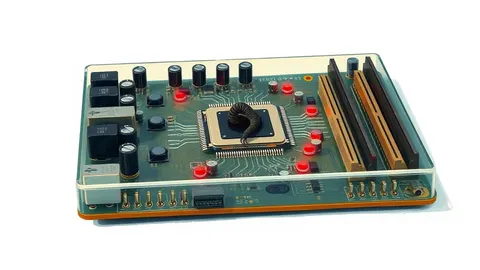
Unlike standard viruses, firmware malware lives in your hardware’s permanent memory, surviving every reinstallation of your operating system and wiping of your hard drive.
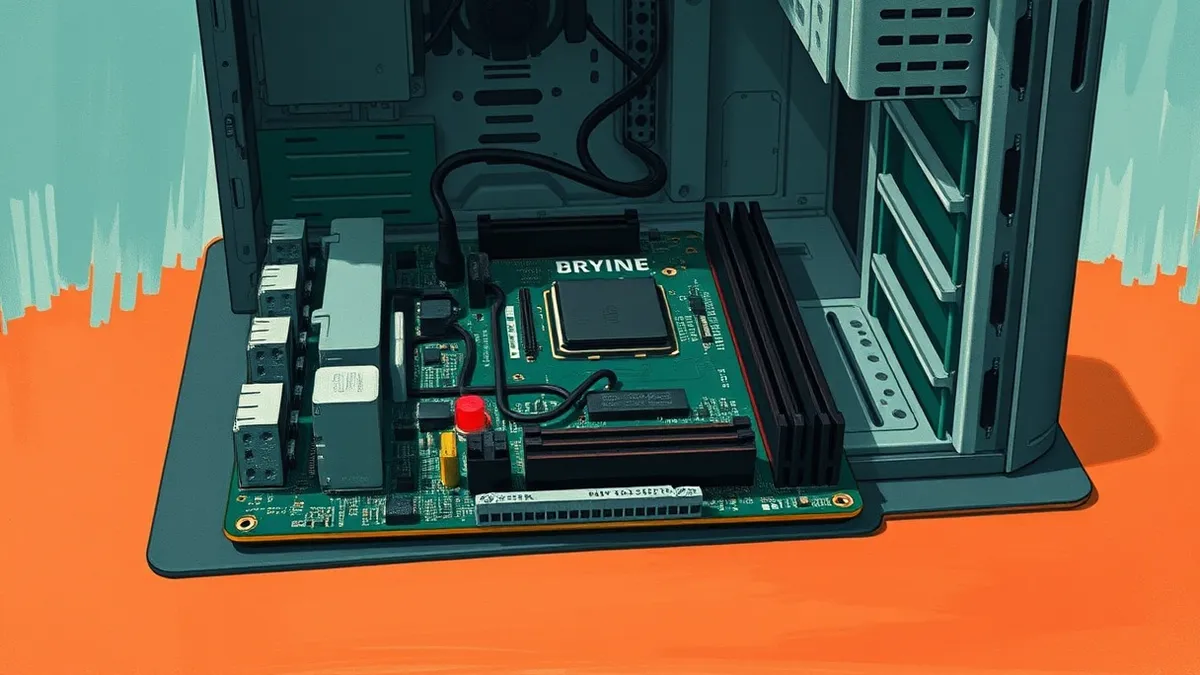
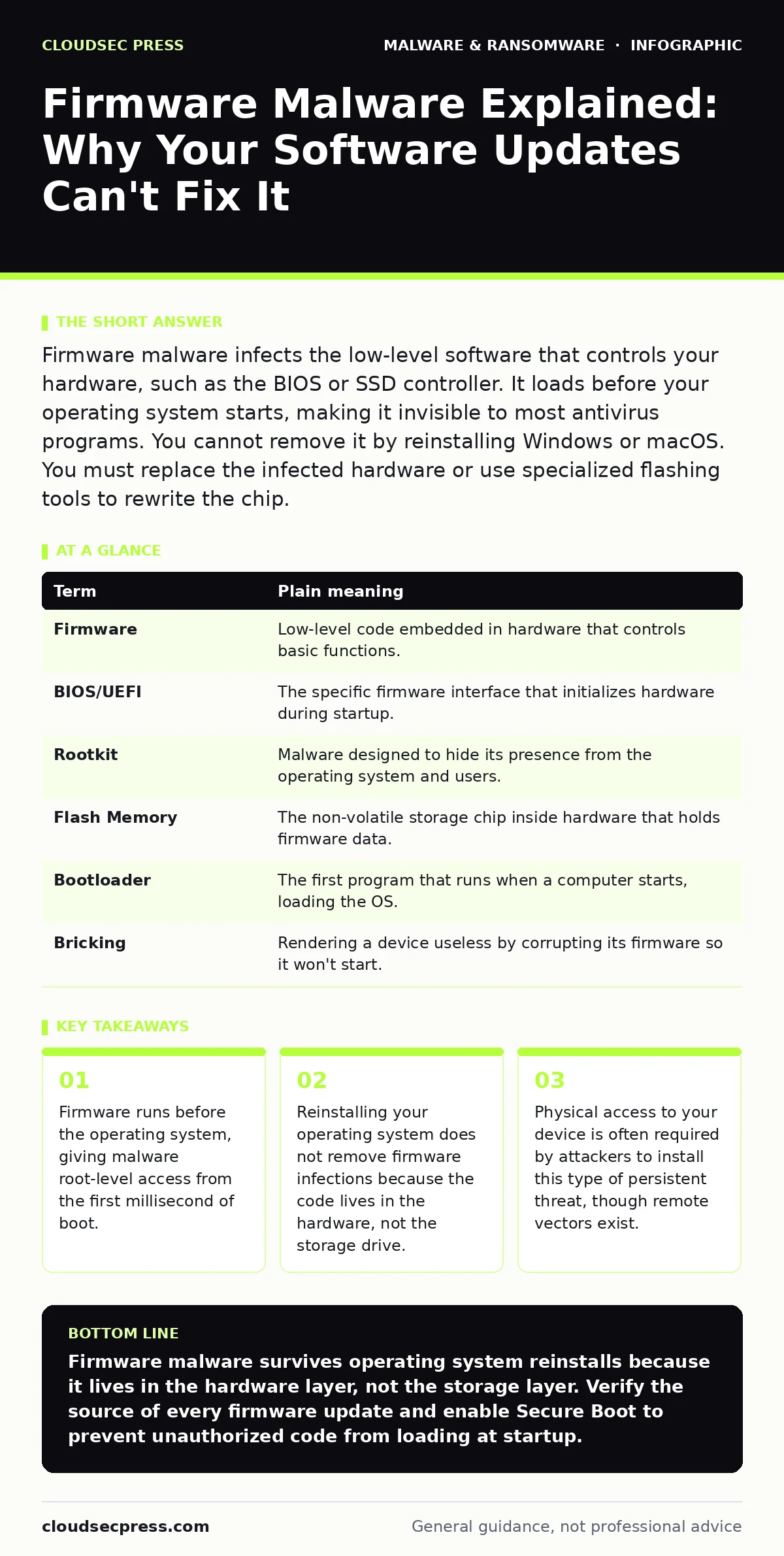
Firmware malware infects the low-level software that controls your hardware, such as the BIOS or SSD controller. It loads before your operating system starts, making it invisible to most antivirus programs. You cannot remove it by reinstalling Windows or macOS. You must replace the infected hardware or use specialized flashing tools to rewrite the chip.
The Blueprint of Your Machine
Imagine you buy a house. The furniture, the paint, and the decorations represent your operating system and applications. You can repaint the walls or replace the sofa whenever you like. This is what happens when you reinstall Windows or macOS. You are changing the interior, but the structure remains.
Firmware is the blueprint and the foundation of that house. It tells the lights how to turn on and the doors how to lock. If someone alters the blueprint, every new renovation will follow those altered instructions. No matter how many times you repaint the walls, the structural flaw remains. This is the core danger of firmware malware: it changes the rules of the hardware itself, not just the software running on top of it.
What Is Firmware?
Most people think of software as the apps on their screen. Firmware is a specific type of software permanently stored on a hardware device’s read-only memory or flash memory. It acts as the bridge between the hardware and the operating system.
When you press the power button, the firmware wakes up first. It checks the hardware, initializes the disk drives, and then hands control over to the operating system. Because it runs before the operating system, it has higher privileges. It can see and modify data that the operating system cannot touch. This makes it an ideal hiding place for malicious code that wants to remain undetected.
| Term | Plain meaning |
|---|---|
| Firmware | Low-level code embedded in hardware that controls basic functions. |
| BIOS/UEFI | The specific firmware interface that initializes hardware during startup. |
| Rootkit | Malware designed to hide its presence from the operating system and users. |
| Flash Memory | The non-volatile storage chip inside hardware that holds firmware data. |
| Bootloader | The first program that runs when a computer starts, loading the OS. |
| Bricking | Rendering a device useless by corrupting its firmware so it won't start. |
How It Hides in Plain Sight
Standard antivirus software scans files on your hard drive. It looks for known patterns of malicious code. Firmware malware bypasses this by living in a different layer. It resides in the BIOS chip or the SSD controller, not in the file system your antivirus monitors.
This creates a rootkit scenario. A rootkit is a collection of tools that allows unauthorized access to a computer while hiding its existence. Because the firmware loads before the security software starts, the malware can intercept security scans. It can tell the antivirus that the system is clean, even while it is actively stealing data or monitoring keystrokes.
The Attack Surface of Hardware
Attackers do not always need to plug into your computer to install firmware malware. They can exploit vulnerabilities in the update process. Imagine a fake software update that looks legitimate but contains malicious firmware code. If you approve the update, the new code is written directly to your hardware chip.
Another vector involves malware droppers and loaders. These are initial programs that gain access to your system through a click or a downloaded file. Once inside, they look for ways to escalate privileges. If they find a vulnerability in your system’s update mechanism, they can drop the firmware payload. This is why attack surface reduction rules are critical. By limiting which programs can execute code and how they can interact with system components, you reduce the chances of a loader succeeding.
What It Means for You
If your device is infected with firmware malware, you face a persistent threat. The malware can survive a factory reset. It can survive a new hard drive installation. It can even survive a change in the operating system.
For an ordinary user, the signs are subtle. Your computer might boot slower than usual. You might notice network traffic when the computer is idle. Sometimes, there are no signs at all. The malware may be waiting for a specific trigger, such as you logging into a banking site. This persistence is why ransomware incident response plans often fail if they do not account for firmware compromise. Wiping the drives and restoring from backup may restore your files, but the malware remains in the hardware, ready to re-infect the new system.
See also: How Backdoors Work: Step-by-Step Mechanisms and Defense Points · SEO Poisoning: How Hackers Hijack Search Results to Infect PCs
Simple Safety Habits
You cannot completely eliminate the risk, but you can make it harder for attackers. The first step is to keep your firmware updated. Manufacturers release patches to fix security holes in the BIOS and SSD controllers. Check your manufacturer’s support site regularly. Do not rely on automatic OS updates to handle firmware; these are often separate processes.
Second, verify the source of any update. Only download firmware updates from the official manufacturer’s website. Never accept firmware updates from third-party sites or unsolicited emails. This protects you against scareware tactics that try to trick you into running malicious installers.
Third, use hardware features if available. Some modern systems support immutable backups for configuration data, or secure boot features that refuse to run code that has not been cryptographically signed by the manufacturer. Enable these features in your BIOS settings. They prevent unauthorized code from loading, even if an attacker manages to place it on the hardware.
Try This Now
- Check your BIOS or UEFI version. Compare it with the latest version on your manufacturer’s support page. If it is older, download the update directly from the official site.
- Enable "Secure Boot" in your BIOS settings. This ensures that only trusted, signed operating systems can load, blocking many types of firmware rootkits.
- Review your startup programs. While this does not detect firmware malware, it helps you identify potentially unwanted programs that might be acting as loaders or droppers for other threats.
Key takeaways
- Firmware runs before the operating system, giving malware root-level access from the first millisecond of boot.
- Reinstalling your operating system does not remove firmware infections because the code lives in the hardware, not the storage drive.
- Physical access to your device is often required by attackers to install this type of persistent threat, though remote vectors exist.
Firmware malware survives operating system reinstalls because it lives in the hardware layer, not the storage layer. Verify the source of every firmware update and enable Secure Boot to prevent unauthorized code from loading at startup.
Frequently asked questions
Can I remove firmware malware by reinstalling Windows?
No. Reinstalling the operating system only replaces the software on the hard drive. The malware remains in the BIOS or SSD controller, which is separate from the operating system.
How do I know if my BIOS is infected?
You usually cannot tell with standard tools. Signs include unexpected network activity, slow boot times, or settings that change on their own. Specialized forensic tools are required for confirmation.
Is firmware malware common?
It is rare compared to standard viruses because it requires high-level access to install. It is typically targeted at specific individuals or organizations rather than random users.
Does a new hard drive fix firmware malware?
No. The infection is not on the hard drive. It is on the motherboard or the SSD controller chip. A new drive will simply be re-infected when the computer boots.
How this guide was produced: written by the CloudSec Press editorial team with AI assistance, checked against the public references listed below, and reviewed when the facts change. See our editorial policy or report an error.