SEO Poisoning: How Hackers Hijack Search Results to Infect PCs
Attackers manipulate search rankings to trick users into downloading malware disguised as legitimate software or documents.

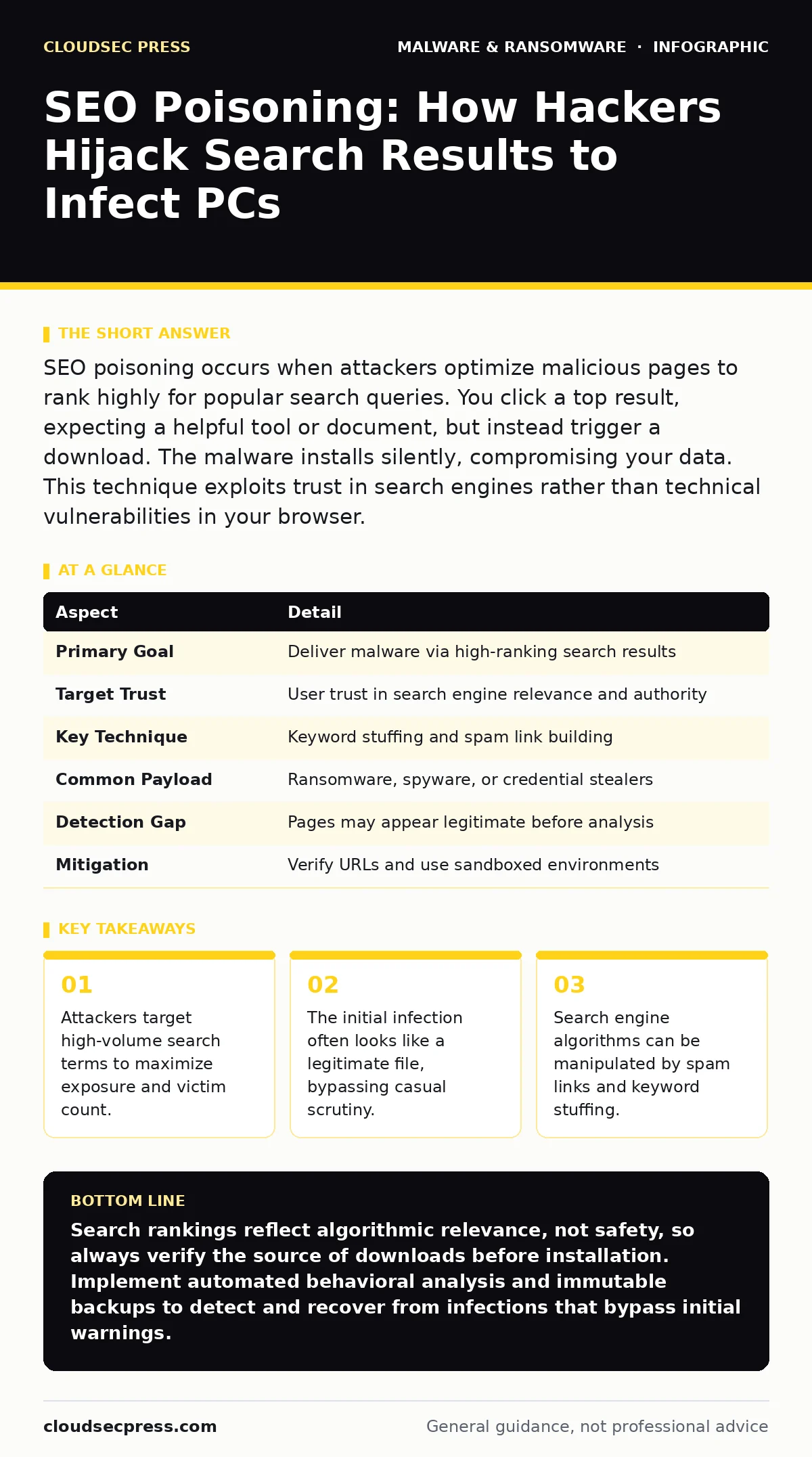
SEO poisoning occurs when attackers optimize malicious pages to rank highly for popular search queries. You click a top result, expecting a helpful tool or document, but instead trigger a download. The malware installs silently, compromising your data. This technique exploits trust in search engines rather than technical vulnerabilities in your browser.
The Library Metaphor for Search Manipulation
Imagine a public library where librarians recommend books based on popularity. A thief replaces the best-selling novel with a fake copy that looks identical. When you request the popular title, you receive the counterfeit. You trust the recommendation because it appeared at the top of the list. The thief did not break into your home. They simply manipulated the library’s catalog system to ensure you picked the wrong book. SEO poisoning works the same way. The search engine is the librarian. The malicious page is the fake book.
At a Glance: SEO Poisoning Mechanics
| Aspect | Detail |
|---|---|
| Primary Goal | Deliver malware via high-ranking search results |
| Target Trust | User trust in search engine relevance and authority |
| Key Technique | Keyword stuffing and spam link building |
| Common Payload | Ransomware, spyware, or credential stealers |
| Detection Gap | Pages may appear legitimate before analysis |
| Mitigation | Verify URLs and use sandboxed environments |
How Search Result Manipulation Occurs
Attackers create websites filled with keywords that people frequently search for. They might target terms like "free tax software" or "latest video driver." These pages contain little useful content. Instead, they are optimized to trick search algorithms. The attacker builds hundreds of low-quality links pointing to the malicious page. Search engines interpret these links as votes of confidence. The page climbs the rankings. When you search for the term, the malicious site appears near the top. You assume it is legitimate because of its position.
The attacker does not need to hack the search engine. They exploit the engine’s reliance on external signals. This is a social engineering attack at scale. The technical barrier is low. The psychological barrier is higher. You expect the first result to be relevant and safe. The attacker relies on this expectation. They also use cloaking. The page shows harmless content to search engine crawlers. It shows the download link only to human visitors. This hides the malicious intent from automated scanners.
Common Forms of Poisoned Content
The malicious page rarely says "Click here to get a virus." It mimics legitimate resources. You might see a page offering a cracked version of popular software. Another might offer a PDF of a technical manual. The file name looks professional. The hosting domain might look similar to a trusted brand. These are common forms of SEO poisoning.
One common form is the fake download mirror. The page claims to host a legitimate tool. The download button triggers a script. The script installs a potentially unwanted program or a backdoor. Another form is the document trap. The page offers a resume template or a legal form. The file is actually an executable disguised with a double extension. You see "report.pdf.exe." You ignore the ".exe" part. The malware runs when you open the file.
Attackers also use landing pages that mimic support sites. If you search for an error code, a poisoned page appears. It offers a "fix" or a "driver update." The fix is malware. These pages often look professional. They use stock images and clean layouts. The goal is to reduce suspicion. The content is irrelevant. The download is the only purpose.
Who Gets Targeted and Why
SEO poisoning affects anyone who uses search engines. However, some groups are targeted more aggressively. People searching for free software are prime targets. They are used to finding unofficial sources. They may lower their guard. People searching for niche technical fixes are also targeted. They are frustrated and want a quick solution. They may skip verification steps.
Attackers also target specific industries. Healthcare workers searching for medical forms might find poisoned pages. Financial workers searching for tax templates might find similar traps. The malware payload is chosen based on the victim. Ransomware is common for businesses. Spyware is common for individuals. The attacker wants maximum impact with minimum effort. By poisoning a single popular search term, they can reach thousands of victims. This is more efficient than sending individual phishing emails.
See also: How Backdoors Work: Step-by-Step Mechanisms and Defense Points · Dynamic Malware Analysis: How Live Execution Uncovers Hidden Threats
What People Usually Get Wrong
Many users believe that if a site ranks high, it is safe. This is incorrect. Search engines are not security scanners. They rank pages based on relevance and link structure. They do not always detect malware immediately. Another mistake is trusting the domain name. Attackers use domains that look similar to trusted brands. They use typos or slight variations. You might miss the difference.
People also assume that antivirus software will catch everything. Modern malware often uses evasion techniques. It may remain dormant until it detects a specific trigger. It might only activate when connected to a corporate network. Your local scanner might not see the threat until it is too late. Relying solely on endpoint protection is insufficient. You must verify the source of the download.
Another misconception is that only outdated systems are at risk. Modern operating systems have protections. However, user behavior often bypasses them. If you grant administrator privileges to a downloaded file, the malware can install deep into the system. It can disable security tools. It can create persistent backdoors. The technical defenses are strong. The human element is the weak link.
Reducing Risk Through Verification
You can reduce the risk of SEO poisoning by verifying sources. Do not click the first result blindly. Check the domain name carefully. Look for subtle misspellings. Check the URL structure. Legitimate sites usually have clear paths. Malicious sites often have random strings. Use a search engine’s cache or archive to see the original content. If the page changed recently, be cautious.
Use dynamic malware analysis tools for suspicious downloads. These tools run the file in an isolated environment. They monitor behavior. If the file tries to modify system files or connect to unknown servers, the tool flags it. This catches threats that signature-based scanners miss. You can also use attack surface reduction rules on your workstation. These rules block common execution paths. They prevent scripts from running in unexpected locations.
Long-Term Protection Strategies
SEO poisoning is a persistent threat. Attackers constantly adapt their techniques. They create new pages when old ones are removed. They change keywords to match trending topics. You must maintain a defensive mindset. Regularly update your software. Patches fix known vulnerabilities. Malware often exploits unpatched flaws.
Educate yourself on common social engineering tactics. Understand how attackers manipulate trust. When you receive a download, ask why you need it. Is there an official source? Is there a better alternative? If the answer is no, do not proceed. Implement ransomware recovery plans for critical data. Assume that infections will happen. Prepare for the worst case. Immutable backups ensure that you can restore data even if the malware encrypts your current files.
Combine these practices for better security. Verification reduces the chance of initial infection. Evasion detection catches missed threats. Recovery plans limit damage. This layered approach is more effective than any single tool. You control your clicking habits. You control your software updates. You control your backup strategy. These actions define your security posture.
Key takeaways
- Attackers target high-volume search terms to maximize exposure and victim count.
- The initial infection often looks like a legitimate file, bypassing casual scrutiny.
- Search engine algorithms can be manipulated by spam links and keyword stuffing.
Search rankings reflect algorithmic relevance, not safety, so always verify the source of downloads before installation. Implement automated behavioral analysis and immutable backups to detect and recover from infections that bypass initial warnings.
Frequently asked questions
Can SEO poisoning affect mobile devices?
Yes, attackers create mobile-specific landing pages. These pages often trigger app downloads from unofficial stores. The malware can steal credentials or display ads.
How do I know if a search result is poisoned?
Look for poor content quality, excessive ads, or mismatched domain names. High rankings with low-quality pages are a strong indicator of manipulation.
How this guide was produced: written by the CloudSec Press editorial team with AI assistance, checked against the public references listed below, and reviewed when the facts change. See our editorial policy or report an error.