Potentially Unwanted Programs: Definition, Risks, and Removal
These programs degrade system performance and expose data to tracking, often installed with user consent through misleading installation prompts.
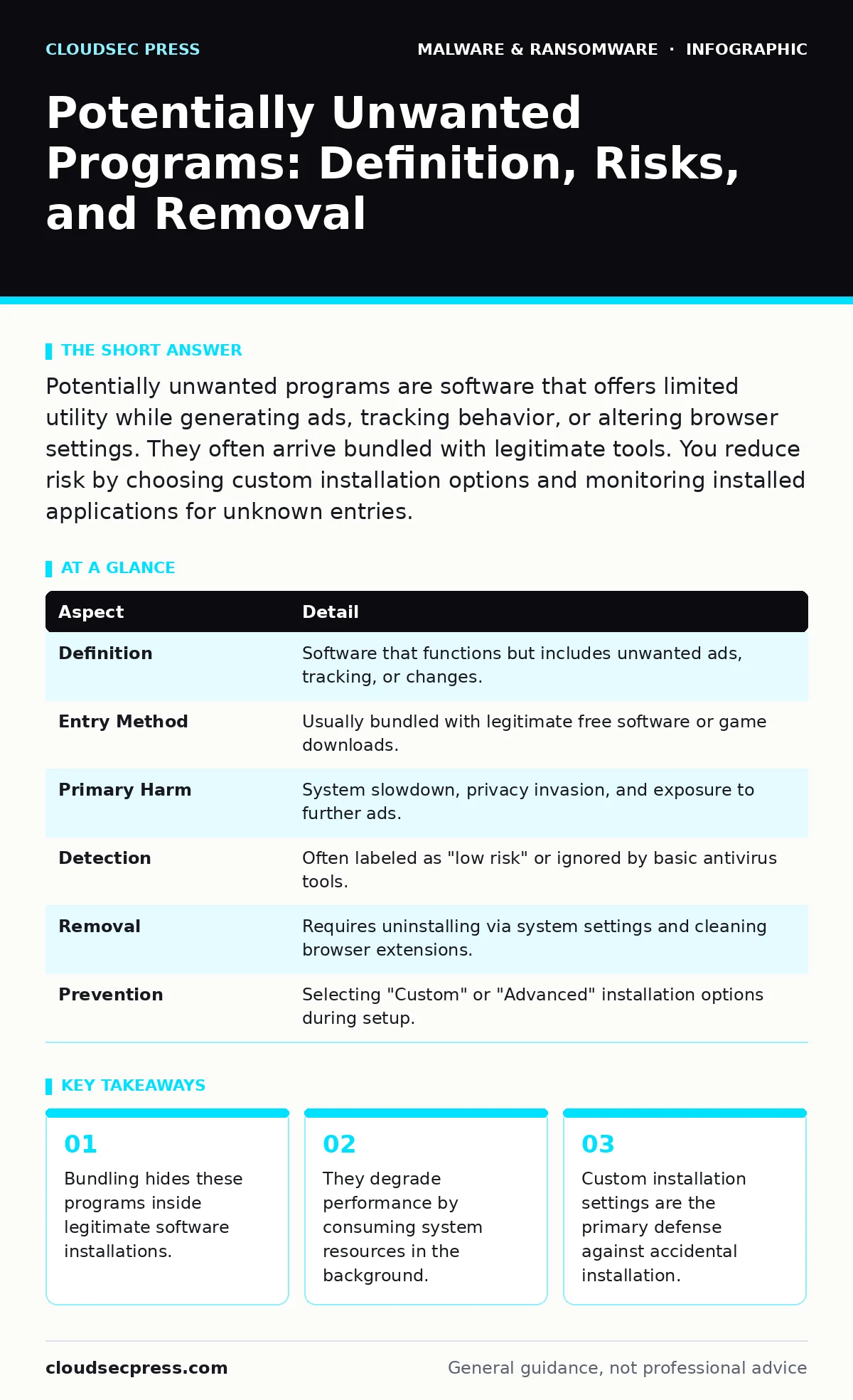
Potentially unwanted programs are software that offers limited utility while generating ads, tracking behavior, or altering browser settings. They often arrive bundled with legitimate tools. You reduce risk by choosing custom installation options and monitoring installed applications for unknown entries.
The Free Lunch Analogy
Imagine you order a free meal at a restaurant. The food arrives, but the check includes a mandatory subscription to a newsletter you never asked for. You did not steal the meal. You accepted the terms, even if you missed them.
Potentially unwanted programs operate on this same principle. They are not viruses that force their way into your system. They are applications you agreed to install, often by clicking "Next" too quickly during a setup process.
The distinction matters because your security software may not block them. They appear in your list of installed applications as legitimate software. This makes them harder to identify than traditional malware.
At a Glance
| Aspect | Detail |
|---|---|
| Definition | Software that functions but includes unwanted ads, tracking, or changes. |
| Entry Method | Usually bundled with legitimate free software or game downloads. |
| Primary Harm | System slowdown, privacy invasion, and exposure to further ads. |
| Detection | Often labeled as "low risk" or ignored by basic antivirus tools. |
| Removal | Requires uninstalling via system settings and cleaning browser extensions. |
| Prevention | Selecting "Custom" or "Advanced" installation options during setup. |
How Bundling Works
Developers of free software often need revenue to cover hosting and development costs. Instead of charging users, they partner with third-party advertisers. These partners provide software installers that include additional programs.
This practice is called bundling. The installer presents a single checkbox to accept the End User License Agreement. Buried in that agreement is consent to install multiple additional tools.
You might see a checkbox pre-selected for a tool that "optimizes your PC" or "enhances your security." If you click "Install" without unchecking that box, the extra software downloads and runs. It often installs browser extensions that redirect your searches or display pop-up advertisements.
The software itself may work as advertised. The browser extension might actually block some ads, for example. But it also monitors your browsing habits to sell data to advertisers. This trade-off is rarely explained clearly during installation.
Common Forms of Unwanted Software
These programs manifest in several specific ways. Understanding these forms helps you spot them before they cause issues.
- Browser Hijackers: These extensions change your default search engine or homepage. They redirect queries to specific partners who pay for the traffic. You may notice your search results include sponsored links at the top.
- Adware: This software displays advertisements on your desktop or in pop-up windows. It runs in the background, consuming CPU and memory. This leads to slower system performance and increased battery drain on laptops.
- Toolbar Add-ons: These are strips of buttons added to your web browser. They often include search boxes that send your data to third parties. They clutter your interface and may inject scripts into web pages.
- System Optimizers: These programs claim to clean your registry or speed up your computer. They often create a sense of urgency by reporting fake errors. They may require a paid license to "fix" problems that do not exist.
What People Usually Get Wrong
Many users believe that because their antivirus did not alert them, the software is safe. This is a critical misunderstanding. Antivirus engines prioritize known threats like ransomware and worms. They often classify these programs as low-risk or ignore them entirely because they are technically legal to distribute.
Another common error is assuming that deleting the desktop shortcut removes the program. It does not. The application files remain in your system folders. The background processes continue to run. You must use the operating system’s uninstall feature to remove the core files.
Some users also think these programs are always malicious. While they degrade experience and privacy, they do not always steal passwords or encrypt files. However, the ads they display can link to sites that distribute actual malware. This indirect risk is often the most dangerous aspect.
See also: How Backdoors Work: Step-by-Step Mechanisms and Defense Points · SEO Poisoning: How Hackers Hijack Search Results to Infect PCs
Reducing the Risk
You can significantly lower your chances of installing these programs by changing your installation habits. The most effective step is to always select "Custom" or "Advanced" installation options.
During setup, look for every checkbox. Uncheck any option that is not part of the core software you intended to install. Read the small text next to checkboxes that mention "additional offers" or "sponsorware."
Regularly audit your installed applications. On Windows, check the "Apps & Features" list. On macOS, check the Applications folder and Launch Agents. Look for names you do not recognize or programs you do not remember installing.
Keep your operating system and browsers updated. Updates often patch vulnerabilities that these programs might exploit to reinstall themselves. If you use attack surface reduction rules, they can help prevent unauthorized executables from running, though they may not stop user-consented installations.
If you suspect an infection, run a scan with a reputable antimalware tool. Standard antivirus may miss these, so dedicated removal tools can be helpful. Check your browser extensions and remove any that you did not install.
When to Worry
Not every unfamiliar program is a threat. Some system utilities have obscure names. Before removing something, verify its purpose. Check the publisher name and the installation date.
If the program slows down your computer, displays ads, or changes your browser settings, it is likely unwanted. If it consumes high CPU usage without a clear reason, investigate it.
These programs can also expose you to scareware, which uses false alarms to trick you into buying useless software. They may also facilitate fake software updates that install additional unwanted tools.
While they are not as dangerous as firmware malware, they create a noisy and insecure environment. This noise can hide real threats. A cluttered system is harder to secure and monitor.
If you find these programs frequently, consider using a malware droppers and loaders detection tool to identify the source. Often, the same installer packages multiple unwanted items. Blocking the installer at the source prevents future issues.
Ensure your email attachment scanning is active, as these programs can also arrive via downloads linked in emails. While less common than bundling, it is a vector worth monitoring.
Regularly update your immutable backups to ensure you can restore your system if these programs cause significant corruption or instability. While rare, severe adware can interfere with system integrity.
Bottom Line
Potentially unwanted programs thrive on user haste and confusion during software installation. They are not always illegal, but they are always intrusive.
Always choose custom installation options and audit your applications regularly to keep your system clean and secure.
Key takeaways
- Bundling hides these programs inside legitimate software installations.
- They degrade performance by consuming system resources in the background.
- Custom installation settings are the primary defense against accidental installation.
- Removal requires more than just deleting the shortcut from your desktop.
Frequently asked questions
Are potentially unwanted programs the same as viruses?
No, viruses replicate and spread without permission. These programs are installed with user consent, usually through bundling, and do not replicate.
Can an antivirus remove potentially unwanted programs?
Some can, but many do not prioritize them because they are not strictly malicious. Dedicated antimalware tools are often more effective at finding and removing them.
How do I know if a program is unwanted?
Look for programs that display ads, change your browser homepage, or slow down your computer. If you do not remember installing it or it has a generic name, it is likely unwanted.
Do these programs steal my passwords?
Generally, no. Their primary goal is to generate ad revenue. However, they can expose you to malicious ads that might lead to sites designed to steal credentials.
How this guide was produced: written by the CloudSec Press editorial team with AI assistance, checked against the public references listed below, and reviewed when the facts change. See our editorial policy or report an error.