Stop Slowloris Attacks: Response, Recovery and Prevention Steps
Slowloris attacks exhaust server threads by holding connections open, not by flooding bandwidth, making standard firewalls ineffective against this specific denial-of-service method.

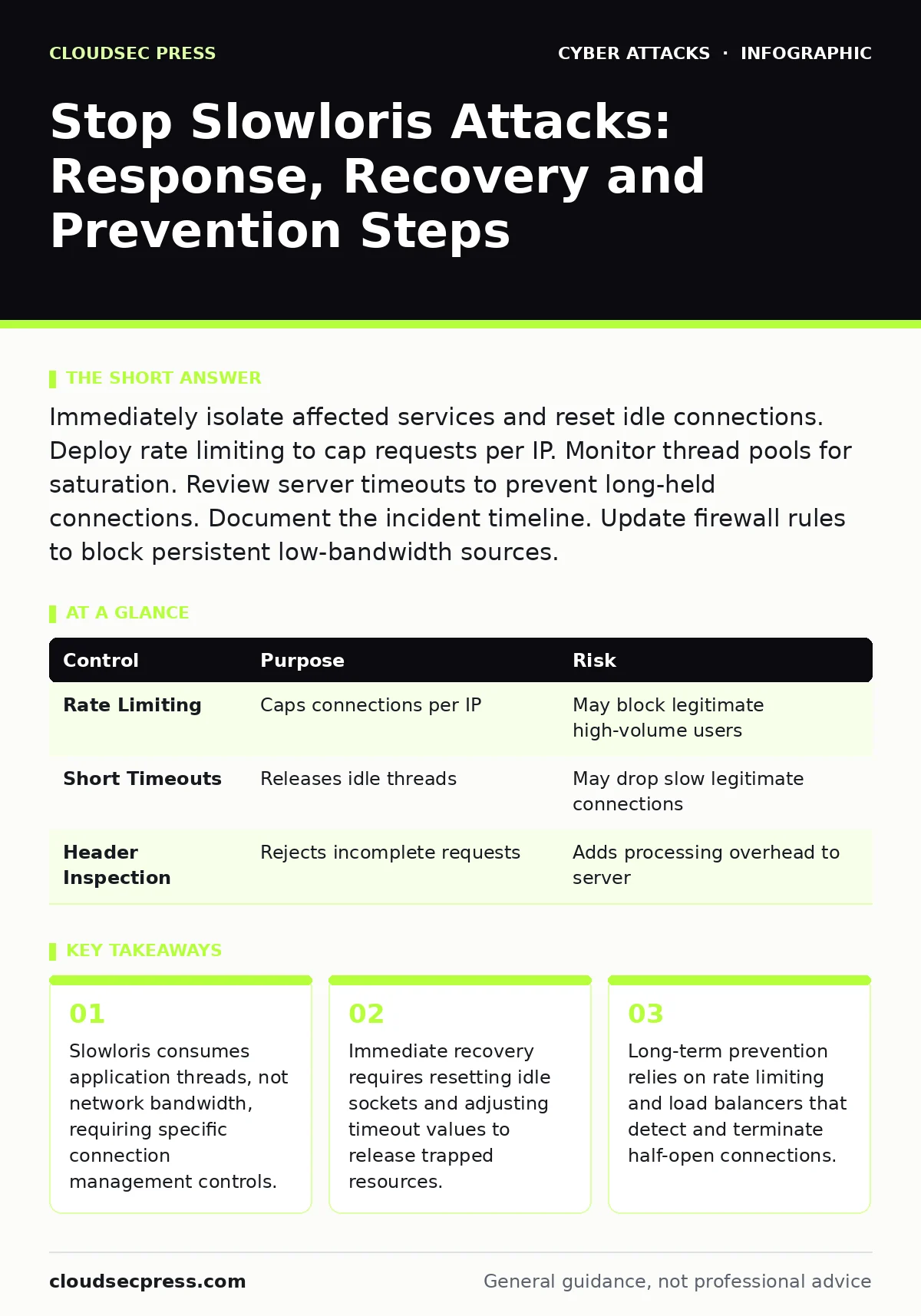
Immediately isolate affected services and reset idle connections. Deploy rate limiting to cap requests per IP. Monitor thread pools for saturation. Review server timeouts to prevent long-held connections. Document the incident timeline. Update firewall rules to block persistent low-bandwidth sources.
First Hour
A Slowloris attack works by opening multiple HTTP connections to a web server and sending partial headers. The server waits for the complete request, holding the connection open until it times out. Because the attacker sends data very slowly, they can hold thousands of connections with minimal bandwidth. This exhausts the server’s thread pool, preventing legitimate users from connecting. You are not fighting a data flood; you are fighting a resource starvation attack.
Your first goal is to stop the bleeding. Do not restart the server immediately, as this may trigger log deletion or evidence loss. Instead, identify which services are unresponsive. Check your application logs for a sudden spike in incomplete requests. Look for HTTP status codes that indicate timeouts or connection resets. Determine if the attack targets a specific endpoint or the entire domain.
- Identify the affected service or endpoint.
- Check server thread or process counts for saturation.
- Verify that bandwidth usage is normal while CPU or memory spikes.
- Isolate the impacted server from public traffic if possible.
- Begin capturing packet samples for forensic analysis.
If you can, enable verbose logging on the web server. This helps you distinguish between legitimate slow users and malicious actors. Legitimate users usually have complete user-agent strings and standard headers. Attackers often omit these or send random data. Use this difference to filter traffic. If your infrastructure supports it, switch to a maintenance page. This stops new connections from forming while you clean up existing ones.
First Day
Once the immediate crisis is contained, you must restore service safely. Reset all idle connections. This forces the server to close any half-open sockets that are holding threads hostage. Adjust your server’s keep-alive timeout. A shorter timeout means connections close faster if no data arrives. This reduces the window an attacker has to hold a thread open. However, be careful. Too short a timeout can frustrate legitimate users on slow mobile networks.
Review your firewall and load balancer configurations. Standard firewalls often filter by bandwidth or packet count. They miss Slowloris because it uses very little data. You need rules that track connection duration and request rates. Implement rate limiting to cap the number of connections per IP address. This prevents a single source from monopolizing your thread pool. Consider using a web application firewall that can inspect HTTP headers for completeness.
| Control | Purpose | Risk |
|---|---|---|
| Rate Limiting | Caps connections per IP | May block legitimate high-volume users |
| Short Timeouts | Releases idle threads | May drop slow legitimate connections |
| Header Inspection | Rejects incomplete requests | Adds processing overhead to server |
If you manage your own DNS, ensure your records are secure. Attackers sometimes combine Slowloris with other techniques to maximize impact. Ensure your DNS settings are not vulnerable to DNS hijacking, which could redirect traffic to a malicious server while your main site is down. Keep your infrastructure focused. Do not try to fix everything at once. Restore core services first, then add layers of protection.
First Week
Recovery is not just about turning the server back on. It is about hardening against the next attempt. Analyze the logs you captured in the first hour. Identify the IP ranges used in the attack. Block these ranges at your network perimeter. If the attacker used a botnet, the IPs may change frequently. In this case, focus on behavior rather than source addresses. Look for patterns in the incomplete headers.
Implement deeper defenses. A load balancer can distribute incoming traffic across multiple servers. This makes it harder for an attacker to exhaust a single server’s resources. Configure the load balancer to detect and drop connections that do not complete within a reasonable time. This acts as a filter before traffic reaches your application servers. This approach is more resilient than relying solely on server-side timeouts.
Consider your broader security posture. A Slowloris attack often signals that an attacker is probing your infrastructure. They may be preparing for a more sophisticated breach. Review your access controls and authentication mechanisms. Ensure that your team understands the risks of session hijacking, which can occur if an attacker gains access to a compromised server. Train your staff on recognizing signs of service degradation. A strong security culture helps teams respond calmly and correctly during an incident.
Who to Tell
Communication is part of the recovery process. Inform your internal stakeholders immediately. Explain that the service was disrupted by a resource exhaustion attack. Avoid technical jargon. Focus on the impact and the steps taken to resolve it. If you serve external customers, provide a status update. Transparency builds trust. Let users know you are aware of the issue and working on a fix.
If the attack caused significant downtime or data loss, you may need to notify legal or compliance teams. Check your regulatory obligations. Some industries require reporting of service disruptions. Document every step you took. This record is vital for post-incident reviews. It helps you understand what worked and what failed. Use this information to improve your incident response plan.
See also: DKIM Explained: How Email Signatures Prevent Spoofing
How to Stop a Repeat
Prevention requires a combination of technical controls and operational practices. Rate limiting is your first line of defense. Configure your firewall or web server to limit the number of connections from a single IP address. Adjust these limits based on your normal traffic patterns. Monitor for anomalies. Sudden spikes in incomplete requests are a clear sign of a Slowloris attack.
Use connection timeouts wisely. Balance security with usability. If you make timeouts too short, you risk blocking legitimate users. If they are too long, you leave your server vulnerable. Test your settings in a staging environment. Observe how they affect performance under normal and peak loads. Regularly review and adjust these settings as your traffic patterns change.
Educate your development team. Developers often write code that assumes connections will complete quickly. This assumption is dangerous in a hostile environment. Encourage them to write resilient code that handles timeouts and retries gracefully. This reduces the impact of connection failures. Combine these technical measures with a strong security culture. Regular training helps teams recognize and respond to threats effectively.
Key takeaways
- Slowloris consumes application threads, not network bandwidth, requiring specific connection management controls.
- Immediate recovery requires resetting idle sockets and adjusting timeout values to release trapped resources.
- Long-term prevention relies on rate limiting and load balancers that detect and terminate half-open connections.
Frequently asked questions
How do I know if I am under a Slowloris attack?
Look for high server thread usage with low network bandwidth. Check logs for many incomplete HTTP requests from a small number of IPs.
Can a CDN protect me from Slowloris?
Yes, many CDNs act as a reverse proxy, absorbing incomplete requests before they reach your origin servers. This significantly reduces the load on your infrastructure.
Should I block all traffic from a suspicious IP?
Blocking is effective but can be bypassed if the attacker uses a large botnet. Focus on rate limiting and connection timeouts to mitigate the impact regardless of source.
Does HTTPS protect against Slowloris?
HTTPS encrypts the data but does not prevent the connection from being held open. The attack targets the HTTP protocol state, not the encryption layer.
How this guide was produced: written by the CloudSec Press editorial team with AI assistance, checked against the public references listed below, and reviewed when the facts change. See our editorial policy or report an error.