DMARC Checklist: Verify, Monitor, and Enforce Email Authenticity
Implementing strict DMARC policies without prior monitoring often results in lost legitimate mail and increased operational overhead for your support teams.

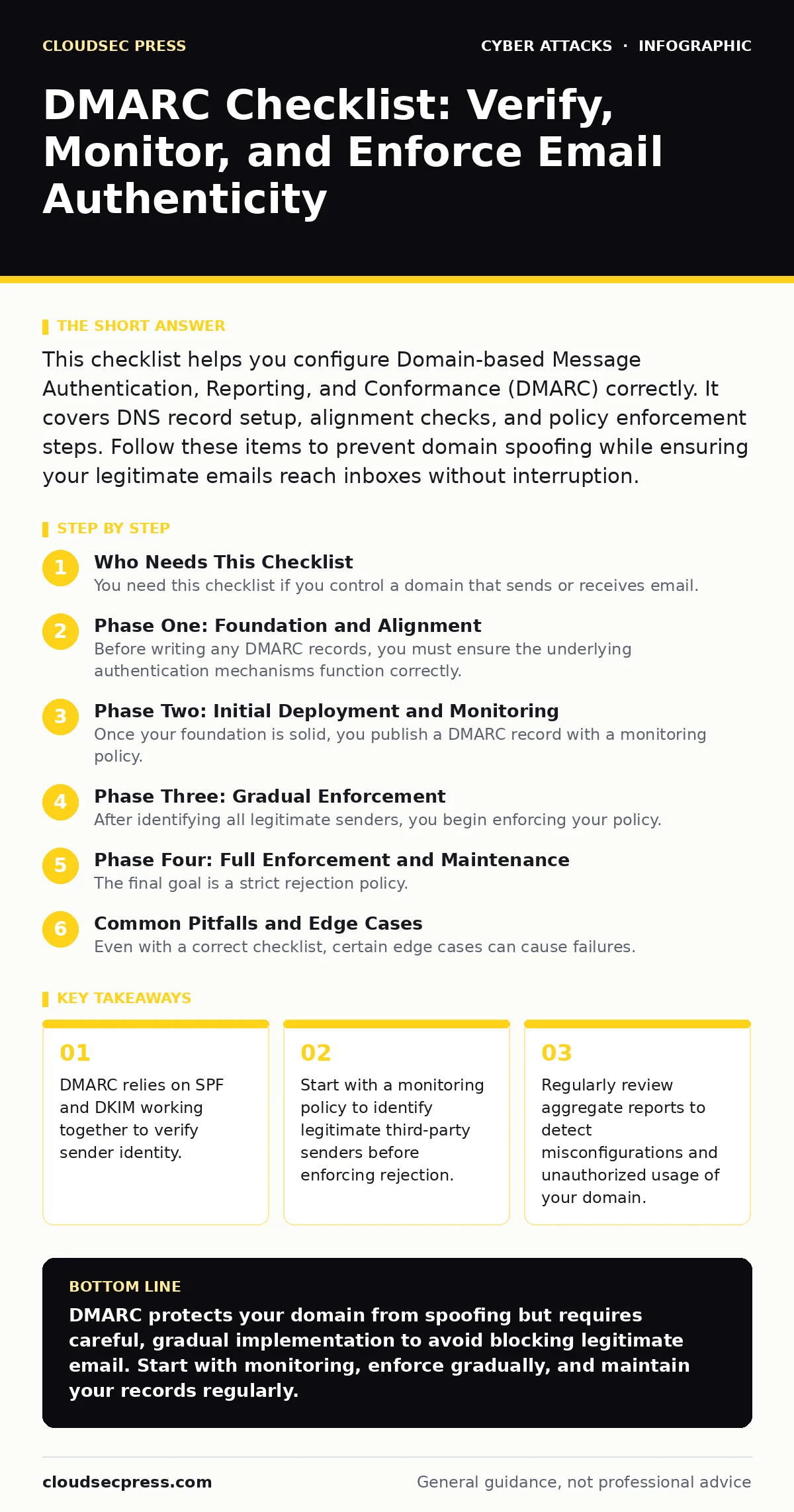
This checklist helps you configure Domain-based Message Authentication, Reporting, and Conformance (DMARC) correctly. It covers DNS record setup, alignment checks, and policy enforcement steps. Follow these items to prevent domain spoofing while ensuring your legitimate emails reach inboxes without interruption.
Who Needs This Checklist
You need this checklist if you control a domain that sends or receives email. It applies to administrators managing corporate communications, marketing platforms, or transactional services. Use this list to transition from a passive monitoring stance to an active enforcement posture. This process protects your brand reputation by preventing attackers from using your domain in phishing campaigns. It also improves deliverability by signaling to receiving servers that your emails are authentic.
Phase One: Foundation and Alignment
Before writing any DMARC records, you must ensure the underlying authentication mechanisms function correctly. DMARC does not authenticate email itself; it interprets the results of SPF and DKIM. If these foundational protocols fail, DMARC cannot help you.
- Configure SPF records for all sending sources: SPF defines which IP addresses are authorized to send mail for your domain, preventing basic spoofing attempts.
- Sign outgoing emails with DKIM: DKIM adds a cryptographic signature to your messages, allowing receivers to verify that the content has not been altered in transit.
- Verify domain alignment for SPF and DKIM: Alignment ensures the domain in the "From" header matches the domain used for SPF or DKIM, which is required for DMARC to pass.
- Check for subdomain inheritance issues: By default, DMARC policies may not apply to subdomains, leaving them vulnerable unless you explicitly configure them.
Phase Two: Initial Deployment and Monitoring
Once your foundation is solid, you publish a DMARC record with a monitoring policy. This step allows you to see how your email behaves without risking delivery failures. Many organizations skip this step and move straight to enforcement, which often causes significant operational pain.
- Publish a DMARC record with p=none: This policy tells receivers to monitor but not reject emails that fail authentication, allowing you to gather data safely.
- Monitor reports for at least two weeks: This period reveals legitimate third-party services, such as marketing platforms or payroll systems, that send email on your behalf.
- Identify and fix misaligned sources: Any service that fails alignment during this phase must be configured correctly before you tighten your policy.
Phase Three: Gradual Enforcement
After identifying all legitimate senders, you begin enforcing your policy. Start with a quarantine policy rather than immediate rejection. This approach catches obvious errors while allowing some ambiguous messages through for manual review.
- Change policy to p=quarantine: This setting instructs receivers to send failing emails to the spam folder, reducing risk without blocking all potential false positives.
- Address failed messages from critical services: If a critical service fails alignment, update its SPF or DKIM configuration immediately before increasing enforcement.
Phase Four: Full Enforcement and Maintenance
The final goal is a strict rejection policy. This setting tells receivers to discard any email that fails SPF or DKIM alignment. It provides the strongest protection against domain spoofing but requires ongoing maintenance.
- Set policy to p=reject: This is the strictest policy, ensuring that unauthenticated emails using your domain are discarded entirely by receiving servers.
- Review aggregate reports weekly: Regular review helps you detect new misconfigurations or unauthorized usage of your domain quickly.
- Update SPF and DKIM as services change: Whenever you add or change email services, update your authentication records to maintain alignment.
See also: How Email Attachment Scanning Works: Limits and Bypasses · Malicious Email Attachments: How to Spot Hidden Threats
Common Pitfalls and Edge Cases
Even with a correct checklist, certain edge cases can cause failures. Understanding these helps you avoid common mistakes that undermine your security posture.
- Check for wildcard SPF records: Wildcards can authorize unintended IP addresses, weakening your SPF effectiveness and increasing the risk of spoofing.
- Monitor DKIM key rotation: Expired or rotated DKIM keys can cause authentication failures, so ensure your signing processes are automated and up to date.
- Consider the impact on legacy systems: Older email systems may not support DKIM or aligned SPF, requiring special handling or exclusion from strict policies.
- Be aware of forwarding scenarios: Email forwarding can break SPF alignment, so consider using DKIM for forwarded messages or configuring forwarding services to preserve headers.
Maintenance and Related Practices
DMARC is not a set-and-forget solution. It requires ongoing attention to remain effective. Integrating it with other security practices enhances your overall defense.
- Automate report analysis: Manual review of DMARC reports is tedious; use tools to aggregate and alert on suspicious patterns.
- Regularly audit third-party senders: Periodically review which services are authorized to send email for your domain to remove unused or risky entries.
- Align with security culture initiatives: Educate staff about the importance of email authentication to ensure they report suspicious messages promptly.
- Review related controls like password managers and session hijacking prevention: Strong authentication across all systems reduces the overall attack surface and complements email security efforts.
Key takeaways
- DMARC relies on SPF and DKIM working together to verify sender identity.
- Start with a monitoring policy to identify legitimate third-party senders before enforcing rejection.
- Regularly review aggregate reports to detect misconfigurations and unauthorized usage of your domain.
DMARC protects your domain from spoofing but requires careful, gradual implementation to avoid blocking legitimate email. Start with monitoring, enforce gradually, and maintain your records regularly.
Frequently asked questions
What happens if I set my DMARC policy to reject immediately?
Receivers will discard any email that fails SPF or DKIM alignment, which can cause legitimate emails from misconfigured services to be lost.
How long should I monitor before enforcing DMARC?
You should monitor for at least two weeks to identify all legitimate senders and fix any misalignments before tightening your policy.
Does DMARC protect against all types of email attacks?
No, DMARC only verifies domain authentication; it does not protect against malicious email attachments or social engineering attacks that use valid domains.
Can I use DMARC for subdomains?
Yes, but you must explicitly configure DMARC for subdomains, as they do not automatically inherit the parent domain’s policy.
How this guide was produced: written by the CloudSec Press editorial team with AI assistance, checked against the public references listed below, and reviewed when the facts change. See our editorial policy or report an error.