Invoice Fraud Explained: How Attackers Steal Payments and How to Stop It
Attackers rarely break into your network; they manipulate your approval habits and exploit the gap between email alerts and ledger verification.
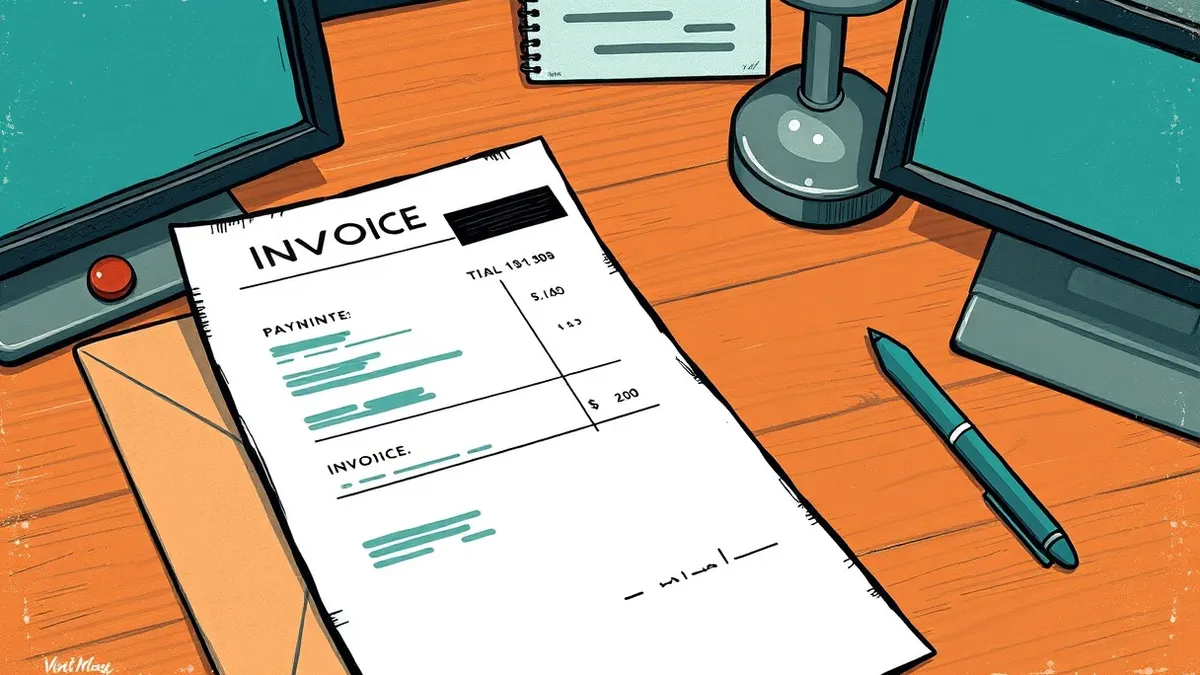
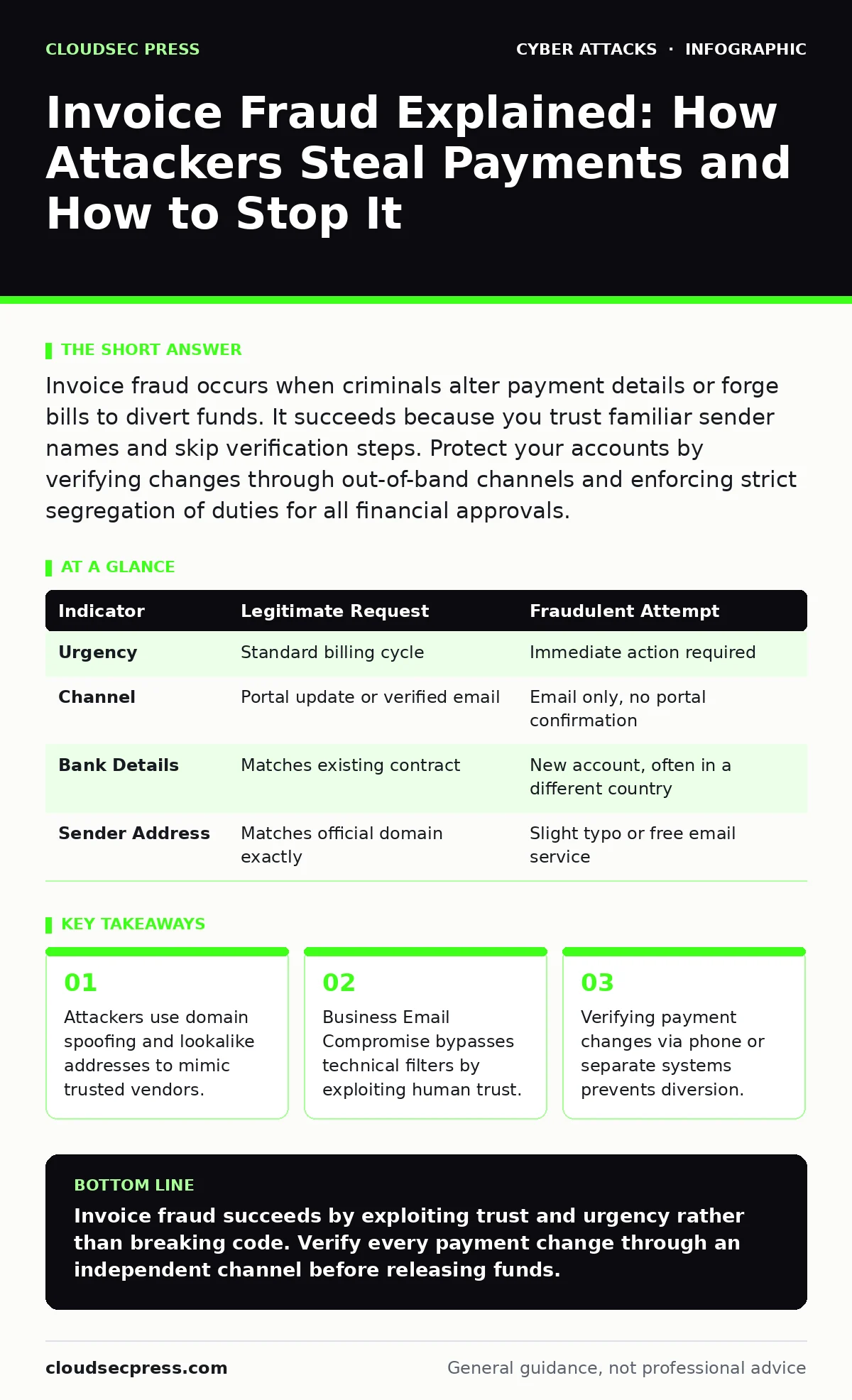
Invoice fraud occurs when criminals alter payment details or forge bills to divert funds. It succeeds because you trust familiar sender names and skip verification steps. Protect your accounts by verifying changes through out-of-band channels and enforcing strict segregation of duties for all financial approvals.
How do attackers change payment details without triggering alerts?
They exploit the difference between a vendor’s standard invoice and a modified one. Attackers intercept legitimate invoices or create convincing forgeries that match your company’s formatting standards. They then request a change of bank account via email, which appears normal against the backdrop of routine business correspondence. Since the request comes from a familiar name, you often process it without questioning the sudden shift in destination. This method relies on the assumption that you will not cross-reference the new details with existing contracts.
Can you trust the "From" address in an invoice email?
No, the display name is easily manipulated while the underlying address remains hidden or forged. Attackers use techniques similar to those described in guides on DNS hijacking to make emails appear to originate from trusted domains. Even if the name reads "Accounts Payable," the actual sender might be a free email service or a slightly misspelled domain. You must expand the header information to view the true source address before taking any action. Relying on the visible name alone is a security failure that attackers count on.
What is the most common way invoice fraud bypasses security filters?
Human psychology is the primary bypass mechanism, not technical failure. Security tools flag known malware or obvious phishing attempts, but a clean PDF invoice with a polite request for updated banking details looks benign. This is where understanding malicious email attachments helps, as attackers often hide tracking pixels or simple scripts inside seemingly harmless documents. These elements do not steal data directly but confirm your inbox is active, prompting further social engineering. The fraud succeeds because the content appears to be a standard business transaction rather than a cyber attack.
Why does verifying a new bank account require a second channel?
Single-channel verification allows attackers to control the entire narrative. If you receive an email requesting a change and reply to the same email, you are communicating with the attacker. You must use an out-of-band method, such as a phone call to a number listed on a previous invoice or your internal vendor portal. This breaks the chain of deception because the attacker does not control your telephone system or authenticated web portal. Imagine a scenario where you call the number provided in the suspicious email; you would likely reach the fraudster. Always use independent, pre-established contact information.
How do segregation of duties and approval chains prevent theft?
Separating the request, approval, and execution of payments creates friction that stops impulsive errors. One person receives the invoice, another verifies the vendor details, and a third authorizes the transfer. This structure ensures that no single individual can divert funds without collusion. It mirrors the logic behind preventing tailgating in physical security, where multiple barriers stop unauthorized access. If an attacker compromises one employee’s account, they cannot complete the transaction without bypassing the other required roles. This administrative overhead is a necessary cost for financial integrity.
See also: Malicious Email Attachments: How to Spot Hidden Threats · DMARC Checklist: Verify, Monitor, and Enforce Email Authenticity
What role do email authentication protocols play in stopping fraud?
Protocols like DMARC (Domain-based Message Authentication, Reporting, and Conformance) help verify that an email actually originated from the claimed domain. When a vendor enforces strict DMARC policies, emails sent from unauthorized sources are rejected or marked as spam. This reduces the pool of spoofed messages that reach your inbox. However, DMARC does not protect against compromised legitimate accounts. If an attacker hacks the vendor’s actual email server, the email will pass authentication checks. You must combine technical controls with procedural verification.
Which vendors are most likely to be impersonated?
Attackers target high-value, high-frequency suppliers. These include cloud infrastructure providers, software licensing firms, and raw material suppliers. These vendors send large, regular invoices that recipients process with little scrutiny. The familiarity of the brand lowers your guard. Attackers also target vendors with poor security hygiene, as their accounts are easier to compromise. You should prioritize verification efforts for these high-risk categories. Do not assume that a long-standing relationship guarantees the security of their communications.
How can you detect a compromised vendor account?
Look for subtle deviations in tone, formatting, or timing. A sudden request for urgency, such as "process immediately to avoid service interruption," is a major red flag. Attackers create artificial pressure to bypass your normal review cycles. They may also use slightly different fonts or logo resolutions. Compare the new invoice with previous ones side-by-side. If the document feels slightly "off," pause the payment. Trust your intuition when standard patterns break.
| Indicator | Legitimate Request | Fraudulent Attempt |
|---|---|---|
| Urgency | Standard billing cycle | Immediate action required |
| Channel | Portal update or verified email | Email only, no portal confirmation |
| Bank Details | Matches existing contract | New account, often in a different country |
| Sender Address | Matches official domain exactly | Slight typo or free email service |
What should you do if you suspect an invoice is fake?
Stop the payment process immediately and isolate the communication. Do not reply to the sender, as this confirms your engagement. Report the incident to your IT security team and your finance department. They can block the sender address and investigate potential compromise. Check your other systems for signs of broader intrusion, such as session hijacking attempts on your email account. Document every step you took for future audits. Early detection limits financial loss and provides valuable data for improving defenses.
How do you balance convenience with security in AP workflows?
Automated systems can introduce new risks if not configured correctly. Over-reliance on automated matching may allow slightly altered invoices to pass through if thresholds are too loose. You must regularly review exception reports where manual intervention occurred. Ensure that automation does not bypass human verification for high-value or changed-payment transactions. This balance prevents the convenience of speed from undermining the rigor of control.
Key takeaways
- Attackers use domain spoofing and lookalike addresses to mimic trusted vendors.
- Business Email Compromise bypasses technical filters by exploiting human trust.
- Verifying payment changes via phone or separate systems prevents diversion.
Invoice fraud succeeds by exploiting trust and urgency rather than breaking code. Verify every payment change through an independent channel before releasing funds.
Frequently asked questions
Can antivirus software detect invoice fraud emails?
Standard antivirus scans for malware signatures, not social engineering tactics. A clean invoice PDF will pass antivirus checks, so you must rely on behavioral analysis and human verification instead.
Is it safe to update vendor details in a shared portal?
Only if the portal uses strong authentication and you verify the request via a separate channel. Attackers may compromise portal credentials, so treat portal updates with the same scrutiny as email requests.
How often should I review my vendor contact list?
Review it quarterly or whenever a significant change occurs in your supply chain. Stale contact lists lead to verifying against outdated numbers, which attackers may have already compromised.
Does using a corporate email account prevent this fraud?
Corporate accounts offer better logging and recovery options, but they do not prevent social engineering. Attackers target corporate inboxes specifically because they contain high-value targets.
How this guide was produced: written by the CloudSec Press editorial team with AI assistance, checked against the public references listed below, and reviewed when the facts change. See our editorial policy or report an error.