Rate Limiting Mistakes That Expose Your API to Attacks
Most rate-limiting failures stem from tracking the wrong identity, allowing attackers to bypass controls by rotating sources while keeping the target constant.

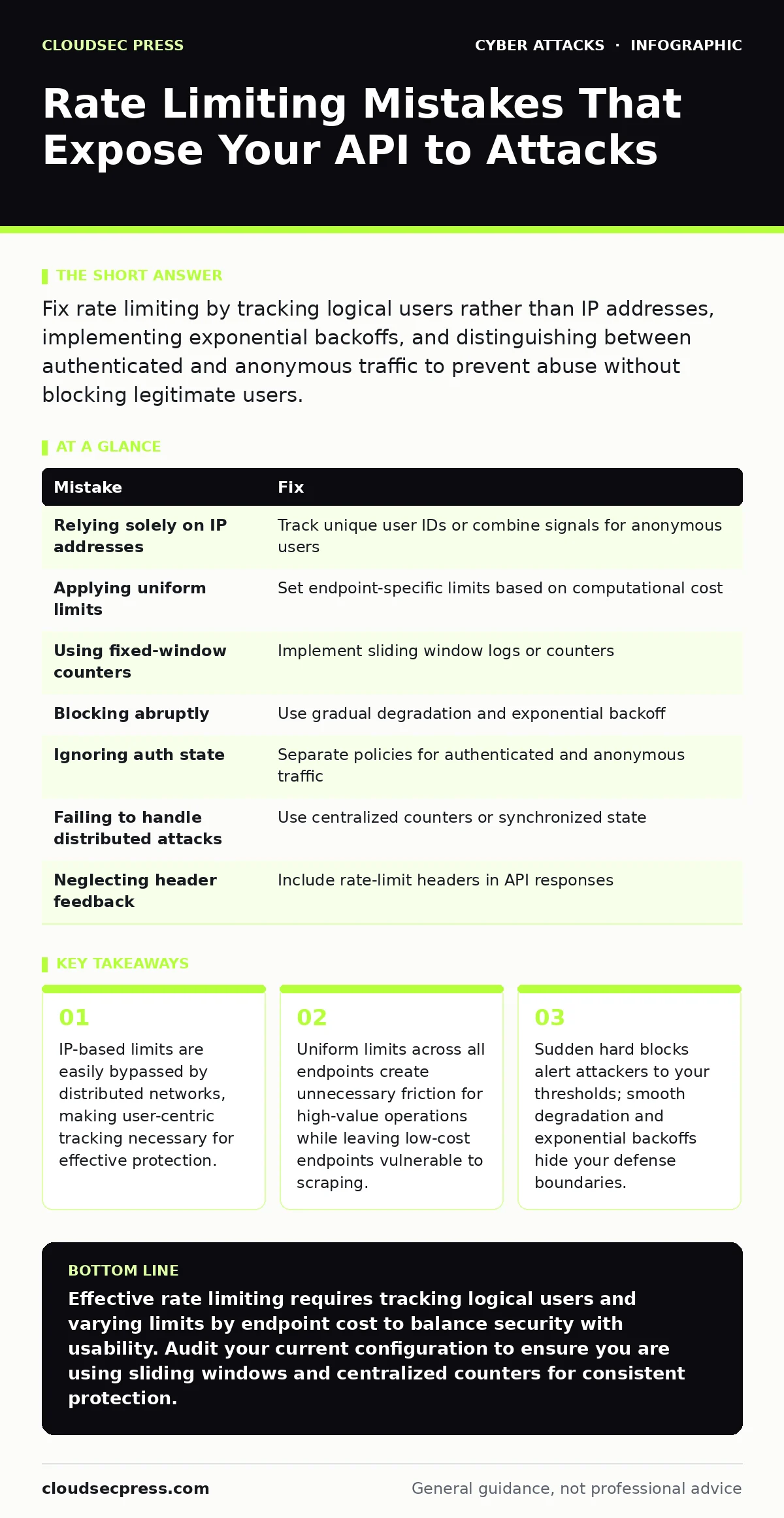
Fix rate limiting by tracking logical users rather than IP addresses, implementing exponential backoffs, and distinguishing between authenticated and anonymous traffic to prevent abuse without blocking legitimate users.
Mistake 1: Relying Solely on IP Addresses
Many teams configure rate limits based on the source IP address of the incoming request. This approach assumes that one IP corresponds to one human user. In reality, millions of users share a single public IP through Carrier-Grade NAT, common in mobile networks and large corporate environments.
Why it hurts:
When you limit by IP, you punish innocent users who share an address with an attacker. Conversely, attackers use botnets or residential proxy services to rotate thousands of IP addresses. This allows them to exceed your intended limits because each new IP starts with a fresh counter. You end up blocking legitimate traffic while failing to stop distributed abuse.
The fix:
Track rate limits using a unique user identifier whenever possible. For authenticated requests, use the user ID or session token. For anonymous traffic, combine IP address with other signals like user-agent strings or device fingerprints to create a more unique identifier. If you must rely on IP, apply stricter limits to known datacenter ranges and more generous limits to residential ranges, recognizing the trade-off in accuracy.
Mistake 2: Applying Uniform Limits Across All Endpoints
Developers often apply a single rate limit to an entire API or application. This treats a lightweight health-check endpoint the same as a resource-intensive search query or a data-export function. This uniformity ignores the varying computational cost of different operations.
Why it hurts:
Uniform limits create a false sense of security. An attacker can exhaust your quota on low-cost endpoints, such as reading a public profile, without triggering any defensive measures. Meanwhile, legitimate users performing high-cost actions may hit the limit prematurely, degrading their experience. You fail to protect your most vulnerable resources while annoying your most valuable users.
The fix:
Implement endpoint-specific rate limits. Assign lower thresholds to expensive operations like data exports, password resets, or complex searches. Allow higher frequencies for lightweight actions like reading static content or checking status. This granular approach aligns your defense with the actual cost to your infrastructure, ensuring that high-value resources remain protected without hindering general usage.
Mistake 3: Using Fixed-Window Counters
A fixed-window counter resets the request count at the start of each time period, such as every minute or hour. If the window is one minute, a user can make the maximum allowed requests in the last millisecond of the current minute and again in the first millisecond of the next minute.
Why it hurts:
This creates a burst effect that can double your effective throughput limit at window boundaries. Attackers time their requests to exploit these seams, sending twice the intended volume without triggering a block. This undermines the stability of your backend systems, which expect a smooth distribution of load rather than sudden spikes.
The fix:
Use a sliding window log or a sliding window counter algorithm. These methods track requests over a continuous time period rather than discrete buckets. A sliding window log records the timestamp of each request and counts only those within the current window. This smooths out traffic patterns and prevents boundary exploitation, providing a more accurate representation of user behavior over time.
Mistake 4: Blocking Abruptly Without Warning
When a user hits the rate limit, many systems immediately return a hard "429 Too Many Requests" error and stop processing further requests. This abrupt cutoff provides clear feedback to an attacker about your exact threshold.
Why it hurts:
Hard blocks act as a signal to attackers, confirming they have reached your limit. They can then adjust their speed to stay just below the threshold, ensuring continuous access to your resources. Additionally, sudden blocks disrupt legitimate users who may not understand why their action failed, leading to frustration and support tickets.
The fix:
Implement gradual degradation or exponential backoff. As a user approaches their limit, increase the delay between accepted requests or reduce the success rate. Return headers that indicate the remaining quota and the time until reset. This obscures your exact limits from attackers and gives legitimate users a chance to slow down naturally, reducing the friction of being blocked entirely.
Mistake 5: Ignoring Authenticated vs. Anonymous Traffic
Treating logged-in users and anonymous visitors with the same rate-limiting logic ignores the different trust levels and risks associated with each group. Anonymous users pose a higher risk of automated abuse, while authenticated users have established identities.
Why it hurts:
Applying strict anonymous limits to authenticated users can disrupt legitimate workflows, such as an internal tool refreshing data frequently. Conversely, applying lenient authenticated limits to anonymous endpoints leaves your public-facing services vulnerable to scraping and brute-force attacks. You either over-restrict your power users or under-protect your public assets.
The fix:
Define separate rate-limiting policies for authenticated and anonymous traffic. Typically, authenticated users receive higher limits based on their subscription tier or role. Anonymous traffic should face stricter, more conservative limits. Ensure that your middleware correctly identifies the authentication state before applying the appropriate rule set.
See also: HTML Smuggling Myths Debunked: What Attackers Actually Hide · Botnet Attack Mistakes That Leave Your Network Exposed
Mistake 6: Failing to Handle Distributed Attacks
Standard rate limiting often operates on a single server or within a single data center. In distributed systems, requests may be routed to different nodes, each maintaining its own local counter. An attacker can distribute their load across multiple nodes, staying under the limit on each one.
Why it hurts:
Local counters create blind spots. An attacker can bypass global limits by ensuring no single node sees more than the allowed number of requests. This fragmentation means your overall system can be overwhelmed even though each individual component appears to be within its limits. You lack a unified view of the threat.
The fix:
Use a centralized rate-limiting store, such as a distributed cache or database, to track counters across all nodes. This ensures that the global count is accurate regardless of which server processes the request. While this adds latency due to network calls to the central store, it provides consistent enforcement. Alternatively, use synchronous algorithms that allow nodes to share state efficiently without a single point of failure.
Mistake 7: Neglecting Header-Based Feedback
Many APIs fail to include informative headers in their responses, such as the number of remaining requests or the time until the limit resets. Users are left guessing why their requests are failing.
Why it hurts:
Without feedback, legitimate clients cannot adjust their behavior proactively. They may continue sending requests until they are blocked, causing unnecessary errors and retries. This increases load on your system and degrades the user experience. Attackers also use this lack of information to probe your limits more aggressively.
The fix:
Include standard headers like X-RateLimit-Limit, X-RateLimit-Remaining, and X-RateLimit-Reset in your API responses. These headers allow client applications to monitor their usage and throttle requests before hitting the limit. This cooperative approach reduces server load and improves reliability for well-behaved clients.
| Mistake | Fix |
|---|---|
| Relying solely on IP addresses | Track unique user IDs or combine signals for anonymous users |
| Applying uniform limits | Set endpoint-specific limits based on computational cost |
| Using fixed-window counters | Implement sliding window logs or counters |
| Blocking abruptly | Use gradual degradation and exponential backoff |
| Ignoring auth state | Separate policies for authenticated and anonymous traffic |
| Failing to handle distributed attacks | Use centralized counters or synchronized state |
| Neglecting header feedback | Include rate-limit headers in API responses |
Key takeaways
- IP-based limits are easily bypassed by distributed networks, making user-centric tracking necessary for effective protection.
- Uniform limits across all endpoints create unnecessary friction for high-value operations while leaving low-cost endpoints vulnerable to scraping.
- Sudden hard blocks alert attackers to your thresholds; smooth degradation and exponential backoffs hide your defense boundaries.
Effective rate limiting requires tracking logical users and varying limits by endpoint cost to balance security with usability. Audit your current configuration to ensure you are using sliding windows and centralized counters for consistent protection.
Frequently asked questions
How do I rate limit without a user account?
Combine IP address with device fingerprints or user-agent strings to create a unique identifier for anonymous users, applying stricter limits than for authenticated accounts.
What is the difference between throttling and rate limiting?
Rate limiting blocks requests that exceed a threshold, while throttling slows down request processing. Throttling is often used to degrade performance gracefully rather than blocking entirely.
Can rate limiting stop DDoS attacks?
Rate limiting mitigates application-layer DDoS attacks by limiting the number of requests a single source can make. It does not protect against volumetric attacks that overwhelm network bandwidth.
How do I test my rate limiting?
Use automated tools to simulate various request patterns, including bursts and distributed loads, to verify that your limits are enforced correctly and that legitimate users are not blocked.
How this guide was produced: written by the CloudSec Press editorial team with AI assistance, checked against the public references listed below, and reviewed when the facts change. See our editorial policy or report an error.