Detect Prototype Pollution: Logs, Tools and Hidden Blind Spots
Prototype pollution alters application logic at runtime, causing crashes or privilege escalation that standard vulnerability scanning often misses entirely.

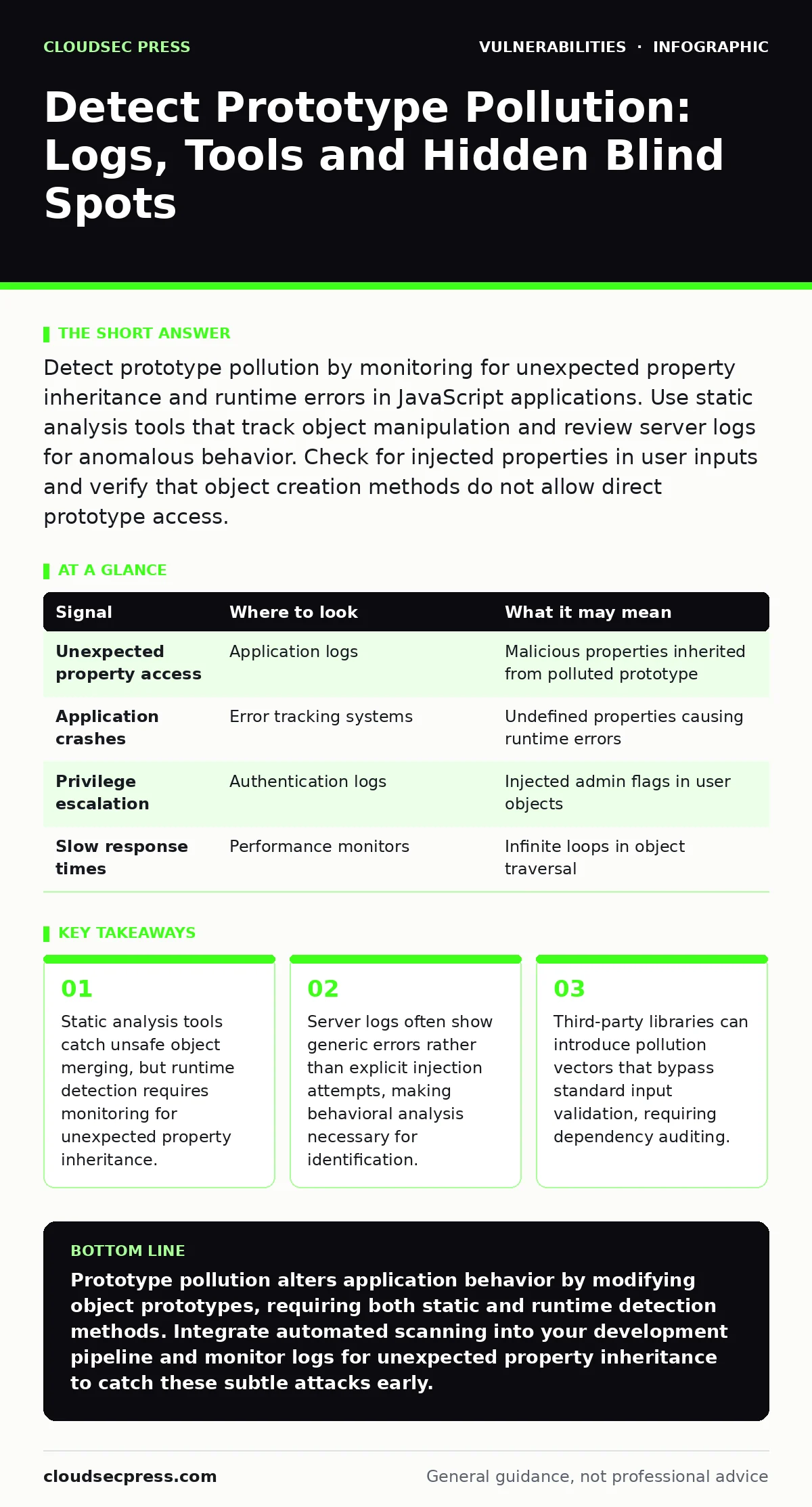
Detect prototype pollution by monitoring for unexpected property inheritance and runtime errors in JavaScript applications. Use static analysis tools that track object manipulation and review server logs for anomalous behavior. Check for injected properties in user inputs and verify that object creation methods do not allow direct prototype access.
What Prototype Pollution Reveals in System Behavior
Prototype pollution occurs when an attacker modifies the prototype of a built-in JavaScript object. This alteration affects all objects that inherit from that prototype. You observe this through unexpected behavior in application logic. The application may crash, return incorrect data, or grant unauthorized access. Standard input validation often fails to catch this because the malicious payload looks like normal data. The damage happens when the application merges user input with internal objects.
Imagine an application that merges configuration settings with user preferences. An attacker sends a payload containing __proto__ or constructor.prototype. The merge function copies these properties to the base object. Every subsequent object creation inherits these malicious properties. The application behavior changes globally without any code modification. This makes detection difficult because the source code remains unchanged.
Signal Table for Detection
Use this table to map observed signals to their likely causes. This helps prioritize investigation efforts.
| Signal | Where to look | What it may mean |
|---|---|---|
| Unexpected property access | Application logs | Malicious properties inherited from polluted prototype |
| Application crashes | Error tracking systems | Undefined properties causing runtime errors |
| Privilege escalation | Authentication logs | Injected admin flags in user objects |
| Slow response times | Performance monitors | Infinite loops in object traversal |
Identifying Pollution in Application Logs
Server logs provide the first line of evidence. Look for patterns in error messages. Generic errors like "Cannot read property of undefined" often indicate prototype pollution. The application tries to access a property that the attacker injected. This property does not exist on the specific object but exists on the prototype. The log entry will show the property name.
Check authentication and authorization logs for anomalies. If a regular user suddenly gains admin rights, inspect the request payload. Look for objects containing __proto__, constructor, or prototype keys. These keys allow the attacker to inject properties into the base object. The injection persists across requests. This persistence makes the attack hard to trace back to a single event.
Runtime Detection and Behavioral Analysis
Static analysis tools cannot catch every instance of prototype pollution. Runtime detection is necessary for complex applications. Instrument your application to monitor object creation and modification. Track when properties are added to built-in prototypes. Alert on any modification to Object.prototype. This requires careful implementation to avoid false positives.
Use dynamic analysis during testing. Send payloads that attempt to pollute the prototype. Observe the application response. If the application accepts the input without error, it may be vulnerable. Check if subsequent requests inherit the injected properties. This confirms the pollution effect. Behavioral analysis tools can automate this process.
Tools for Static and Dynamic Analysis
Static analysis tools scan source code for dangerous patterns. Look for functions that merge objects without sanitization. Functions like Object.assign, _.merge, or custom recursive merge functions are common vectors. Configure your static analysis tool to flag these functions. Review the flagged code manually. False positives are common in this area.
Dynamic analysis tools test the running application. Fuzzing tools can generate payloads that attempt prototype pollution. These tools automate the process of sending malicious inputs. They help identify vulnerable endpoints. Combine static and dynamic analysis for best results. Static analysis finds potential issues. Dynamic analysis confirms they are exploitable.
See also: CSAF Security Advisories Explained: Machine-Readable Vulnerability Data
Common Blind Spots in Detection
Third-party libraries are a major blind spot. Developers often trust these libraries to handle object merging safely. Many libraries have had prototype pollution vulnerabilities in the past. Even patched libraries may have edge cases. Audit your dependencies regularly. Check for known vulnerabilities in your supply chain.
Another blind spot is JSON parsing. Some JSON parsers automatically handle __proto__ keys. Others ignore them. This inconsistency can lead to false confidence. Ensure your JSON parser is configured to reject dangerous keys. Test this configuration thoroughly.
Server-side request forgery (SSRF) can sometimes be triggered by prototype pollution. If the pollution allows an attacker to control internal configuration, they may redirect requests. Check for SSRF indicators when investigating prototype pollution. The two vulnerabilities often overlap in impact.
Mitigation Strategies for Detection
Implement input validation that rejects dangerous keys. Block __proto__, constructor, and prototype in user input. This prevents the initial injection. Use safe object merging functions that do not traverse the prototype chain. Freeze object prototypes where possible. This prevents runtime modification.
Monitor your application for unexpected property access. Set up alerts for these events. Investigate any alert immediately. Prototype pollution can have delayed effects. The injected properties may only cause issues under specific conditions. Regular code reviews help identify unsafe patterns. Train developers on the risks of object merging.
Integrating Detection into Security Workflows
Integrate prototype pollution detection into your continuous integration pipeline. Run static analysis on every code change. Block merges that introduce unsafe patterns. This prevents new vulnerabilities from reaching production. Update your dependency management process. Automatically check for vulnerabilities in third-party libraries.
Combine prototype pollution detection with other security measures. Insecure direct object references (IDOR) and command injection are related risks. They often share similar attack vectors. A comprehensive security strategy addresses all these risks. Regular security bulletins provide updates on new vulnerabilities. Stay informed about emerging threats.
Key takeaways
- Static analysis tools catch unsafe object merging, but runtime detection requires monitoring for unexpected property inheritance.
- Server logs often show generic errors rather than explicit injection attempts, making behavioral analysis necessary for identification.
- Third-party libraries can introduce pollution vectors that bypass standard input validation, requiring dependency auditing.
Prototype pollution alters application behavior by modifying object prototypes, requiring both static and runtime detection methods. Integrate automated scanning into your development pipeline and monitor logs for unexpected property inheritance to catch these subtle attacks early.
Frequently asked questions
Can prototype pollution occur in server-side JavaScript?
Yes, server-side JavaScript environments like Node.js are vulnerable to prototype pollution. The attack affects the server process, potentially compromising the entire application.
How do I distinguish prototype pollution from other injection attacks?
Prototype pollution specifically targets object prototypes, causing global behavior changes. Other injections like command injection execute arbitrary code. Look for property inheritance issues rather than command execution.
Should I block all object merging functions?
No, object merging is a common pattern. Instead, use safe merging functions that do not traverse the prototype chain. Validate inputs before merging to prevent malicious properties.
Do vulnerability scanners detect prototype pollution?
Standard vulnerability scanning often misses prototype pollution. Use specialized static analysis tools that understand JavaScript object manipulation. Combine with dynamic testing for better coverage.
How this guide was produced: written by the CloudSec Press editorial team with AI assistance, checked against the public references listed below, and reviewed when the facts change. See our editorial policy or report an error.