Password Leaked: Immediate Response and Recovery Steps
Your immediate goal is not to find the leak source but to sever the attacker’s access by resetting credentials and enabling multi-factor authentication across all linked services.
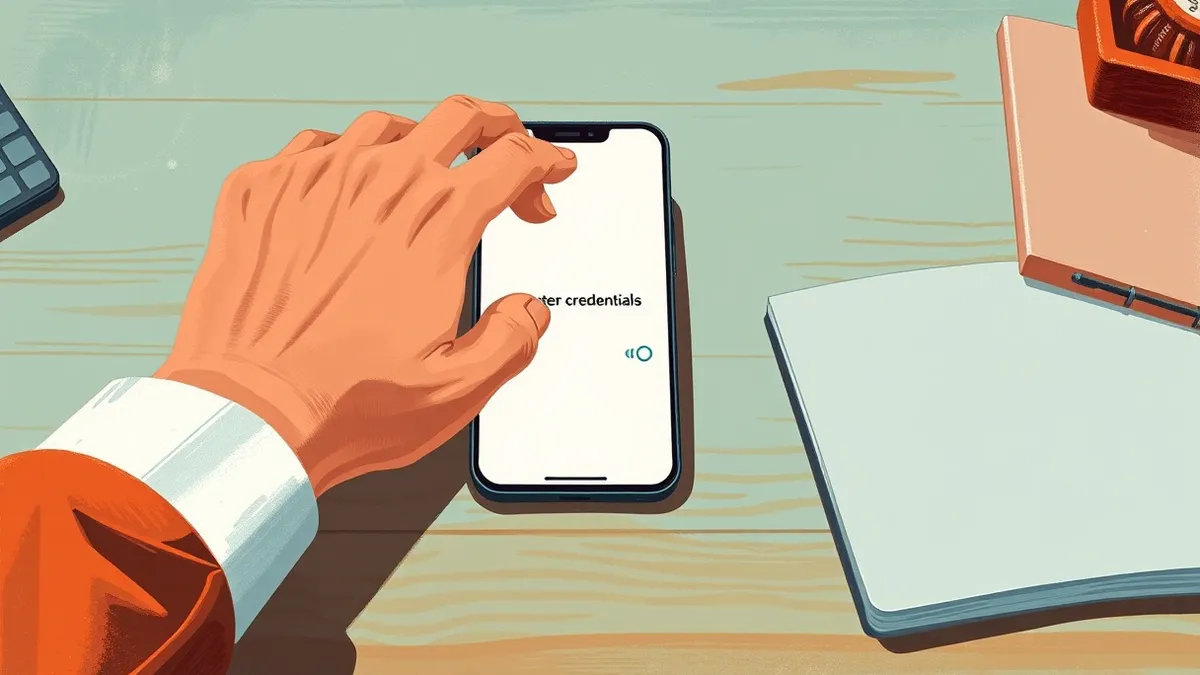
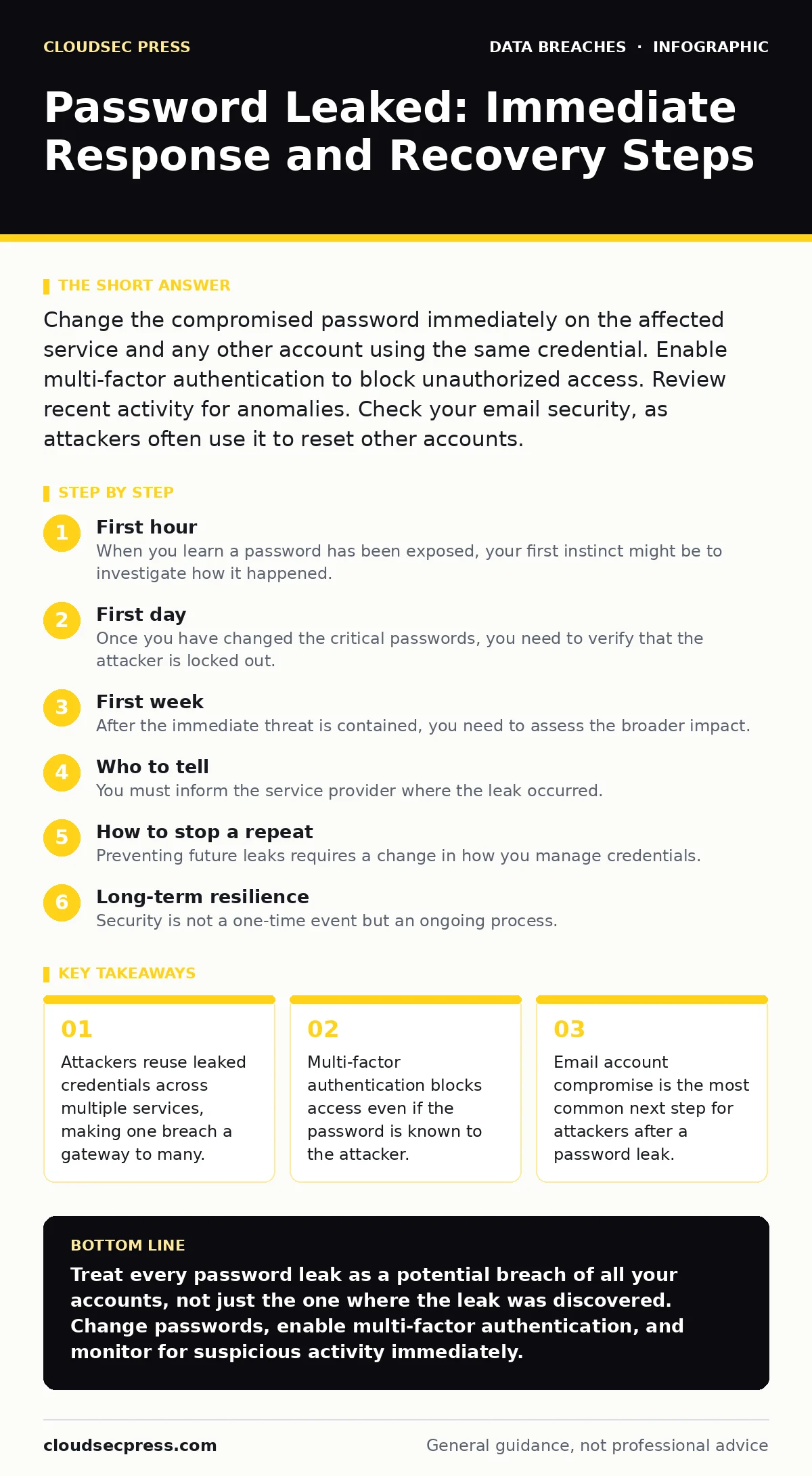
Change the compromised password immediately on the affected service and any other account using the same credential. Enable multi-factor authentication to block unauthorized access. Review recent activity for anomalies. Check your email security, as attackers often use it to reset other accounts.
First hour
When you learn a password has been exposed, your first instinct might be to investigate how it happened. Do not do this. Investigation takes time, and every minute the attacker has access, they can move laterally to other accounts. Your priority is to cut off their access immediately.
- Change the password on the service where the leak was discovered.
- Change the password on your primary email account.
- Enable multi-factor authentication on both accounts.
- Revoke active sessions on all devices.
Changing the password on the affected service is the first step, but it is not enough. Attackers often use credential stuffing, where they try the same username and password combination on other popular services. If you reuse passwords, one leak compromises your entire digital life. You must change the password on any other account that used the same credential. This includes social media, banking, and shopping sites.
Your email account is the master key to your digital identity. Most services allow password resets via email. If an attacker controls your email, they can reset passwords for your bank, work, and personal accounts. Even if the email password was different, change it now. Attackers often try common password patterns or previously leaked combinations.
First day
Once you have changed the critical passwords, you need to verify that the attacker is locked out. This requires reviewing recent activity logs. Most services provide a history of logins, showing the time, location, and device used. Look for logins from countries you have never visited or devices you do not recognize.
If you see suspicious activity, report it to the service provider immediately. Some platforms allow you to flag a login as unauthorized, which helps their security systems block the attacker’s IP address. This step does not recover stolen data, but it prevents further unauthorized access.
Check for forwarded emails or rules that redirect your messages. Attackers often set up forwarding rules to copy your emails to their own inbox. This allows them to monitor your communications without logging in, bypassing multi-factor authentication checks. Delete any unknown forwarding rules or filters.
First week
After the immediate threat is contained, you need to assess the broader impact. Check your credit reports and financial statements for unauthorized transactions. Identity thieves often use leaked personal information to open new accounts or apply for loans. This is known as synthetic identity fraud, where they combine real and fake data to create a new identity.
Monitor your social media accounts for unauthorized posts or friend requests. Attackers may use your account to spread malware or scam your contacts. Review your privacy settings to ensure that personal information is not publicly visible. Limit the amount of data available to attackers for future attacks.
Consider the principle of least privilege. Review the permissions granted to third-party applications. Many apps request access to your email, contacts, or location. If you no longer use an app, revoke its access. This reduces the attack surface and limits the damage if the app’s credentials are leaked.
Who to tell
You must inform the service provider where the leak occurred. Most companies have a process for reporting compromised accounts. This helps them improve their security and notify other users if a wider breach is involved. Do not assume the company already knows. Individual reports help them identify patterns.
If the compromised account is linked to your work, inform your IT department immediately. Corporate networks are often interconnected, and an attacker could move from a personal account to a work account. Your IT team can monitor network traffic for signs of intrusion and reset your corporate credentials if necessary.
Do not share your password with anyone, including support staff. Legitimate companies will never ask for your password. If someone claims to be from the company and asks for your credentials, it is a phishing attempt. Report this attempt to the company’s security team.
How to stop a repeat
Preventing future leaks requires a change in how you manage credentials. Stop using the same password for multiple accounts. Each account should have a unique password. This is difficult to remember manually, which is why a password manager is recommended. A password manager generates and stores complex passwords for you.
Enable multi-factor authentication on every account that supports it. This adds a second layer of security, such as a code from an app or a hardware token. Even if an attacker has your password, they cannot access your account without the second factor. This is more secure than SMS-based codes, which can be intercepted via SIM swapping.
Regularly review your account security settings. Check for unknown devices or sessions. Update your recovery email and phone number to ensure they are current. If your recovery information is compromised, an attacker can bypass multi-factor authentication.
See also: Synthetic Identity Fraud Explained: How Fake Identities Steal Real Money
Long-term resilience
Security is not a one-time event but an ongoing process. Stay informed about data breaches and password leaks. Services like Have I Been Pwned can alert you if your email appears in a known breach. This allows you to take action before an attacker exploits the leak.
Educate yourself on common attack vectors, such as phishing and social engineering. Attackers often trick users into revealing their passwords or installing malware. Be skeptical of unsolicited messages asking for personal information. Verify the source before clicking on links or downloading attachments.
Consider the role of encryption in transit. When you log into a service, your password is sent over the internet. If the connection is not encrypted, an attacker could intercept it. Ensure that websites use HTTPS, indicated by a padlock icon in the browser address bar. This protects your credentials while they are in motion.
Final checks
Before you consider the incident resolved, perform a final sweep of your digital footprint. Check for any remaining unauthorized access or changes to your accounts. Ensure that all passwords are unique and complex. Verify that multi-factor authentication is enabled on all critical services.
Document the steps you took during the incident. This record can help you respond faster if another leak occurs. It also helps you identify any gaps in your security posture. Share your experience with trusted friends or family members to help them protect themselves.
Remember that no security measure is foolproof. The goal is to make it difficult and costly for attackers to succeed. By following these steps, you reduce the risk of unauthorized access and limit the damage if a leak occurs. Stay proactive and vigilant in managing your digital security.
Key takeaways
- Attackers reuse leaked credentials across multiple services, making one breach a gateway to many.
- Multi-factor authentication blocks access even if the password is known to the attacker.
- Email account compromise is the most common next step for attackers after a password leak.
Treat every password leak as a potential breach of all your accounts, not just the one where the leak was discovered. Change passwords, enable multi-factor authentication, and monitor for suspicious activity immediately.
Frequently asked questions
Should I change my password if I only suspect a leak?
Yes, if you have any reason to believe your password may be compromised, change it immediately. It is better to be safe than sorry.
How do I know if my email was forwarded by an attacker?
Check your email settings for any unknown forwarding rules or filters. Delete any rules you did not create.
Is multi-factor authentication enough to protect my account?
Multi-factor authentication significantly reduces the risk of unauthorized access, but it is not foolproof. Use strong, unique passwords and monitor your account for suspicious activity.
What should I do if I find unauthorized transactions?
Contact your bank or credit card issuer immediately to report the fraud. Dispute the transactions and monitor your statements for further unauthorized activity.
How this guide was produced: written by the CloudSec Press editorial team with AI assistance, checked against the public references listed below, and reviewed when the facts change. See our editorial policy or report an error.