Macro Malware Explained: How Documents Execute Code on Your PC
See how everyday office files run hidden commands, why disabling macros breaks workflows, and how to verify code before it executes.

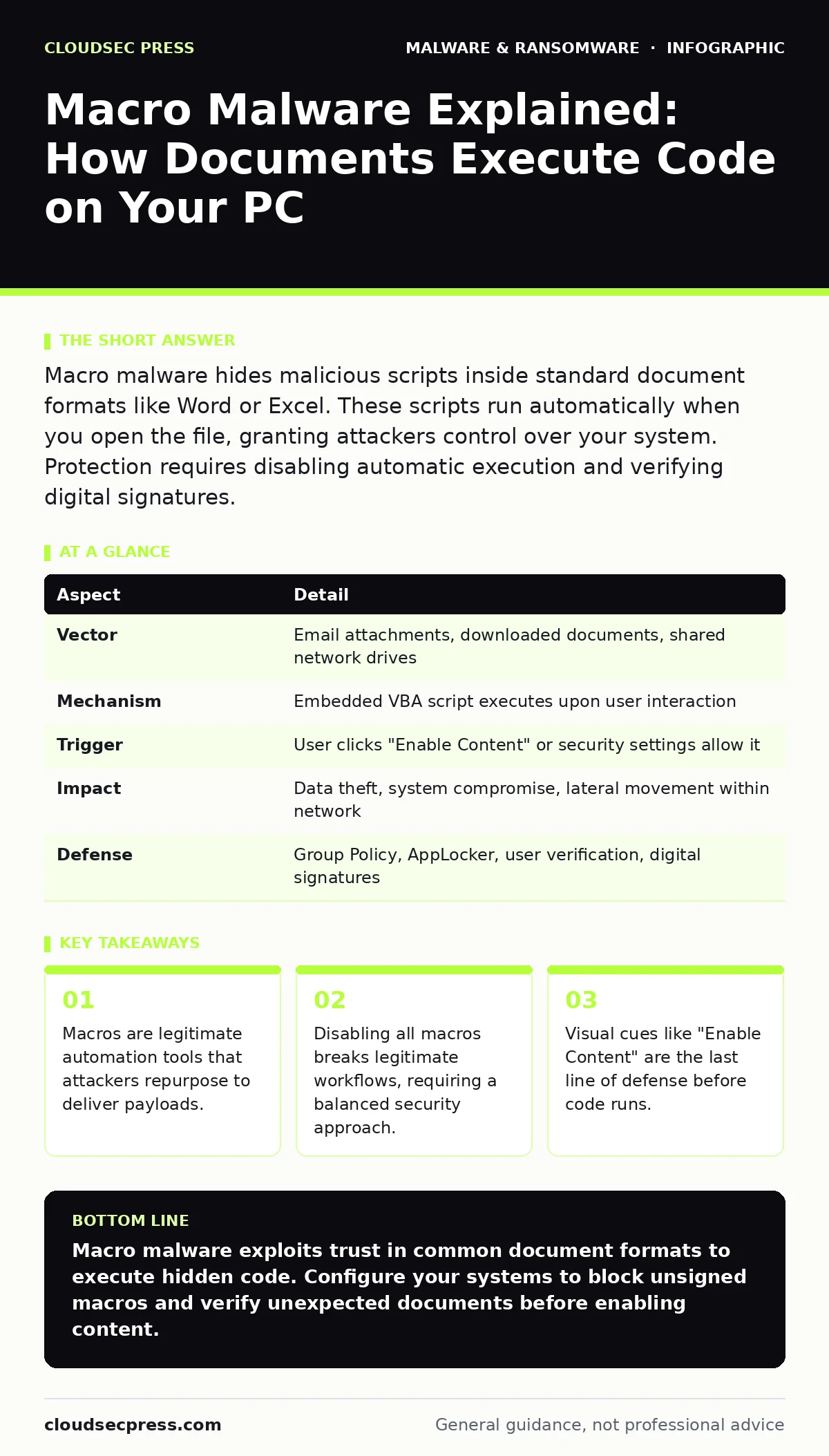
Macro malware hides malicious scripts inside standard document formats like Word or Excel. These scripts run automatically when you open the file, granting attackers control over your system. Protection requires disabling automatic execution and verifying digital signatures.
The Recipe That Cooks You
Imagine a cookbook. You expect the pages to contain instructions for baking bread. Instead, one recipe tells your oven to burn down the kitchen. Macro malware works the same way. You expect a spreadsheet to calculate numbers. It contains hidden instructions to install surveillance software.
The document format itself is safe. Microsoft Word and Excel files are widely used and trusted. The danger lies in the embedded code. This code is a macro. A macro is a small program written in a scripting language, usually Visual Basic for Applications, that automates tasks within an application.
Attackers wrap their malicious code in a familiar file type. They rely on your trust in the application, not the content. When you open the file, the application offers to run the code. If you agree, the macro executes. It can download other malware, steal credentials, or encrypt your files.
At a Glance: Macro Malware Mechanics
| Aspect | Detail |
|---|---|
| Vector | Email attachments, downloaded documents, shared network drives |
| Mechanism | Embedded VBA script executes upon user interaction |
| Trigger | User clicks "Enable Content" or security settings allow it |
| Impact | Data theft, system compromise, lateral movement within network |
| Defense | Group Policy, AppLocker, user verification, digital signatures |
How the Infection Chain Works
The attack begins with delivery. You receive an email with a document attached. The subject line might suggest an invoice, a shipping notice, or a job application. The sender appears legitimate. The file extension is .docm or .xlsm, indicating it contains macros.
When you open the file, the application detects the embedded code. Modern versions of Office applications block this code by default. They display a yellow banner above the document. This banner asks you to enable content. The text often claims the document needs to show images or calculate data correctly.
This is the critical moment. If you click enable, the macro runs. It does not need internet access to start. It can modify local files immediately. Often, the macro calls out to a command and control server. It downloads a second-stage payload. This payload is the actual malware, such as ransomware or a remote access tool.
The macro itself is often small. It acts as a dropper. Its only job is to fetch the real weapon. This keeps the initial file small and easy to send. It also allows attackers to update the malware without sending new emails. They just change what the macro downloads.
Who Faces the Highest Risk
Macro malware targets anyone who uses office productivity software. This includes individuals, small businesses, and large enterprises. However, certain behaviors increase your exposure.
Employees in finance and human resources are frequent targets. They handle sensitive data and receive many external documents. Attackers know these users are accustomed to opening attachments. They craft messages that look like internal communications.
Users with administrative privileges face greater danger. If a macro runs on an admin account, it can install persistent malware. It can disable security software. It can create new user accounts. The damage spreads faster and deeper.
Remote workers are also vulnerable. They may use personal devices or less secure networks. They might bypass corporate security controls to get work done quickly. Convenience often overrides caution.
Common Forms and Evasion Tactics
Attackers constantly change their methods to avoid detection. They use obfuscation to hide the code. Obfuscation makes the script difficult for humans and scanners to read. They might encode strings, use random variable names, or split the code across multiple modules.
Some macros use legitimate system tools. This is known as living off the land. The macro might use PowerShell or Windows Script Host to perform its tasks. These tools are already on your computer. Security software often allows them. The macro blends in with normal activity.
Another tactic is social engineering. The document might display a fake error message. It might claim the file is corrupted or needs a plugin. The goal is to panic you into clicking enable. The urgency overrides your skepticism.
Attackers also target specific software versions. They exploit known vulnerabilities in older versions of Office. If you do not update your software, you are easier to compromise. The macro might exploit a flaw to run without your permission.
See also: How Backdoors Work: Step-by-Step Mechanisms and Defense Points · SEO Poisoning: How Hackers Hijack Search Results to Infect PCs
What People Usually Get Wrong
Many users believe antivirus software stops all macro malware. This is not true. Antivirus relies on signatures. It recognizes known threats. New macros are often unknown. They slip through until a signature is created.
Another mistake is assuming the file source is safe. Just because a file comes from a known contact does not mean it is clean. Contact accounts are often compromised. The attacker sends the malware from their address book. You trust the sender, so you lower your guard.
Some organizations disable all macros globally. This breaks legitimate workflows. Employees who rely on automated reports or forms cannot work. They find ways to bypass the block. They might change settings or use older software. This creates more risk than the macros themselves.
Reducing Risk Without Breaking Work
You cannot eliminate macros entirely without impacting productivity. The goal is to manage the risk. Start with policy. Use Group Policy or similar tools to restrict macro execution. Allow macros only from trusted locations or signed by trusted publishers.
Digital signatures are a powerful control. A signed macro proves the source. If the signature is valid, the code has not been tampered with. You can configure your systems to run only signed macros. This blocks unsigned, suspicious code.
User training is necessary but insufficient. Teach users to look for the yellow banner. Explain that legitimate documents rarely require macros. If a document asks to enable content, verify with the sender through a different channel. Do not reply to the email. Call or message them.
Keep your software updated. Patches fix vulnerabilities that macros might exploit. Disable features that allow automatic execution. Ensure that your security software monitors process creation. Look for unusual activity, such as Word launching PowerShell.
Verifying Before You Click
When you see a prompt to enable content, pause. Ask yourself if you expected this document. Did you request it? Does the sender usually send files with macros?
Check the sender's address. Look for slight misspellings or unfamiliar domains. Hover over links to see the true destination. Do not open attachments from unexpected sources.
If you are unsure, save the file to a secure location. Open it on an isolated machine if possible. Use a sandbox environment. This contains any potential damage.
Remember that macros are tools. They are not inherently evil. But in the wrong hands, they are dangerous. Your awareness is the final filter. Do not let urgency dictate your actions. Verify, then decide.
Key takeaways
- Macros are legitimate automation tools that attackers repurpose to deliver payloads.
- Disabling all macros breaks legitimate workflows, requiring a balanced security approach.
- Visual cues like "Enable Content" are the last line of defense before code runs.
Macro malware exploits trust in common document formats to execute hidden code. Configure your systems to block unsigned macros and verify unexpected documents before enabling content.
Frequently asked questions
Can PDF files contain macro malware?
Standard PDF files do not support VBA macros. However, they can contain JavaScript or exploit vulnerabilities in the reader. Always keep your PDF software updated.
How do I know if a macro is signed?
In Microsoft Office, go to the Developer tab and click Macro Security. You can view trusted publishers. Unsigned macros will not run if you block them.
Is disabling macros enough to stop infection?
Disabling macros stops the initial execution. However, attackers use other methods like exploit kits or malicious links. Layered security is required for full protection.
Why do legitimate documents use macros?
Macros automate repetitive tasks, such as formatting reports or calculating complex data. They save time for users who perform these tasks regularly.
How this guide was produced: written by the CloudSec Press editorial team with AI assistance, checked against the public references listed below, and reviewed when the facts change. See our editorial policy or report an error.